
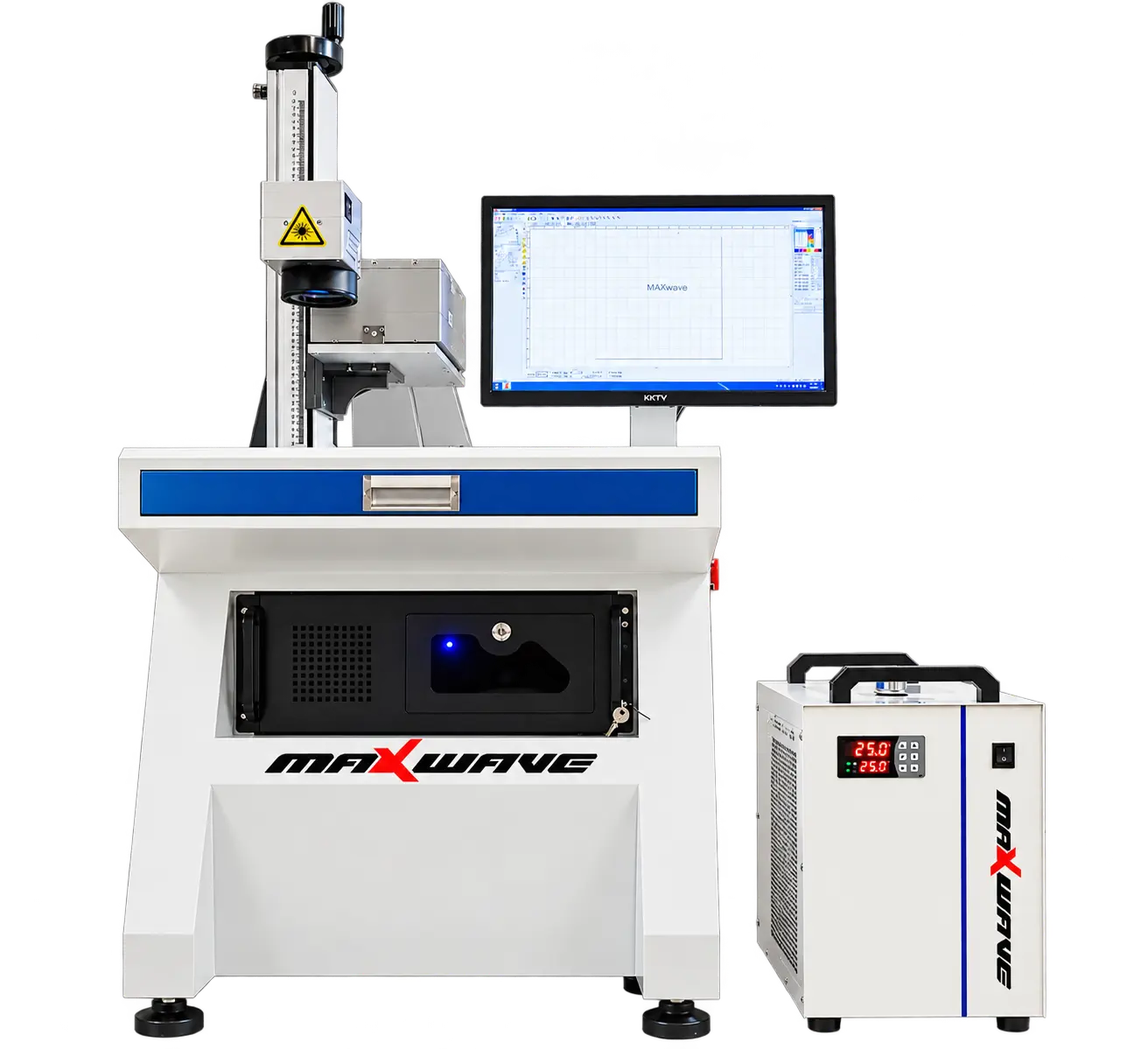
MaxWave 3D RF CO2 LASER ENGRAVER
Go Beyond Basic Marking with a 3D Dynamic RF CO2 Laser Engraver
-
3D Dynamic Focusing: Large-area marking · Less repositioning
-
Coherent RF CO2 Laser: 100W J1 · 150W J2 · 250W J3
-
Mark, Engrave & Cut: Detailed patterns · Intricate cutouts
-
Non-Metal Materials: Denim · Leather · Wood · Acrylic · Paper
-
Integrated Workstation: Industrial PC · Software · Water cooling
From Design to Finished UV Marking
From preparing your artwork to positioning the workpiece and marking the surface, the MaxWave UV Laser Engraver offers a straightforward workflow for everyday marking tasks.
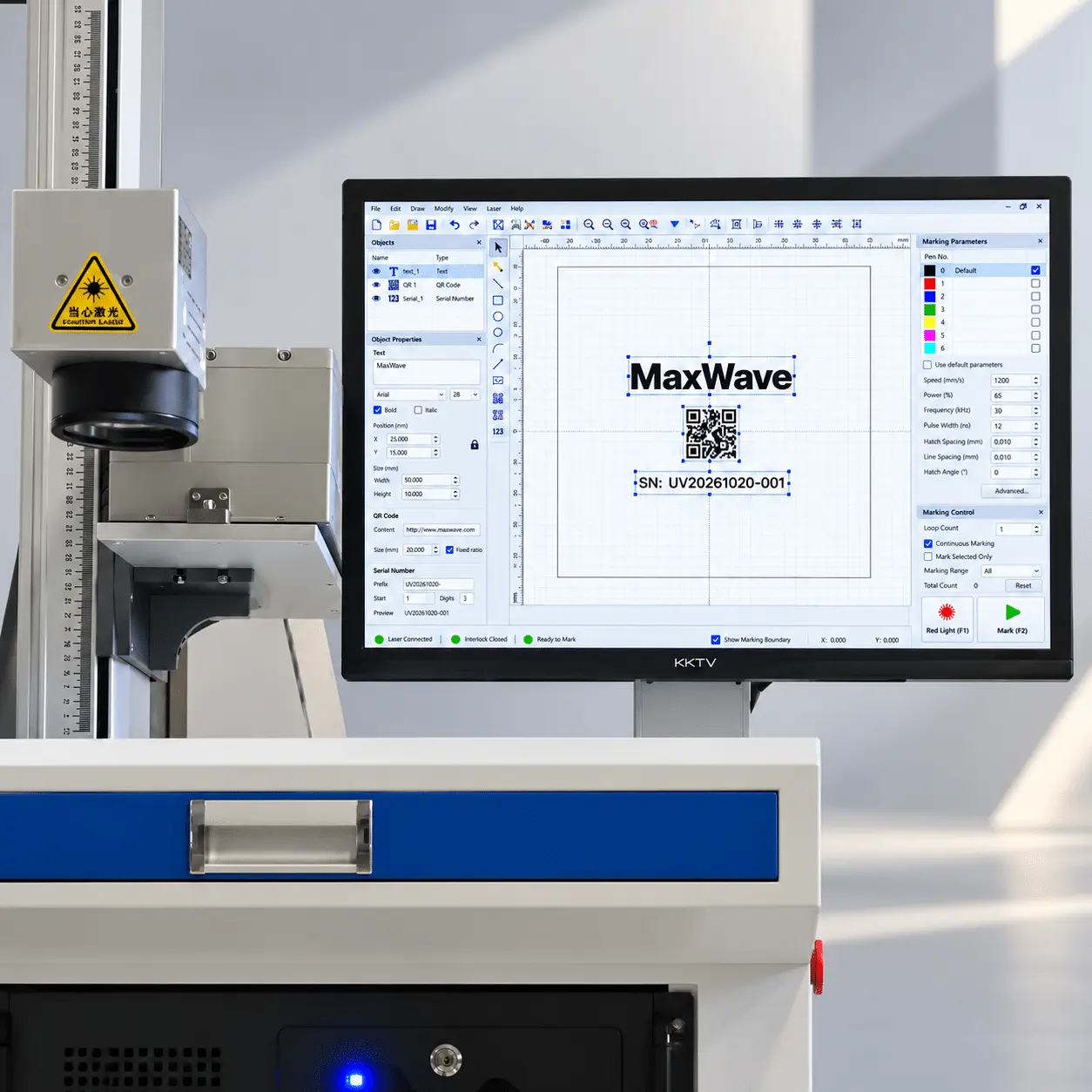
01
Easy Artwork Setup
Import logos, text, and codes into the marking software and prepare your design.
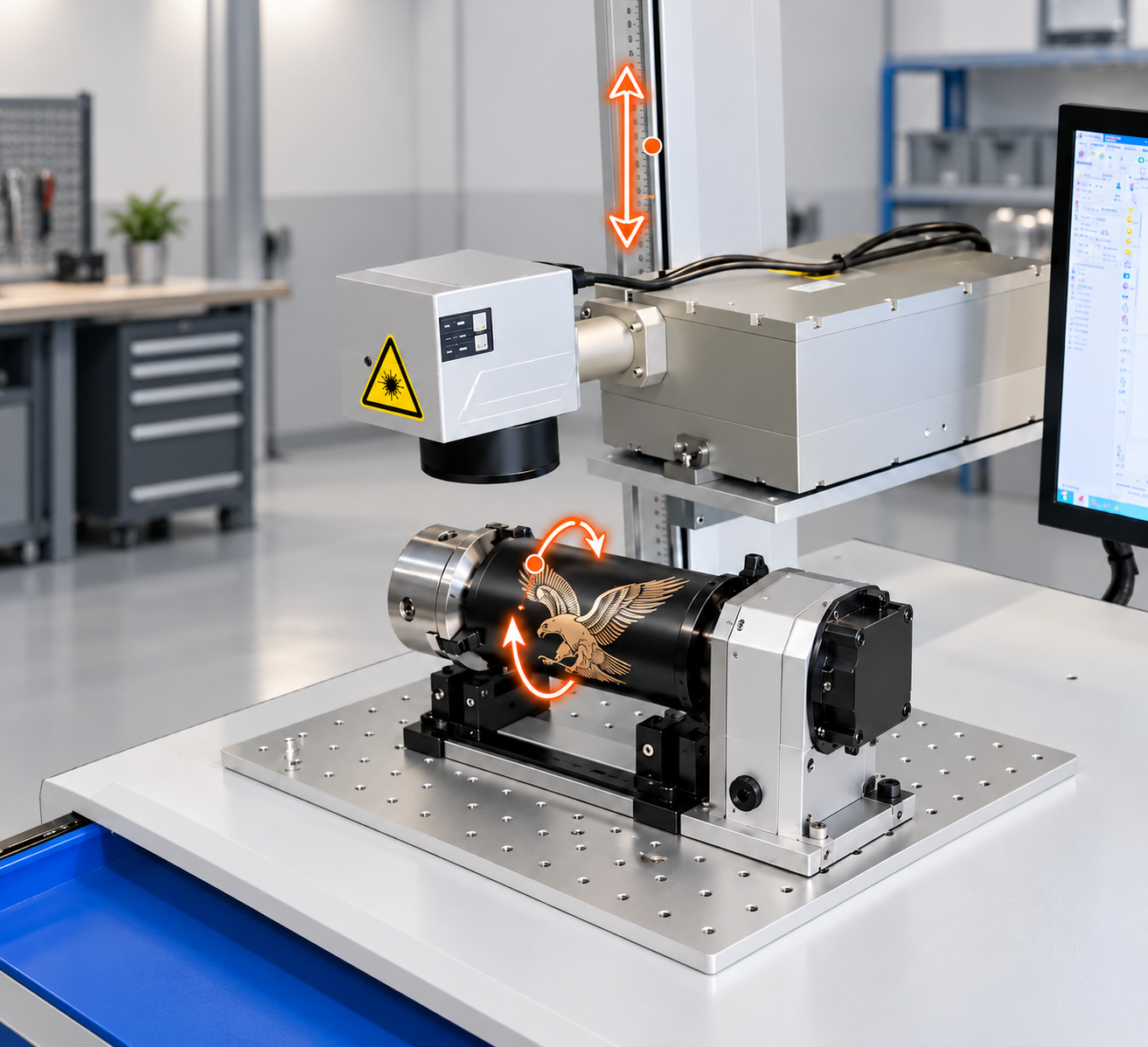
02
Adjustable Workpiece Positioning
Place your workpiece on the table and adjust the marking height for proper focus.
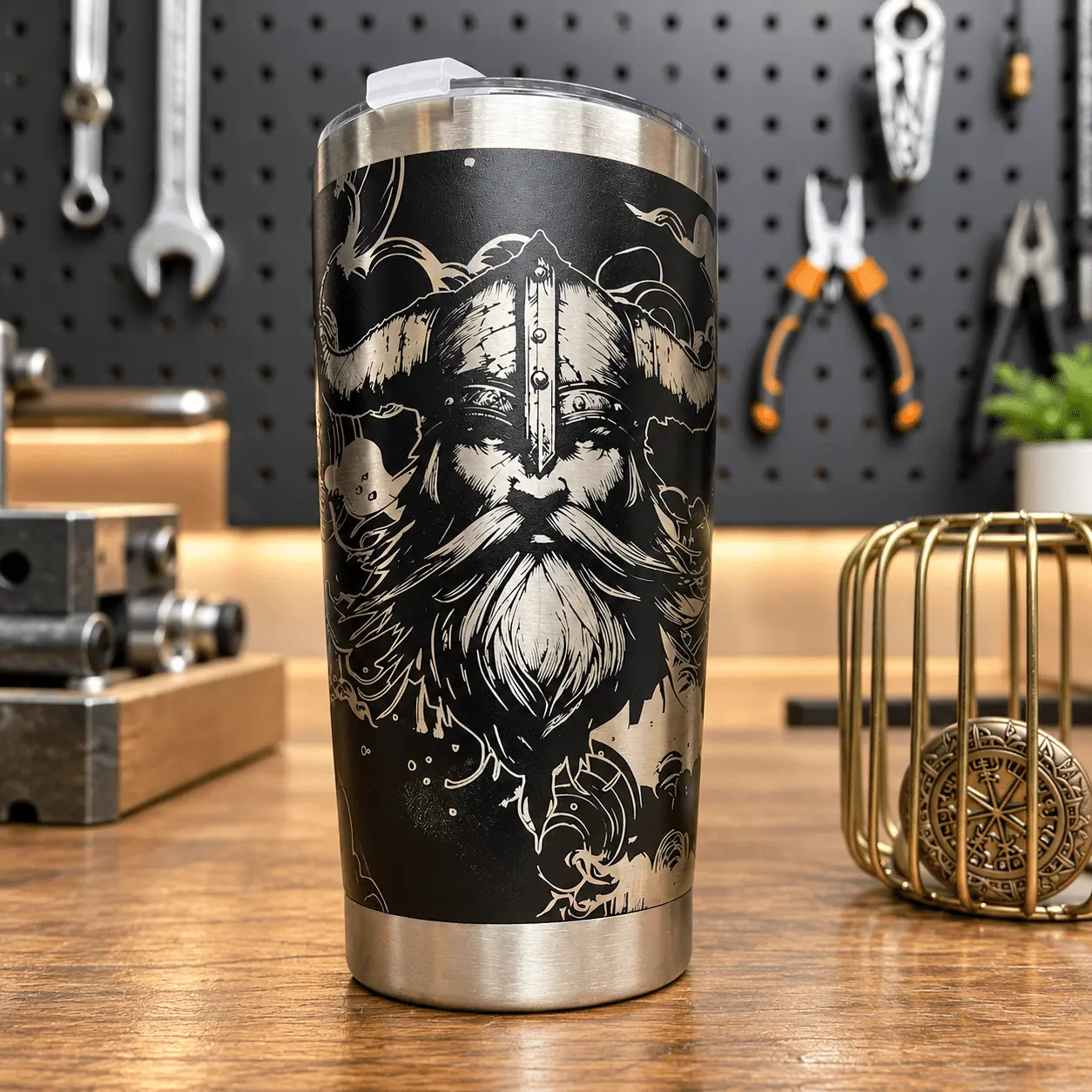
03
UV Laser Marking
Mark your design on suitable materials and review the finished result.
What Can You Mark with a 5W–30W UV Laser Engraver?
From plastic parts and electronic components to glass, ceramics, and coated surfaces, the MaxWave UV Laser Engraver supports fine text, detailed logos, product codes, and decorative marking with reduced heat impact on suitable materials.
WHAT DO YOU WANT TO ENGRAVE?
COMMON MATERIALS / PRODUCTS
SUPPORTED
TYPICAL WORK
UV Laser Marking & Engraving Examples
Explore UV laser marking examples across plastic components, glassware, ceramics, and product identification tags—from fine text and product codes to detailed logos and decorative designs.
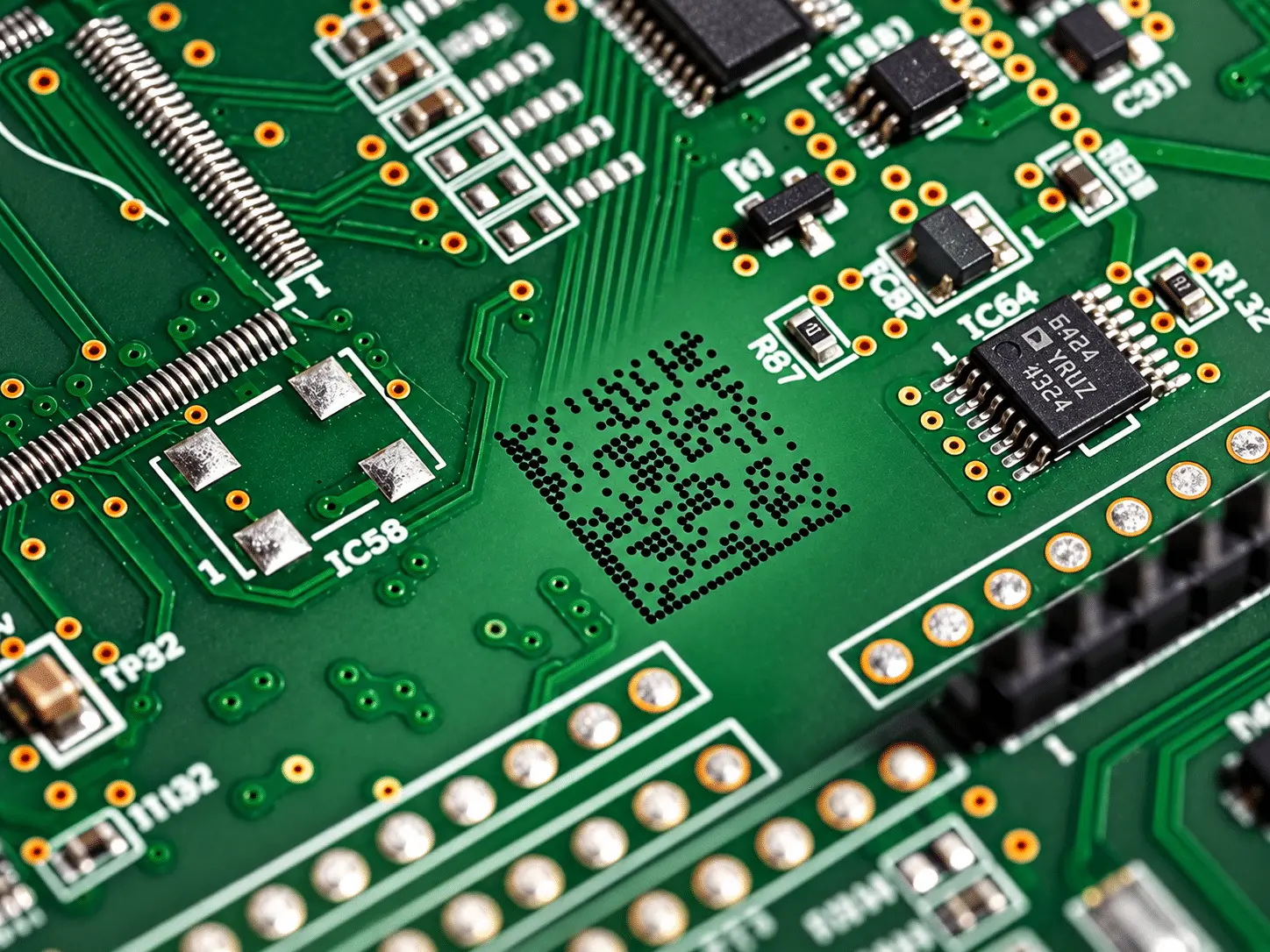
SAMPLE 01
Electronic Component Marking
PCB · QR Codes · Fine Text
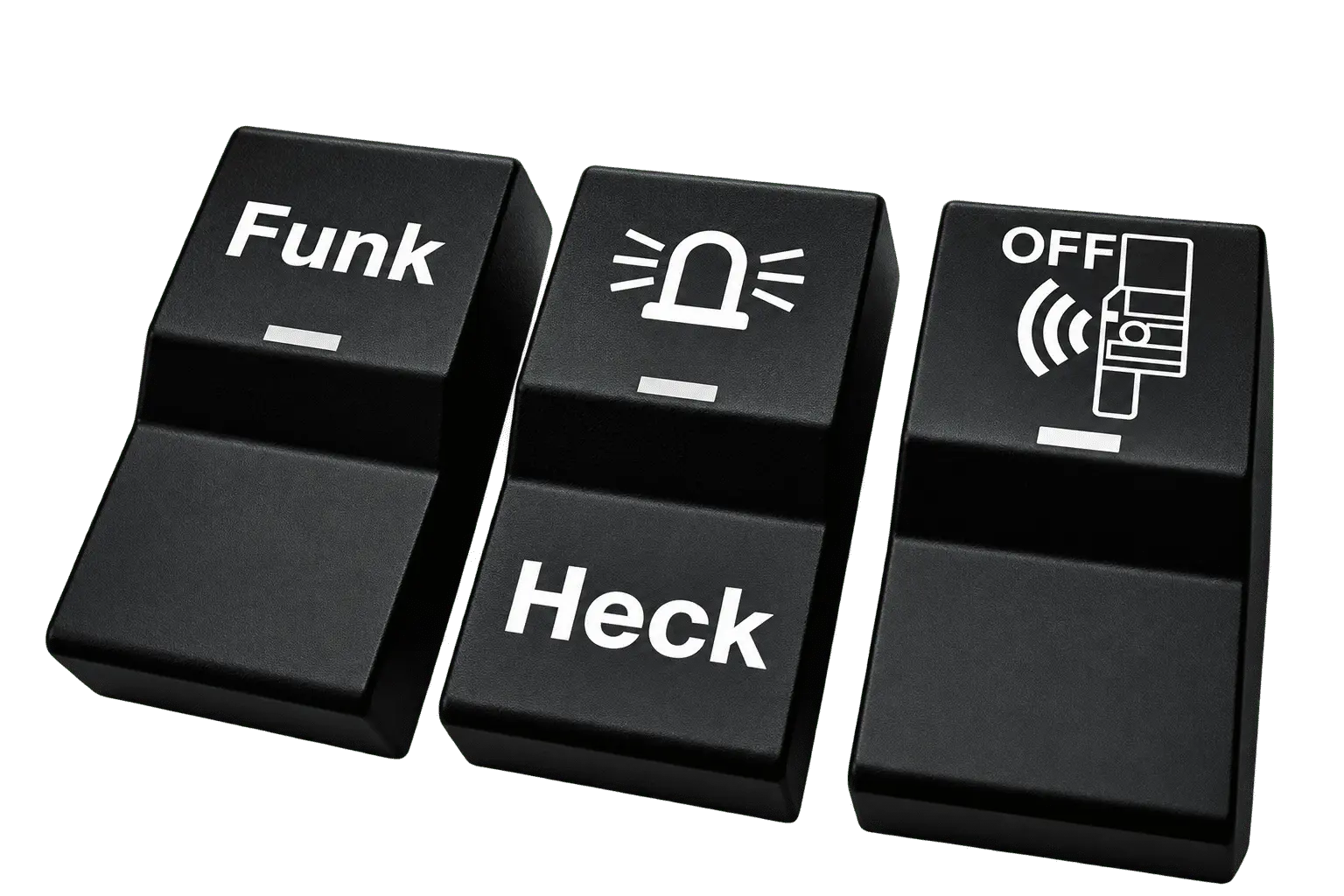
SAMPLE 02
PCB · QR Codes · Fine Text
Plastic · Function Icons · Symbols
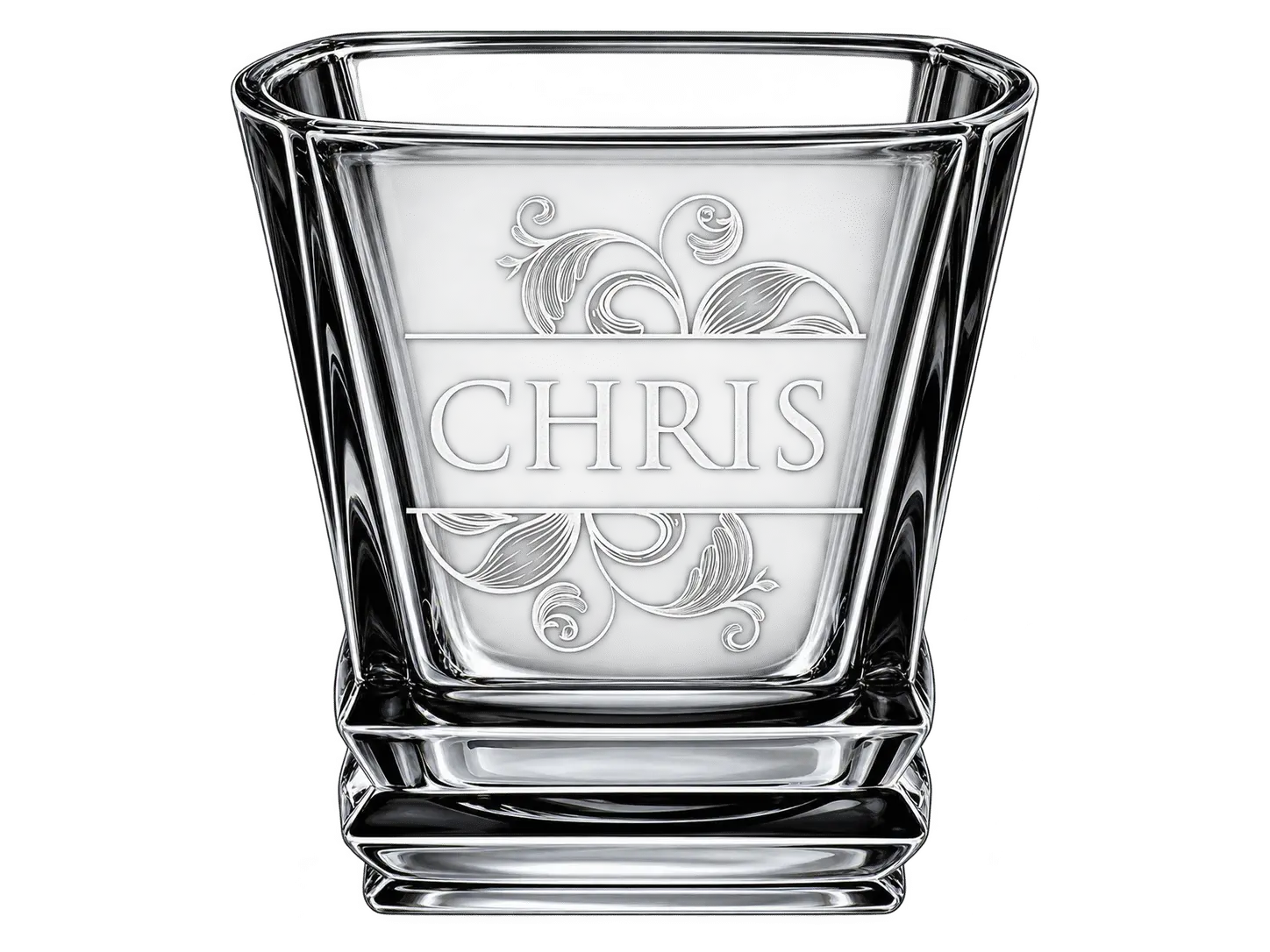
SAMPLE 03
Glass & Crystal Engraving
Glass · Logos · Decorative Designs
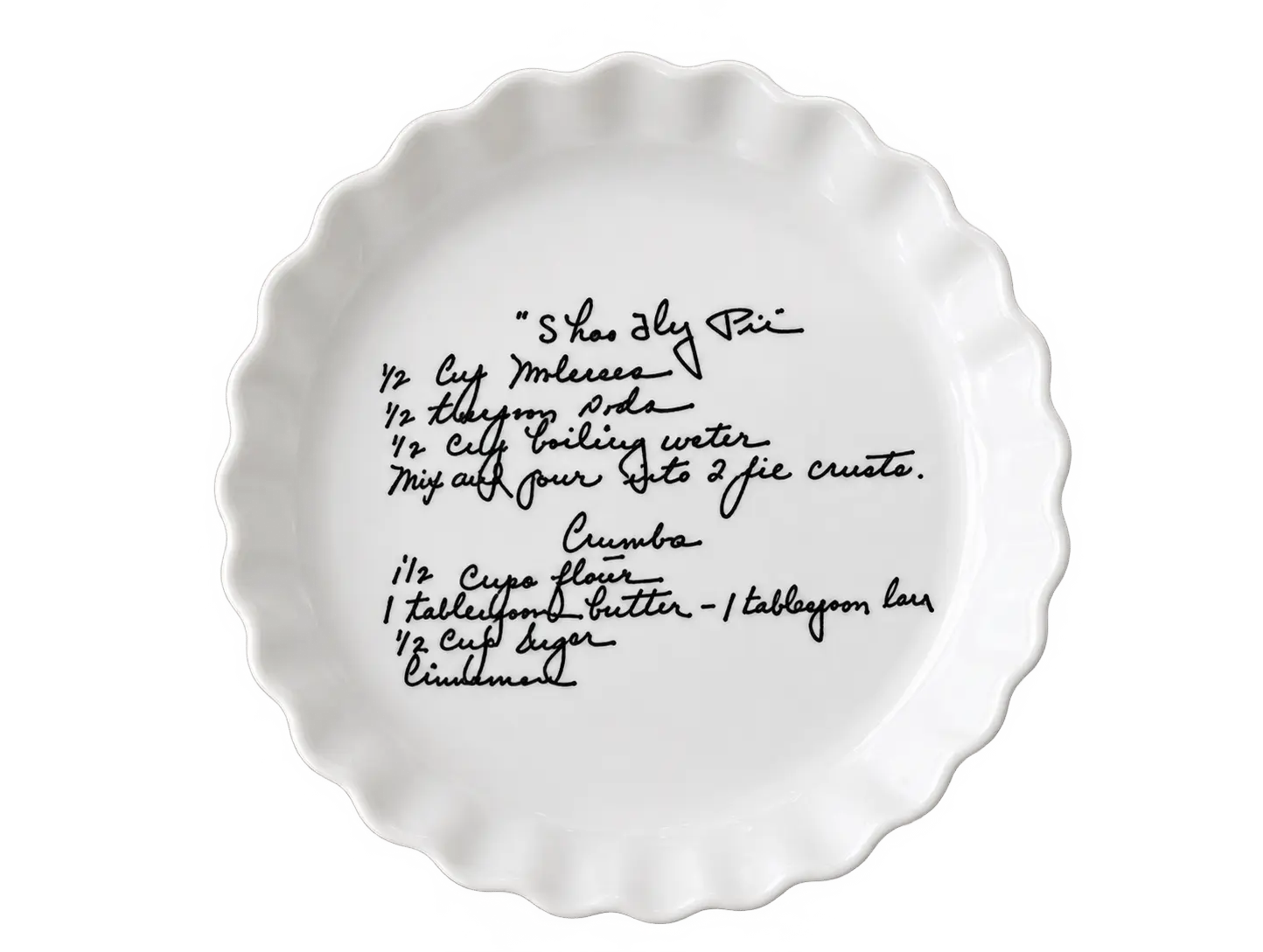
SAMPLE 04
Ceramic Surface Marking
Ceramics · Fine Patterns · Artwork
Where This 5W–30W UV Laser Engraver Fits
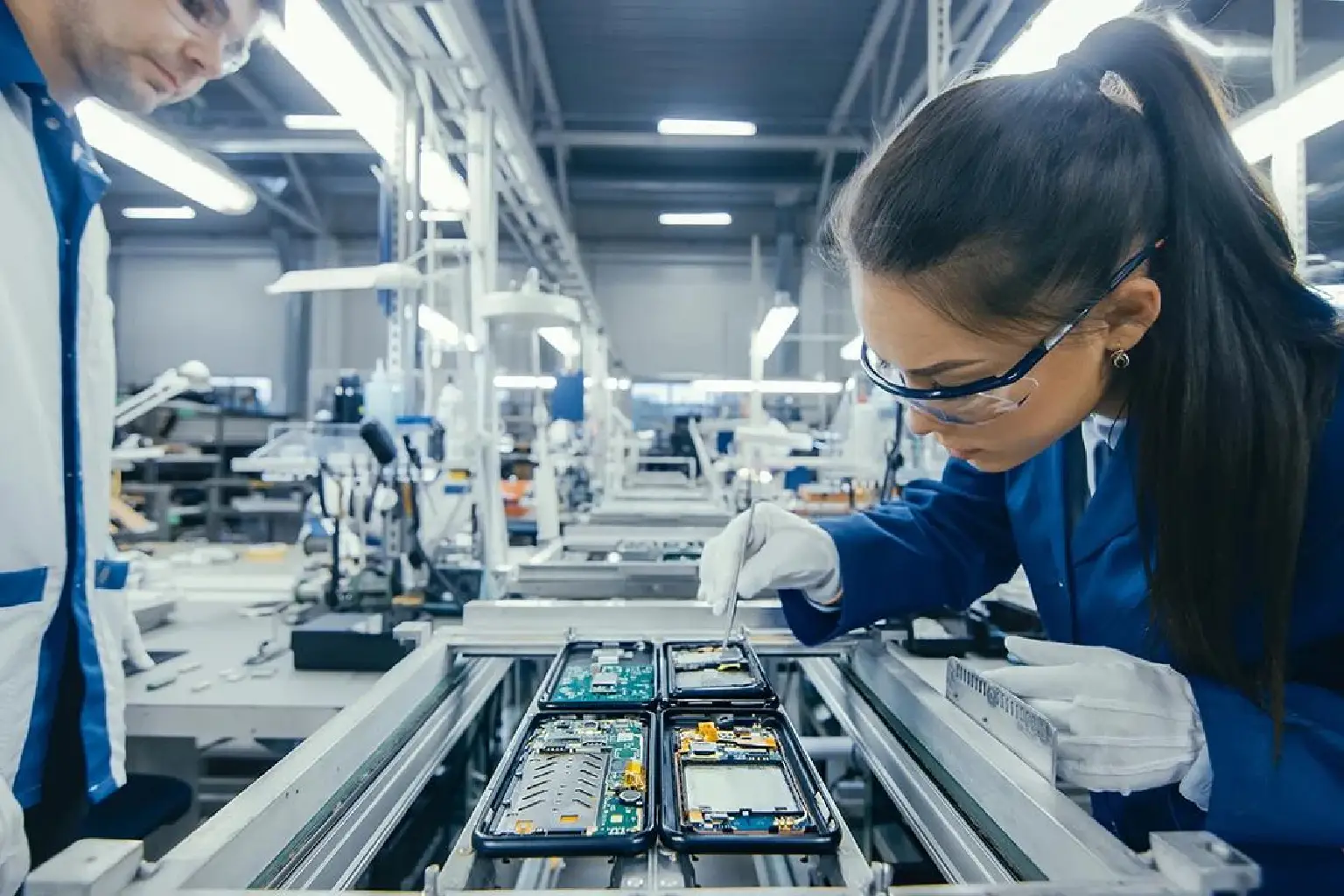
Electronics & Electrical Component Manufacturers
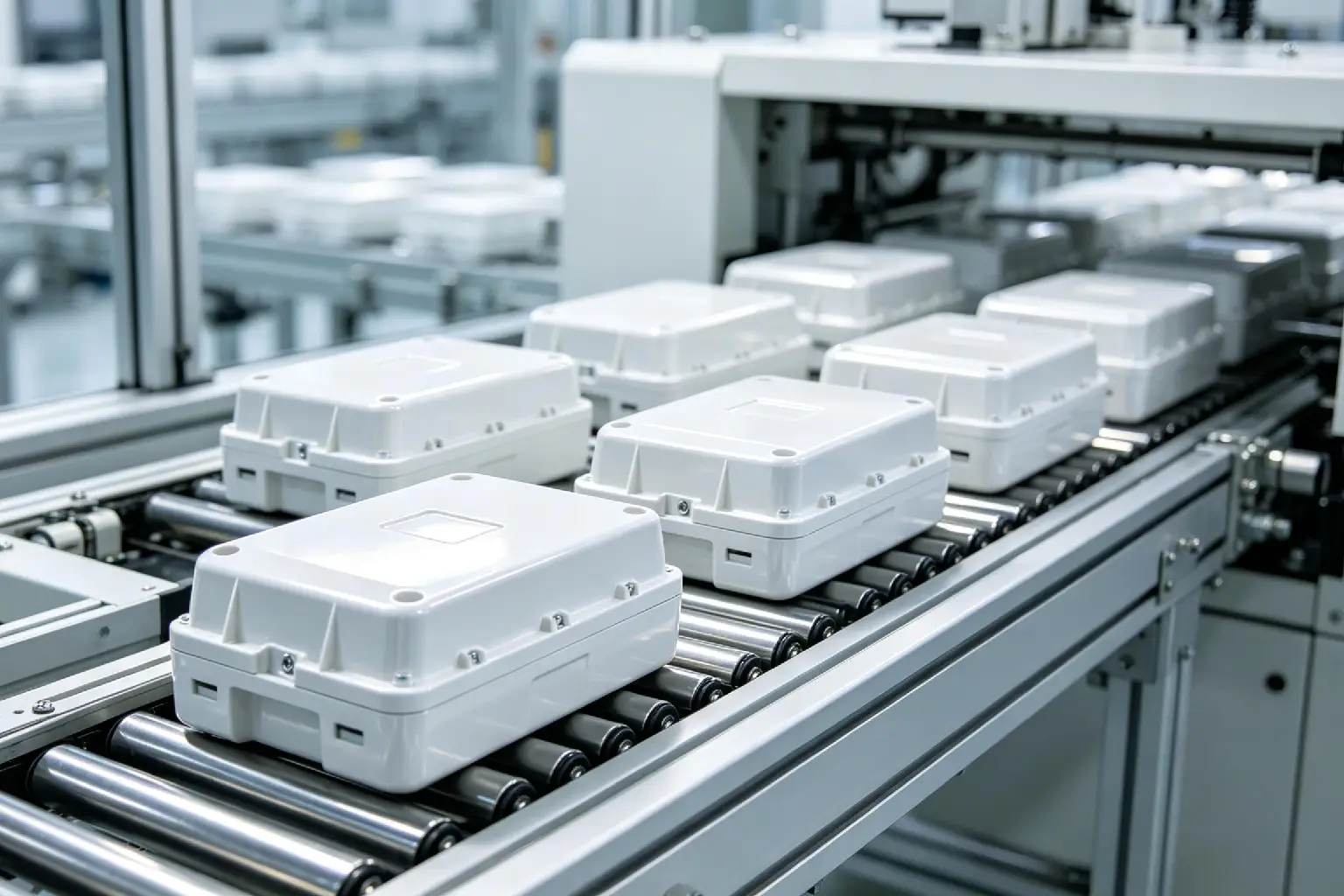
Plastic Injection Molding Manufacturers
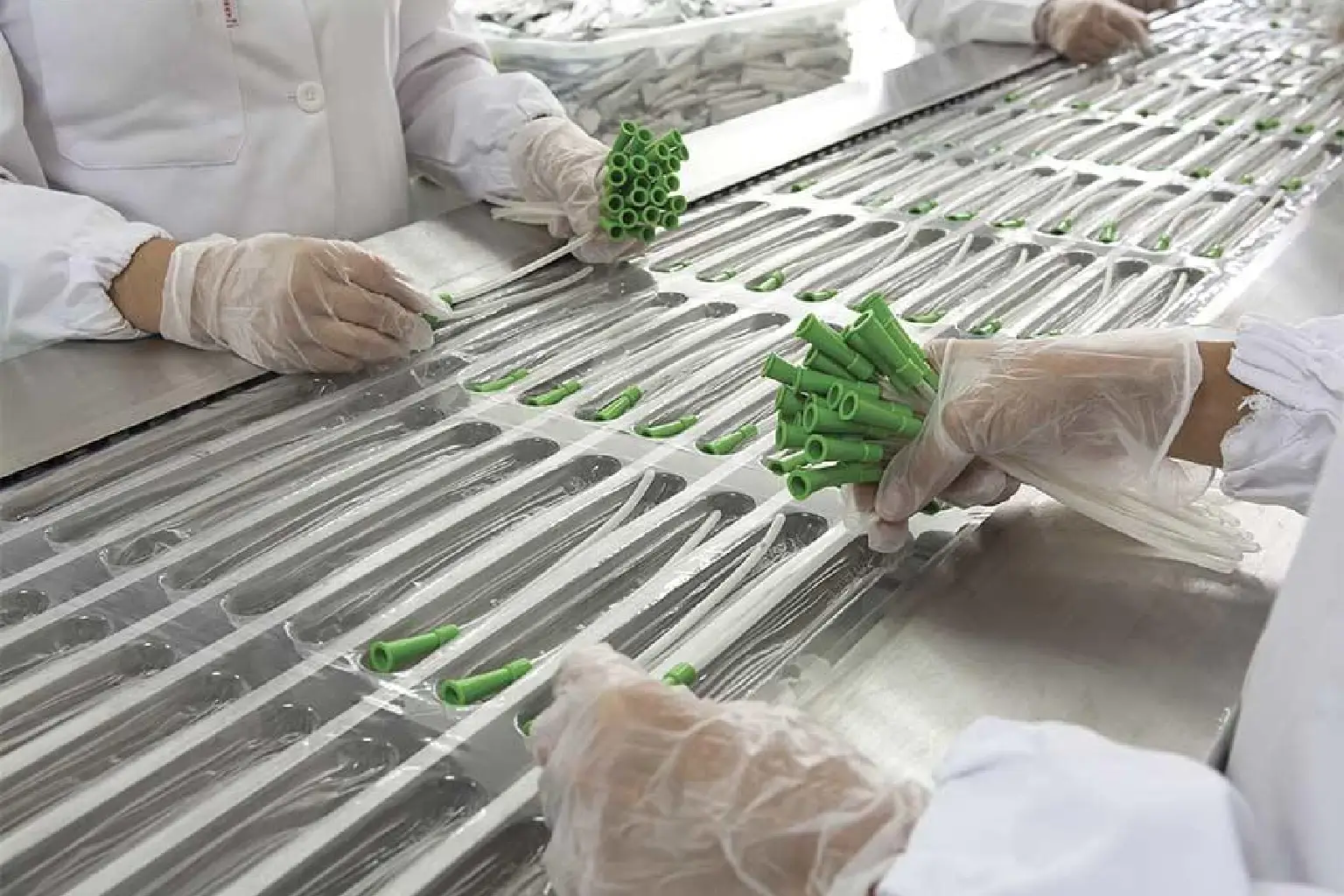
Medical Device Manufacturers
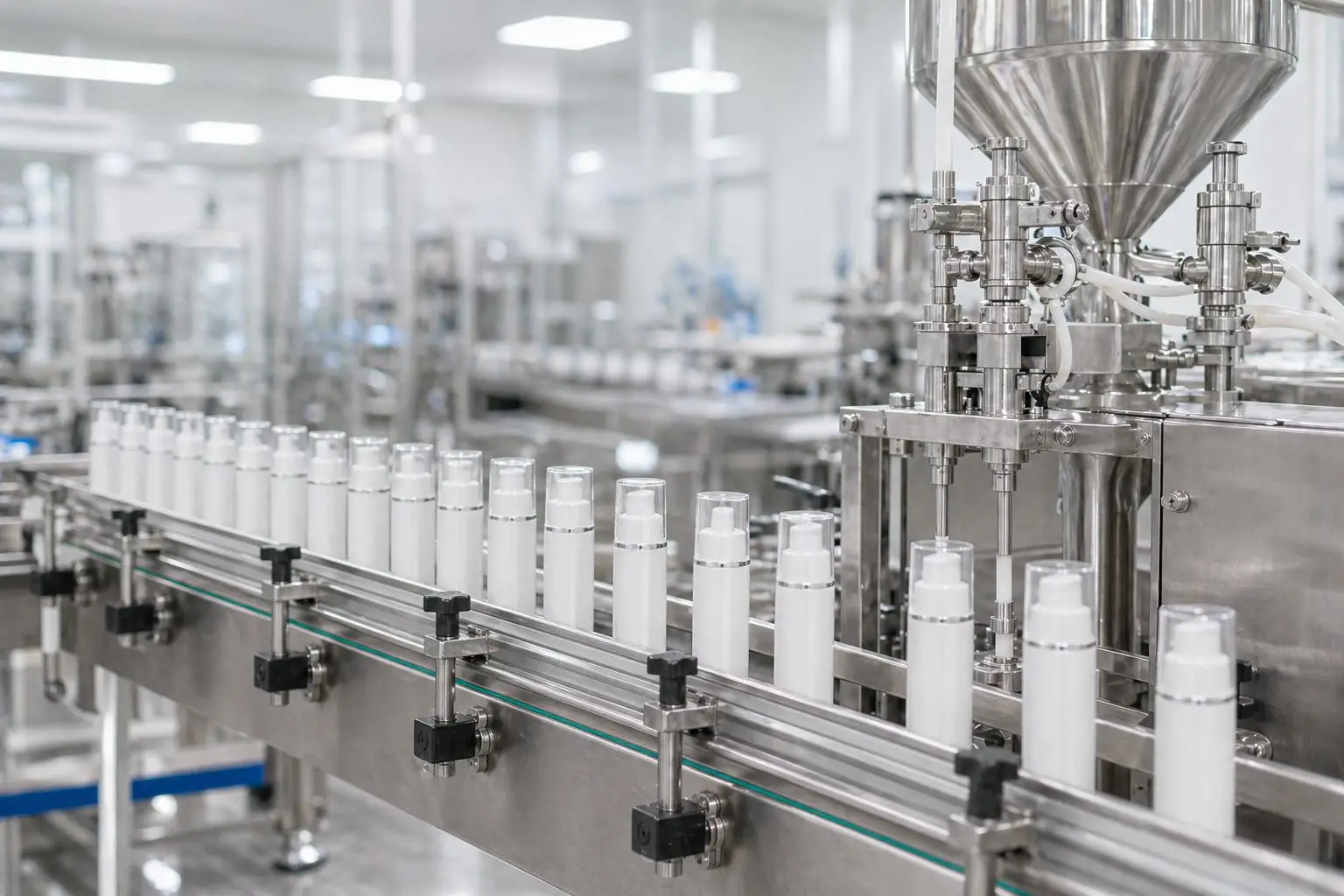
Cosmetics & Packaging Manufacturers
3D RF CO2 LASER TECHNOLOGY
What Makes This 3D RF CO2 Laser Engraver Different?
Built with 3D dynamic focusing, a Coherent RF CO2 laser source, dedicated marking software, and an industrial workstation, MaxWave helps manufacturers handle detailed engraving and cutting jobs with greater flexibility.
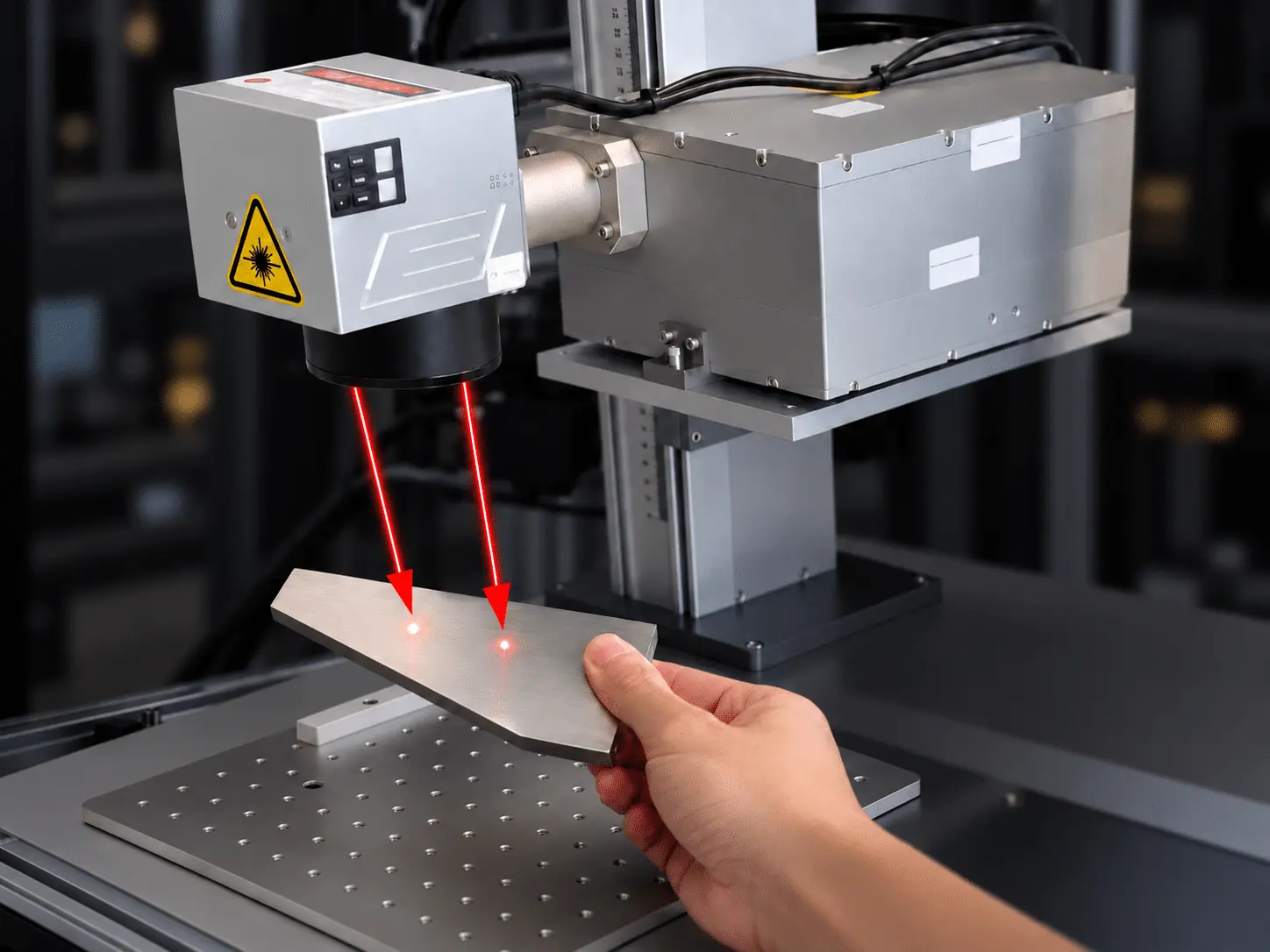
3D Dynamic Focusing & Automatic Z-Axis
The 3D dynamic focusing system works with Z-axis height adjustment to support engraving across larger processing areas. By reducing repeated focus adjustments and workpiece repositioning, it makes complex patterns and large-format designs easier to process.
FOCUSING 3D Dynamic Galvo
HEIGHT CONTROL Automatic Z-Axis
APPLICATION Large-Format Engraving0W 455nm + 2W 1064nm
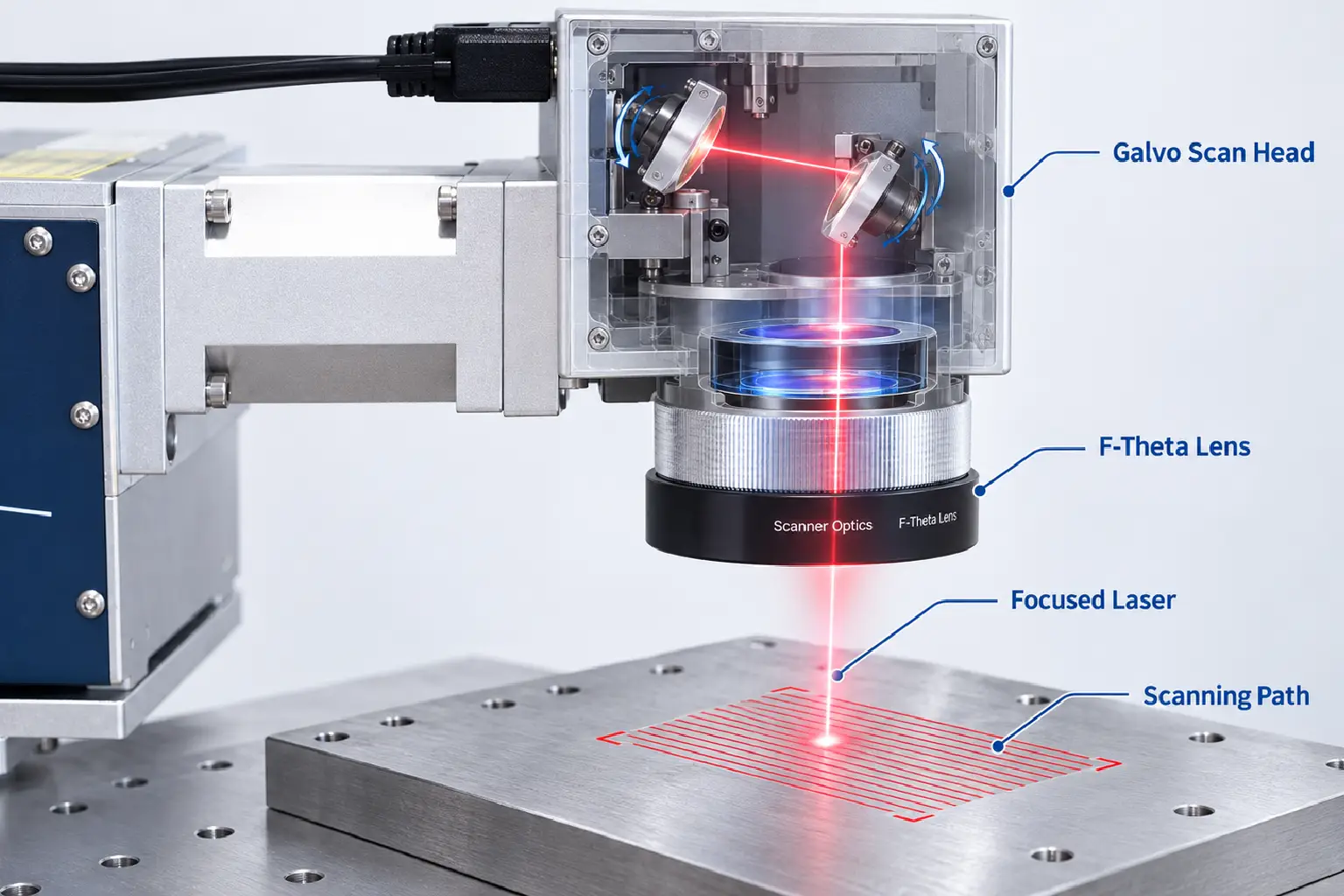
Fully Enclosed Optical System
OPTICAL DESIGN Fully Enclosed
ROUTINE ADJUSTMENT Reduced
APPLICATION Engraving & Cutting
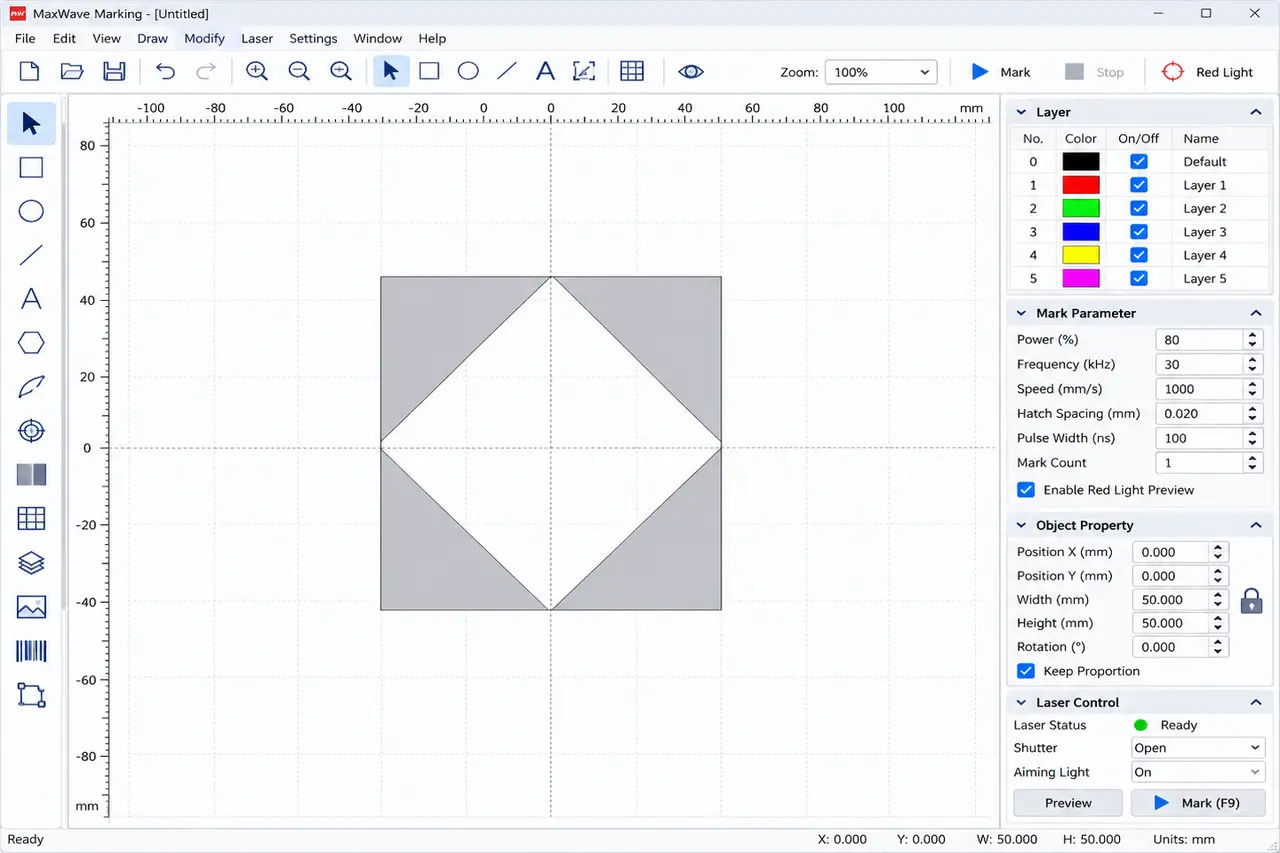
Dedicated Software & Foot-Switch Control
SOFTWARE Dynamic Marking Software
FILE FORMATS PLT · DXF · BMP · AI
OPERATION Industrial PC · Foot Switch
Choose the Right Power for Your UV Marking Job
Compare the 5W, 15W, 20W, and 30W configurations based on your materials, marking requirements, and production needs to find the right UV Laser Engraver for your business.
POWE
BEST FOR
TYPICAL CLEANING JOBS
WHY CHOOSE IT
5W
Fine-Detail Marking
Small Text · Logos · Product IDs
A practical choice for everyday precision marking on suitable materials.
15W
Versatile Product Marking
Plastic Housings · Electronic Parts · QR Codes
More power flexibility for a wider range of marking tasks.
20W
Higher-Power Marking
Coated Parts · Product Codes · Detailed Graphics
Additional laser power for more demanding marking requirements.
30W
Power-Demanding Applications
Industrial Components · Complex Patterns · Production Marking
The highest power option in the series for applications requiring greater laser output.
LASER ENGRAVING TECHNOLOGY COMPARISON
Inkjet vs Pad Printing vs UV Laser Marking
Compare marking methods, product compatibility, and operating requirements to understand which solution best fits your manufacturing needs.
Inkjet Printing
Non-Contact Coding
Prints dates, batch numbers, and product codes without touching the surface.
Continuous-Line Printing
Suitable for coding moving products on compatible production lines.
Ink & Maintenance
Requires inks or cartridges and regular printhead maintenance.
Pad Printing
Curved-Surface Printing
Transfers logos and graphics onto curved or irregularly shaped products.
Repeatable Logo Printing
Suitable for repeating colored logos and designs across product batches.
Pads, Plates & Ink
Requires printing pads, plates, and inks, with setup changes for different designs.
UV Laser Engraving
Fine-Detail Marking
Creates small text, logos, and identification codes on compatible materials.
Lower Heat Impact
Helps reduce thermal effects when marking suitable plastics and sensitive components.
Ink-Free Marking
Produces lasting marks on suitable surfaces without inks, printing pads, or plates.
ENGRAVING POSSIBILITIES
Explore What You Can Make with a 5W–30W UV Laser Engraver
From precision electronics and molded plastic parts to glassware, ceramics, and personalized products, discover the fine-detail marking possibilities of MaxWave UV Laser Engravers across a wide range of suitable materials.
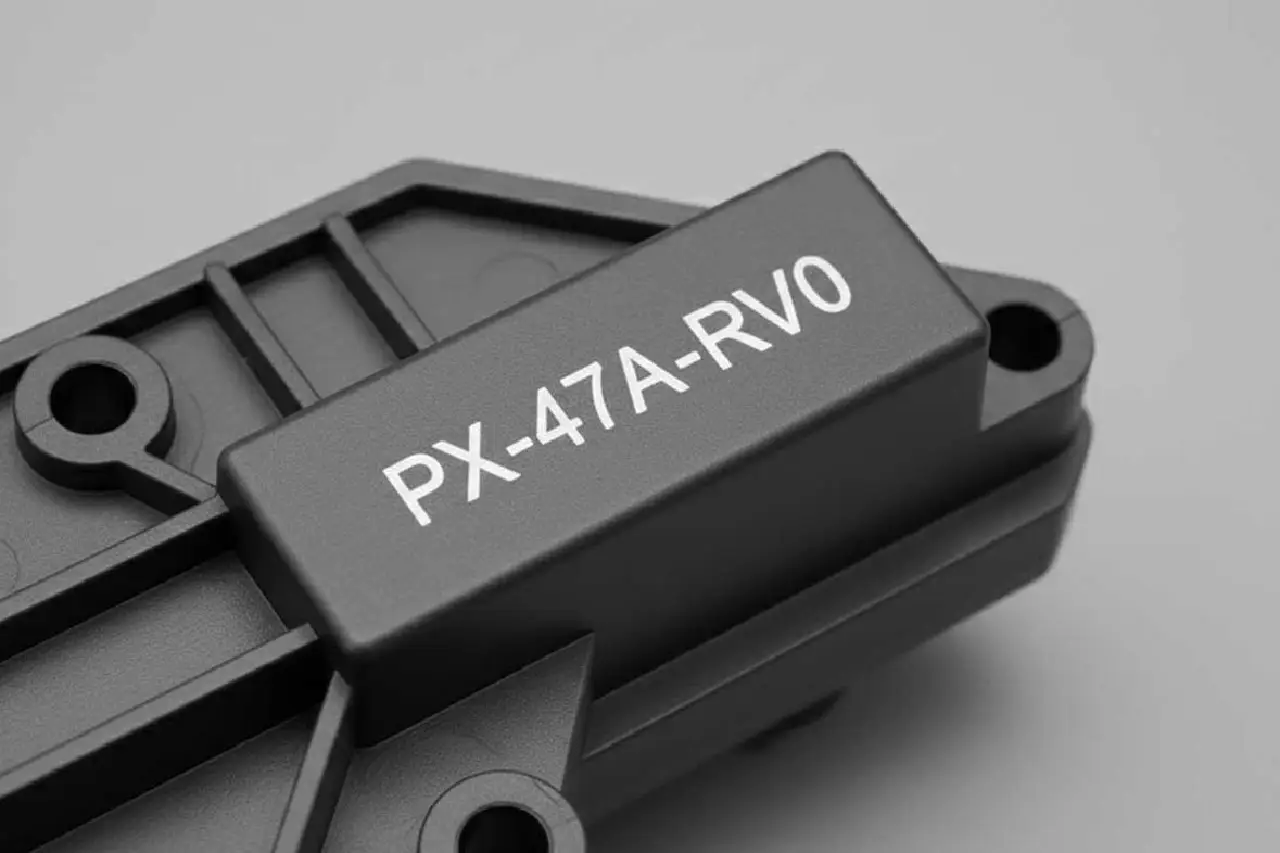
Plastic Device Housings
Model numbers · Logos · Product IDs
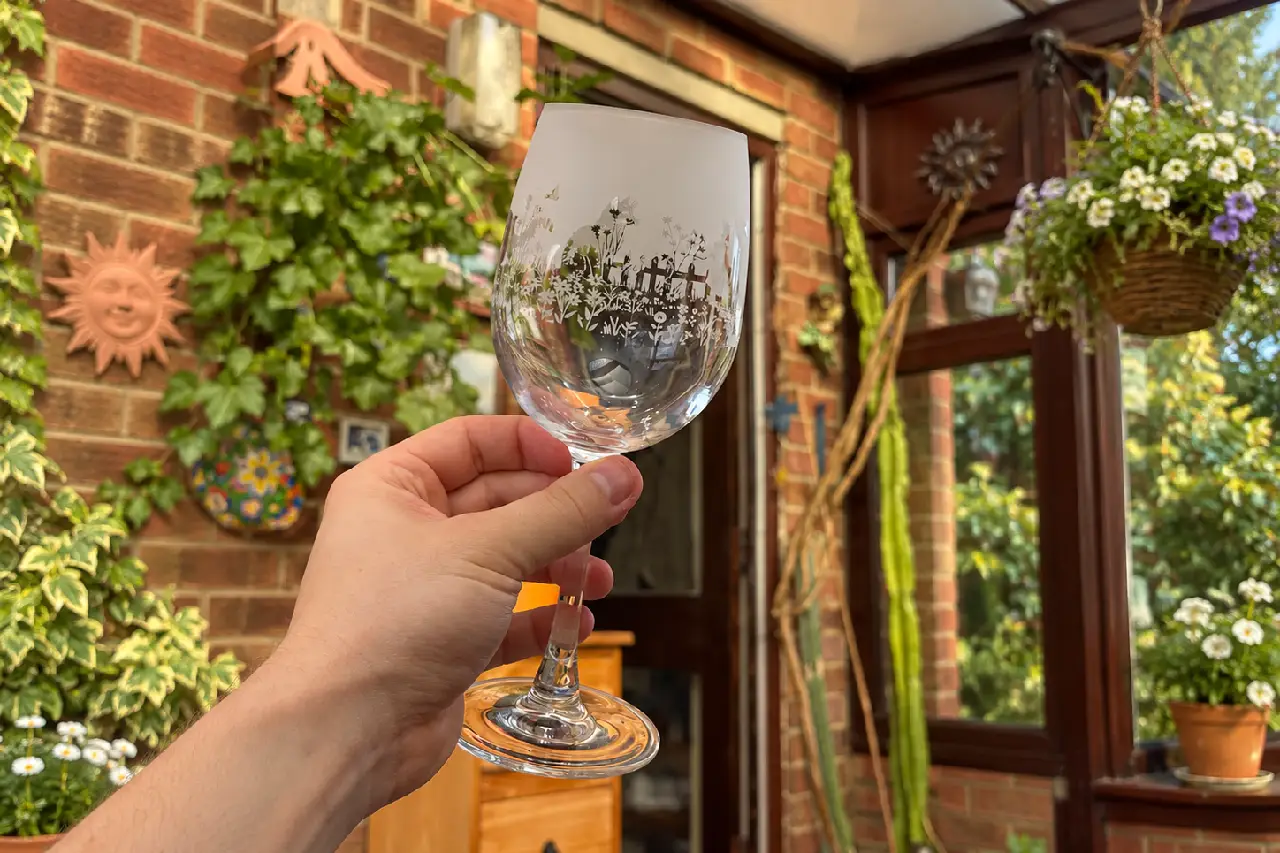
Glassware & Crystal
Frosted logos · Fine lettering · Decorative marks
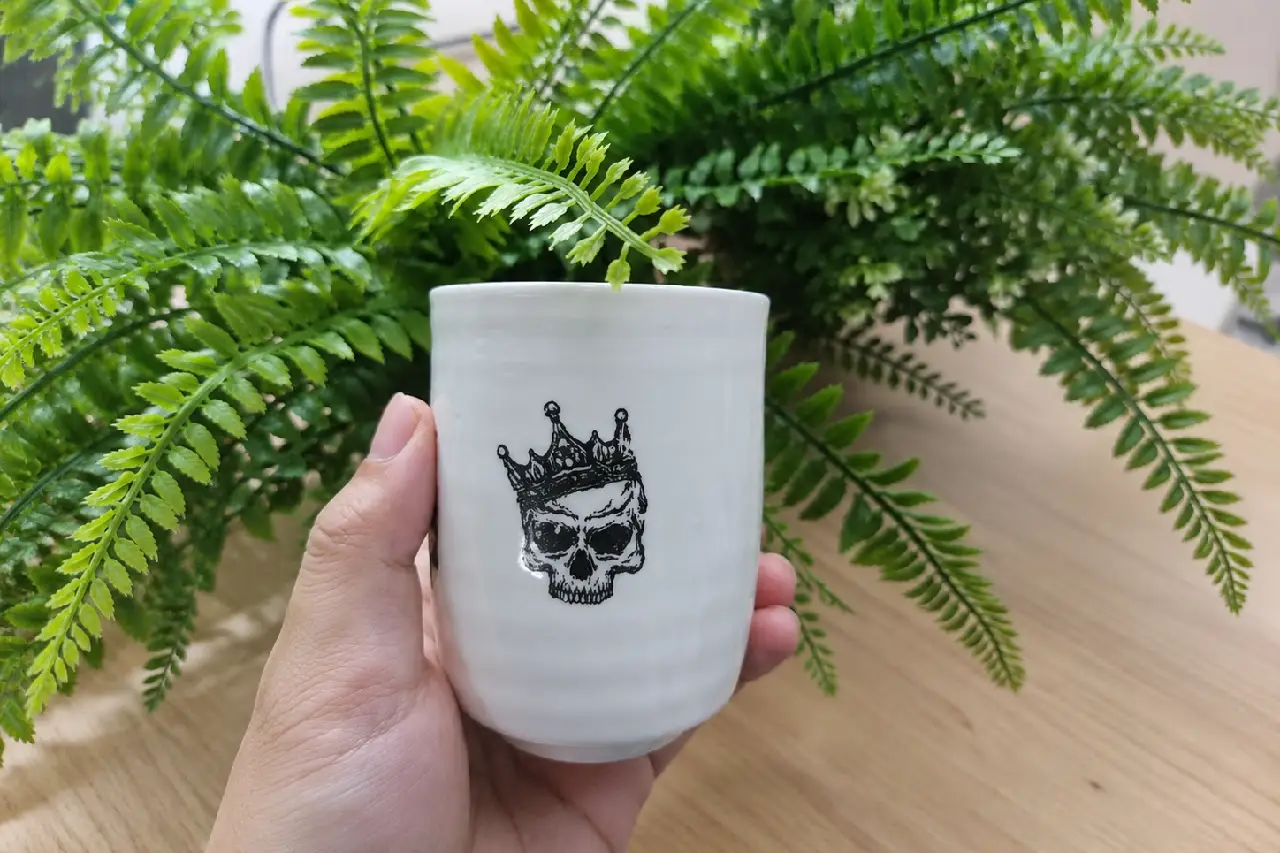
Ceramic Components
QR codes · Serial numbers · Product identification
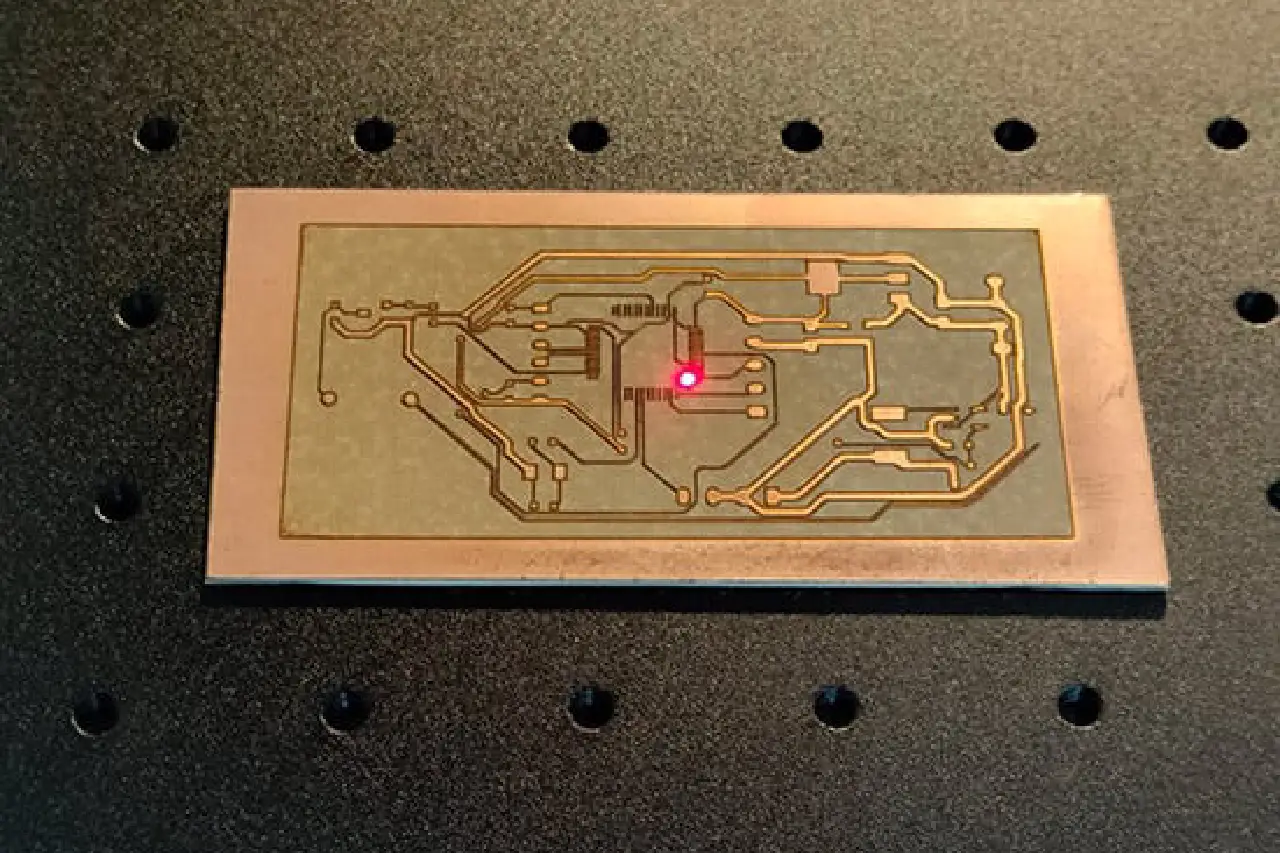
Printed Circuit Boards
Data Matrix codes · Serial numbers · Traceability
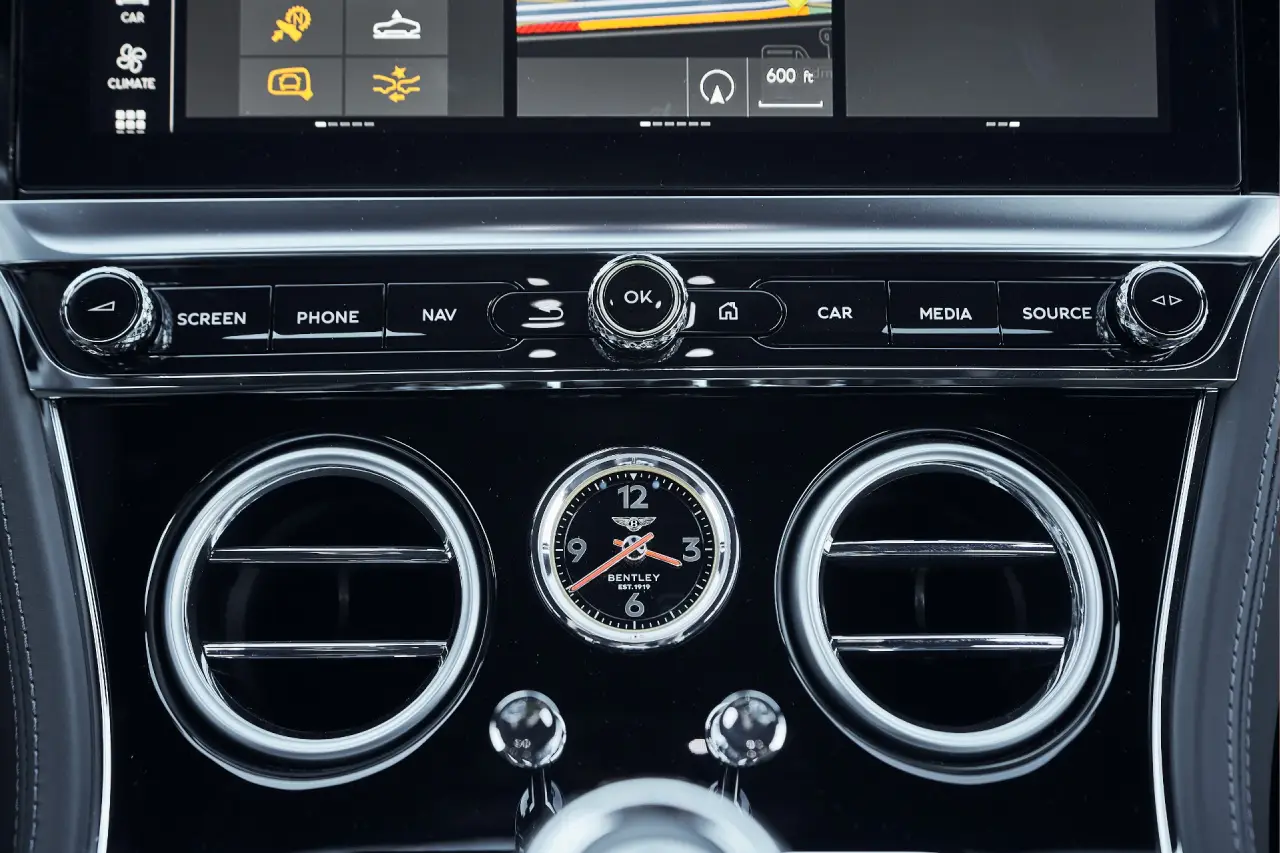
Automotive Control Buttons
Function icons · Backlit symbols · Panel labels
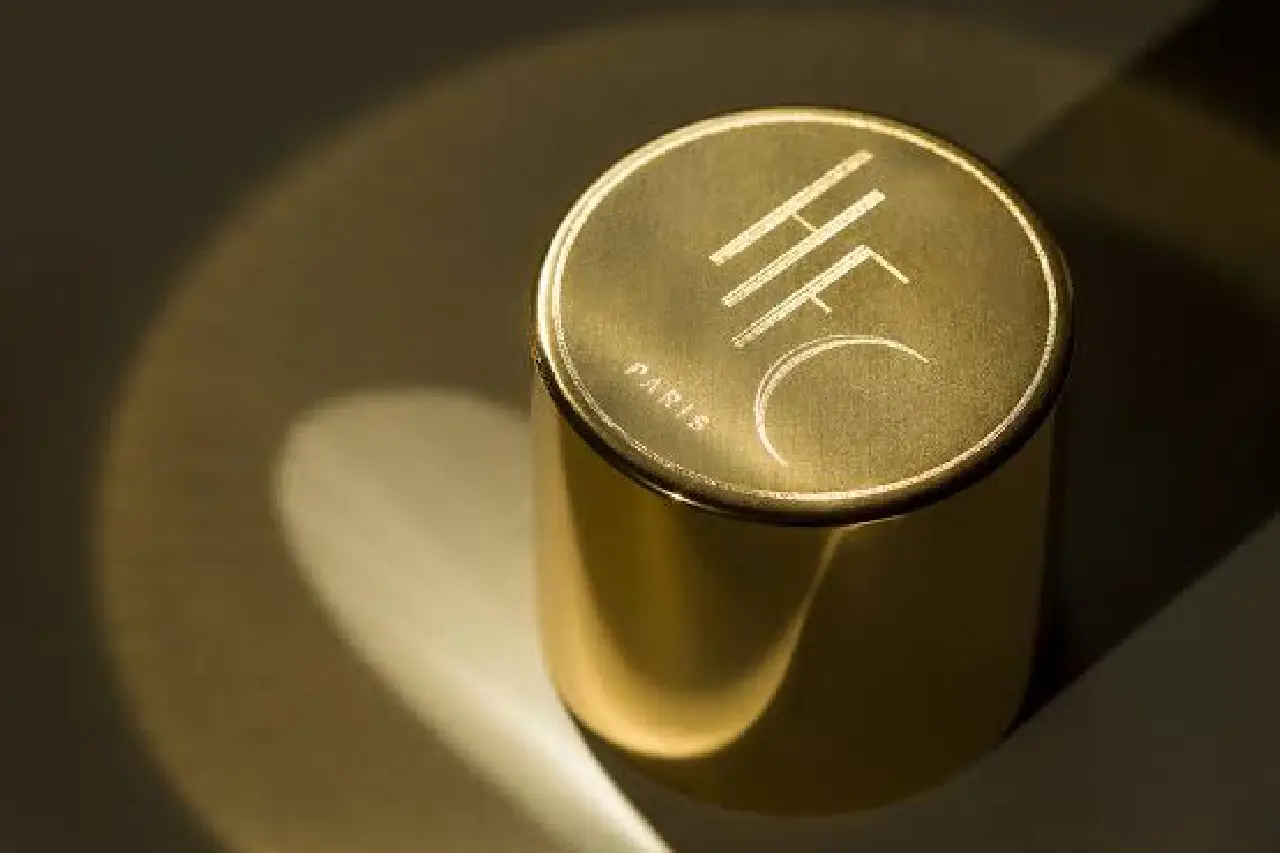
Cosmetic Bottle Caps
QR codes · Batch IDs · Brand marks
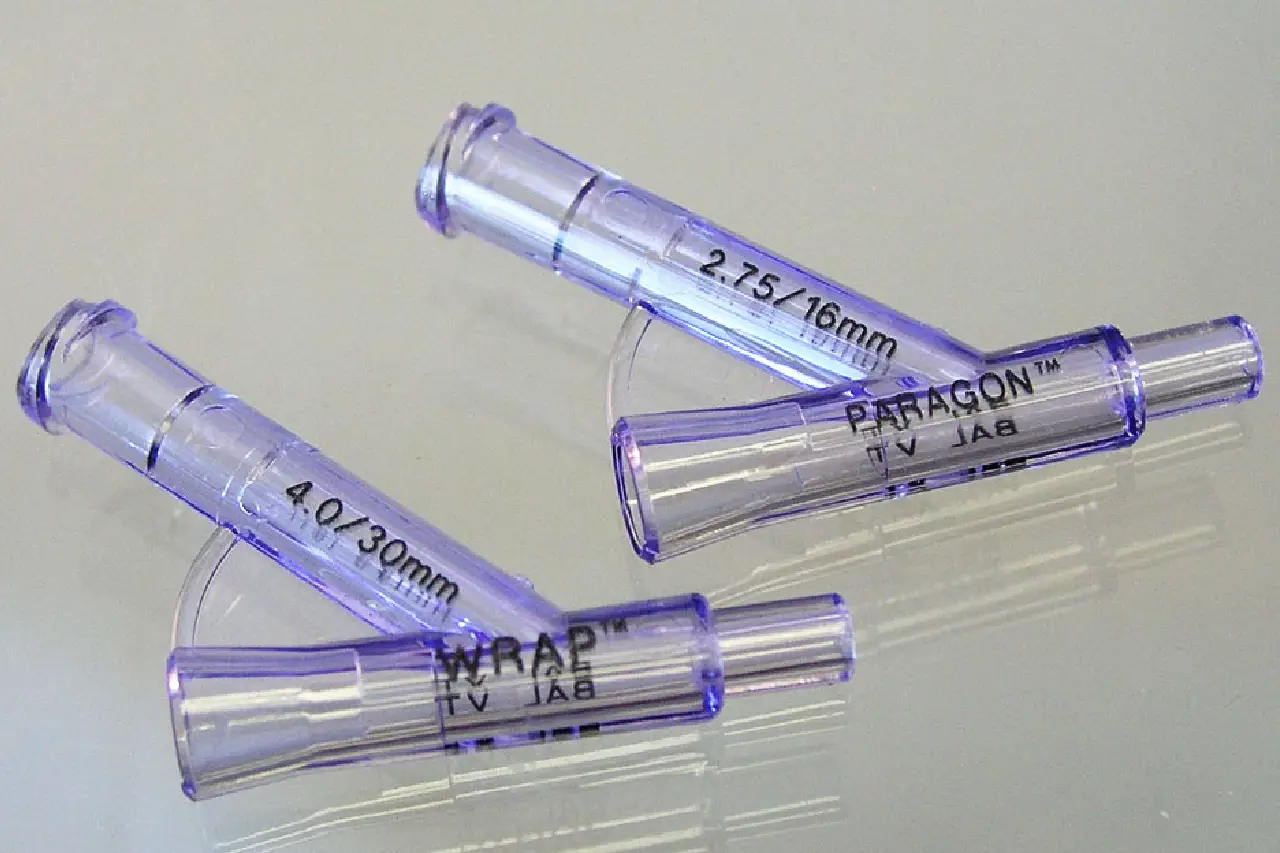
Medical Plastic Devices
Product IDs · Lot numbers · Traceability marks
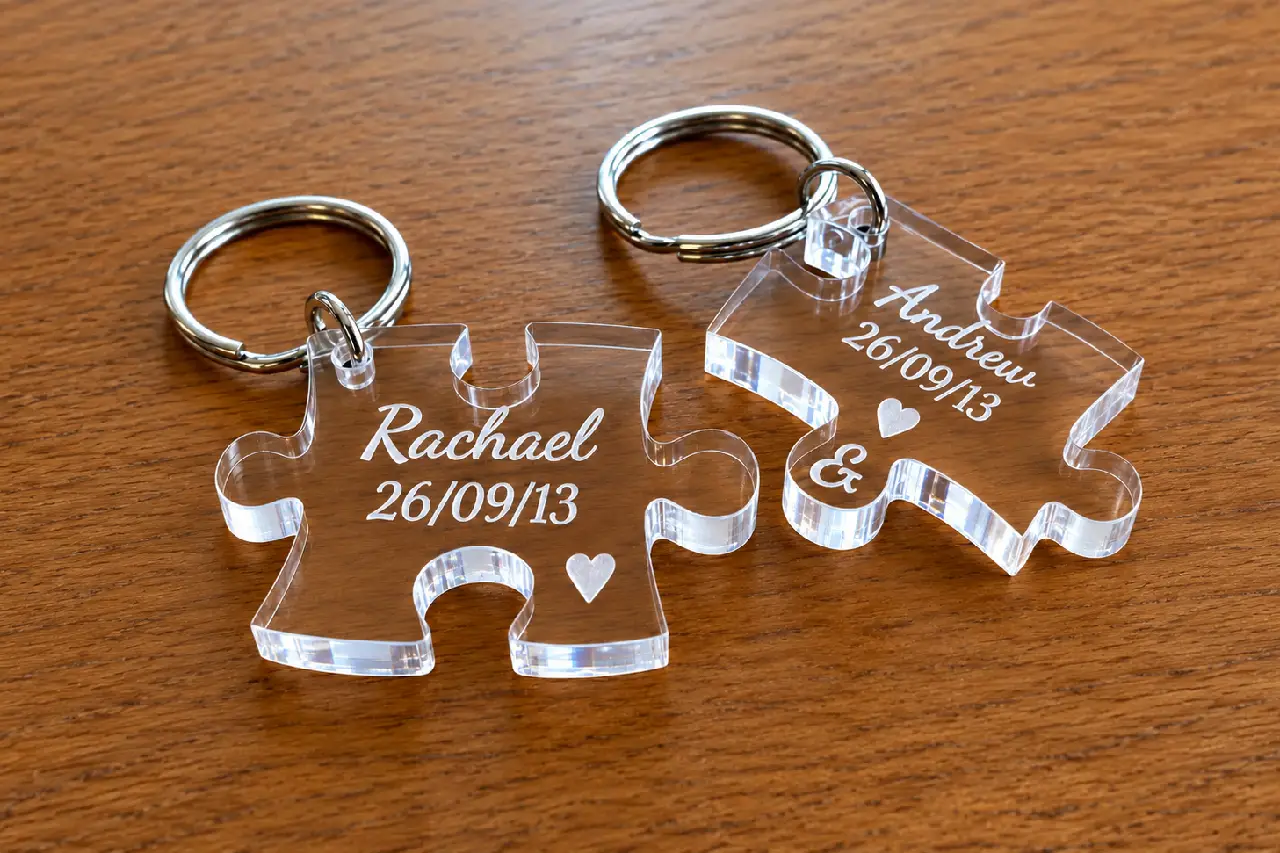
Acrylic Tags & Keychains
Custom logos · Small text · QR codes

Silicone Accessories
Brand logos · Custom patterns · Identification
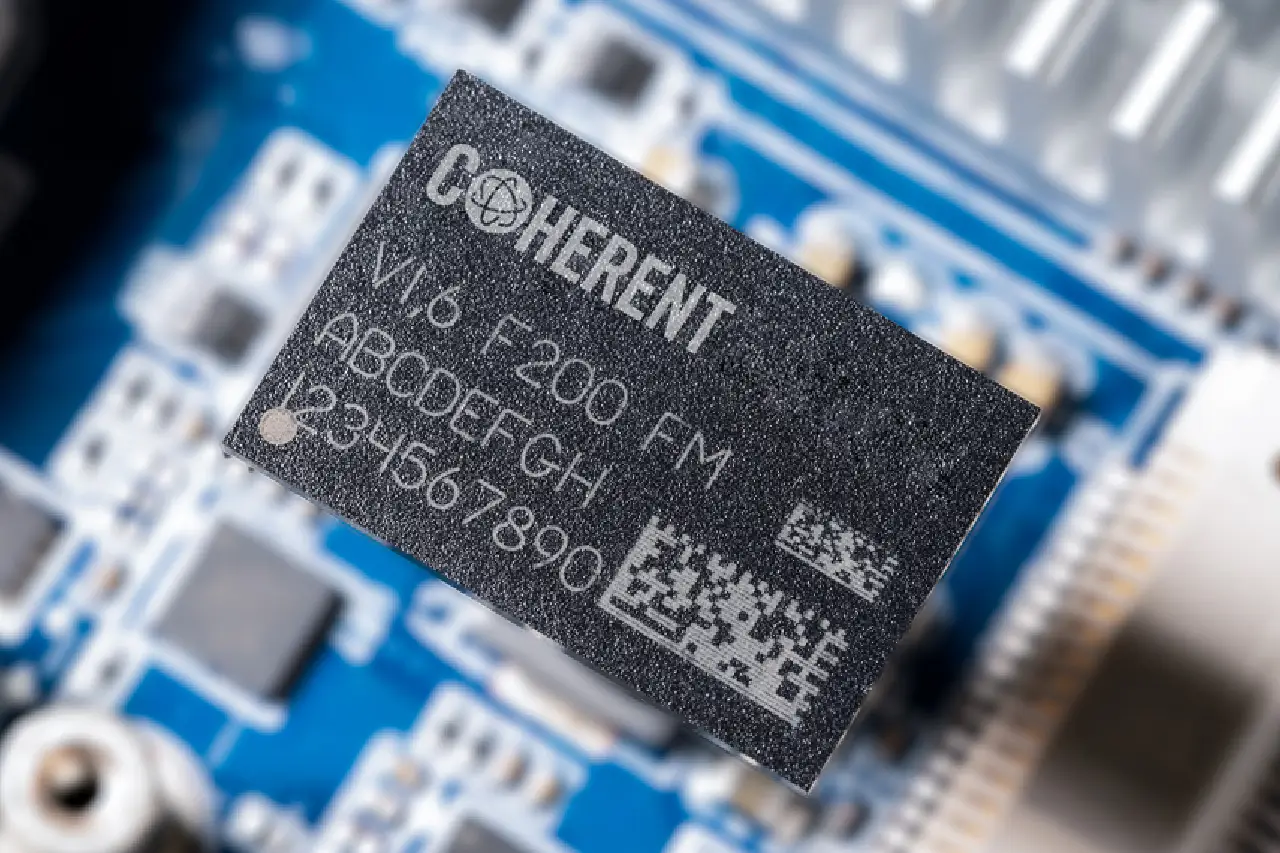
Semiconductor Components
Small codes · Device IDs · Traceability
FREE SAMPLE TEST
See Your UV Marking Results Before You Buy
Send us your material details, product photos, and marking artwork. We’ll evaluate suitable UV laser settings, test your marking requirements, and recommend the right 5W–30W configuration for your application.
01
Share Your Project Details
Material · Thickness · Artwork · Desired Result
02
Choose the Right Test Setup
Laser Power · Marking Area · Processing Settings
03
Mark & Record the Sample
UV Marking · Close-Up Results · Test Video
04
Review Before Ordering
Marking Quality · Surface Finish · Recommended Model
WHAT YOU’LL RECEIVE
A Clear Result Before You Order
Engraved Sample
Review fine text, logos, codes, and surface details on the tested material.
Test Video
Watch the actual UV engraving process and examine the finished result.
Recommended Setup
Get advice on selecting 5W, 15W, 20W, or 30W based on your material and marking needs.
PACKAGE & CONFIGURATION
Explore Your 5W–30W UV Laser Engraver Configuration
Explore the UV laser source, galvo scanning system, focusing optics, marking workstation, and software, along with routine maintenance and configuration options for your marking needs.
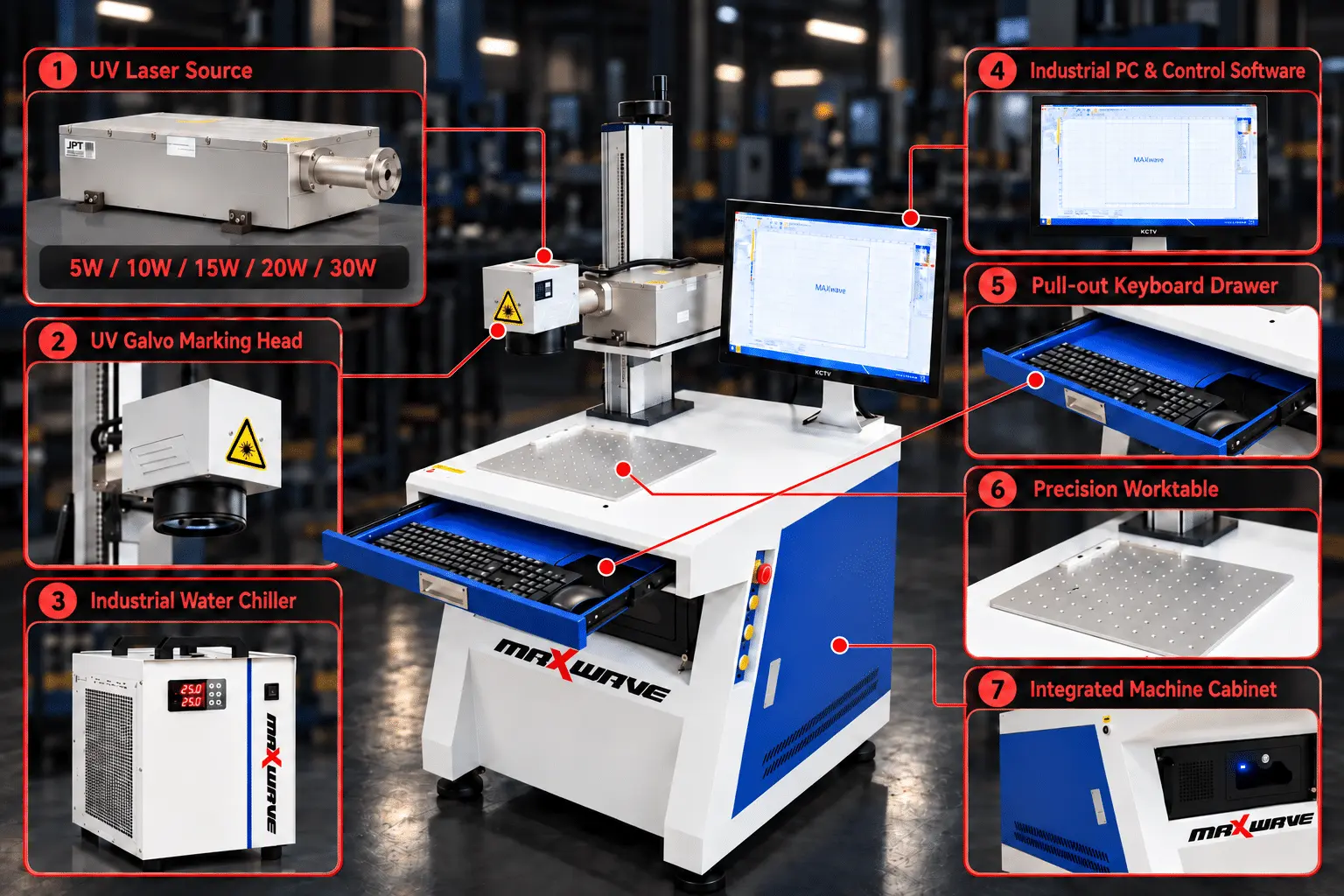
01 Core Machine Configuration
Available in MW-UV5, MW-UV15, MW-UV20, and MW-UV30 models for different marking requirements.
UV Laser Source
Supports fine text, detailed logos, and product identification with reduced heat impact on suitable materials.
Galvo Scanning Head
Directs the laser beam across the configured marking area for precise surface marking.
F-Theta Focusing Lens
Focuses the laser beam onto the workpiece within the selected marking field.
Adjustable Marking Column & Worktable
Supports workpiece placement and height adjustment for different product sizes.
Marking Software & Control System
Supports artwork import, marking parameter adjustments, and laser operation control.
02 Routine Care & Spare Parts
Inspect accessible optical surfaces and keep them free from dust and residue.
Galvo Head Inspection
Check for abnormal operation and maintain optical components according to service guidance.
Worktable & Column Care
Keep the work area clean and check the lifting mechanism regularly.
Cooling System Maintenance
Check the cooling equipment according to the selected laser source and supplied configuration.
Replacement Parts
Ask about compatible lenses, optical components, and other replacement parts.
03 Optional Configuration
Choose the power configuration based on your material and marking requirements.
Marking Field Selection
Discuss suitable lens and marking field options for your product dimensions.
Rotary Marking Attachment
Ask about compatible rotary fixtures for cylindrical workpieces.
Workpiece Fixtures
Discuss suitable positioning and holding solutions for different product shapes.
Cooling & System Configuration
Confirm the cooling method, software, and control setup for your selected model.
MAINTENANCE & CONSUMABLES
Simple Daily Care. No Complicated Cooling System.
Routine care mainly means keeping the optics clean, the work area clear and the cooling vents free of dust. The air-cooled design removes water-chiller maintenance, keeping everyday upkeep simple.
ITEM
AFTER USE
WEEKLY
SERVICE / REPLACE WHEN
F-Theta Lens & Laser Optics
Check for dust or residue
Inspect accessible optical surfaces
Scratched, contaminated, or damaged
Galvo Scanning Head
Keep the exterior clean
Check for abnormal scanning or marking offsets
Scanning faults or inconsistent marks
Marking Worktable & Column
Remove scraps and debris
Check stability and height adjustment
Loose, worn, or damaged components
Cooling System
Check operating status and alarms
Inspect fans, vents, or coolant as equipped
Overheating, low flow, or cooling faults
Fume Extraction System
Keep extraction openings clear
Inspect airflow and filters, if equipped
Blocked filters or weak airflow
Power & Control Connections
Check for visible cable damage
Inspect accessible connectors
Loose, overheated, or damaged connections
Maintenance requirements depend on the selected laser source, cooling configuration, and operating conditions. Internal optical servicing should be performed by qualified personnel.
UV LASER ENGRAVER OPERATION
From Artwork to Finished UV Laser Marking
See the MaxWave 5W–30W UV Laser Engraver in action—from importing artwork and adjusting marking settings to positioning workpieces and creating fine text, logos, and codes on suitable materials.
UV LASER ENGRAVER WORKSPACE SETUP
Prepare Your Workshop for UV Laser Marking
Before installation, prepare a stable power supply, sufficient workspace, effective fume extraction, and suitable cooling and laser safety measures. Proper setup helps support reliable UV marking and daily operation.
BEFORE SHIPMENT
Power · Workspace · Fume Extraction · Cooling · Laser Safety
01 Power Supply & Grounding
Provide a stable, properly grounded power supply that meets the electrical requirements of your selected 5W, 15W, 20W, or 30W configuration.
02 Space for the UV Laser Workstation
Prepare a level, stable area with enough space for the machine, marking worktable, height adjustment, and routine maintenance.
03 Fume Extraction for Laser Marking
Arrange suitable local fume extraction to remove smoke and airborne particles generated when marking compatible plastics, coated surfaces, and other materials.
04 Cooling System Setup
Prepare the required air-cooling or water-cooling arrangement according to your selected laser source. Ensure proper ventilation and cooling operation before use.
05 UV Laser Safety & Protection
Set up a controlled laser work area with appropriate UV-rated protective equipment, restricted access, and safe operating procedures.
UV LASER ENGRAVER SUPPORT
Support for Your 5W–30W UV Laser Engraver After Delivery
From machine installation and software training to UV marking parameters, focusing adjustments, and troubleshooting, MaxWave provides technical guidance to help you get started and maintain reliable marking performance.
01
SETUP GUIDANCE
Get Your UV Laser Workstation Ready
Installation & Setup Guidance
Step-by-step guidance for workstation setup, system connections, and initial laser operation.
Software & Operator Training
Learn artwork import, marking settings, machine operation, and basic maintenance through manuals and training videos.
02
ENGINEER SUPPORT
Technical Help for Your UV Marking Jobs
Material & Marking Parameters
Get guidance on laser power, speed, and frequency settings for suitable plastics, glass, and other materials.
Focus & Marking Quality
Get help with workpiece height, focus adjustments, unclear text, and inconsistent marking results.
Software & Artwork Support
Receive assistance with logos, text, QR codes, artwork import, and marking software settings.
Remote Troubleshooting
Share photos, videos, or error details for remote diagnosis and technical guidance.
03
ONGOING SUPPORT
Support Beyond Your First Marking Job
Optics & Cooling Maintenance
Get maintenance guidance for the field lens, galvo head, and cooling components according to your configuration.
Spare Parts Assistance
Get help identifying compatible lenses, optical components, and other replacement parts.
Regular Follow-Up
Receive assistance with different marking jobs, parameter adjustments, and routine maintenance questions.
Warranty & Service Support
Get warranty assistance and service guidance according to your confirmed equipment terms.
Technical Specifications
Model
Output Power
Laser wavelength
355nm
Laser Power
0-200W (Continuously Adjustable)
Frequency adjustable range
Marking range (optional)
Marking Speed
≦7000mm∕s
Repeat accuracy
±0.03mm
cooling method
Fan cooling
Power supply needs
220V±10%/50Hz/15A
Machine size
80x65x150cm
Package weight
135kg
Warranty
2 Years
MaxWave 5W–30W UV Laser Engraver FAQs
Choosing a UV Laser Engraver for your business? Explore answers to common questions about marking quality, material compatibility, and power selection to find the right machine for your applications.
What Are the Advantages of UV Laser Marking?
What Materials Can This UV Laser Engraver Mark?
It supports marking on compatible plastics, glass, ceramics, coated surfaces, and electronic components. Actual results depend on the material, surface finish, and laser settings.
Which UV Laser Power Should I Choose: 5W, 15W, 20W, or 30W?
The right power depends on your material, marking details, and production requirements. MaxWave can help you compare configurations based on your application and sample test results.
Expand Your Marking Possibilities with 5W–30W UV Laser Engraving
From precision marking on electronic components and molded plastics to detailed logos on glassware and product packaging, the MaxWave UV Laser Engraver helps manufacturers create fine, lasting marks on compatible materials with reduced heat impact. Available in 5W, 15W, 20W, and 30W configurations, it offers flexible options for different marking requirements.
Ready to Upgrade Your Product Marking?
Find the Right Laser Machine for Your Needs
Tell us what you want to make — we’ll recommend the best machine for you.
- Not sure which machine to choose? We’ll help you
- Easy to use — even for beginners
- Fast reply within 12–24 hours