
MAXWAVE AIR-COOLED LASER WELDER
Handheld Laser Welder That’s Easy to Use and Ready for More Jobs
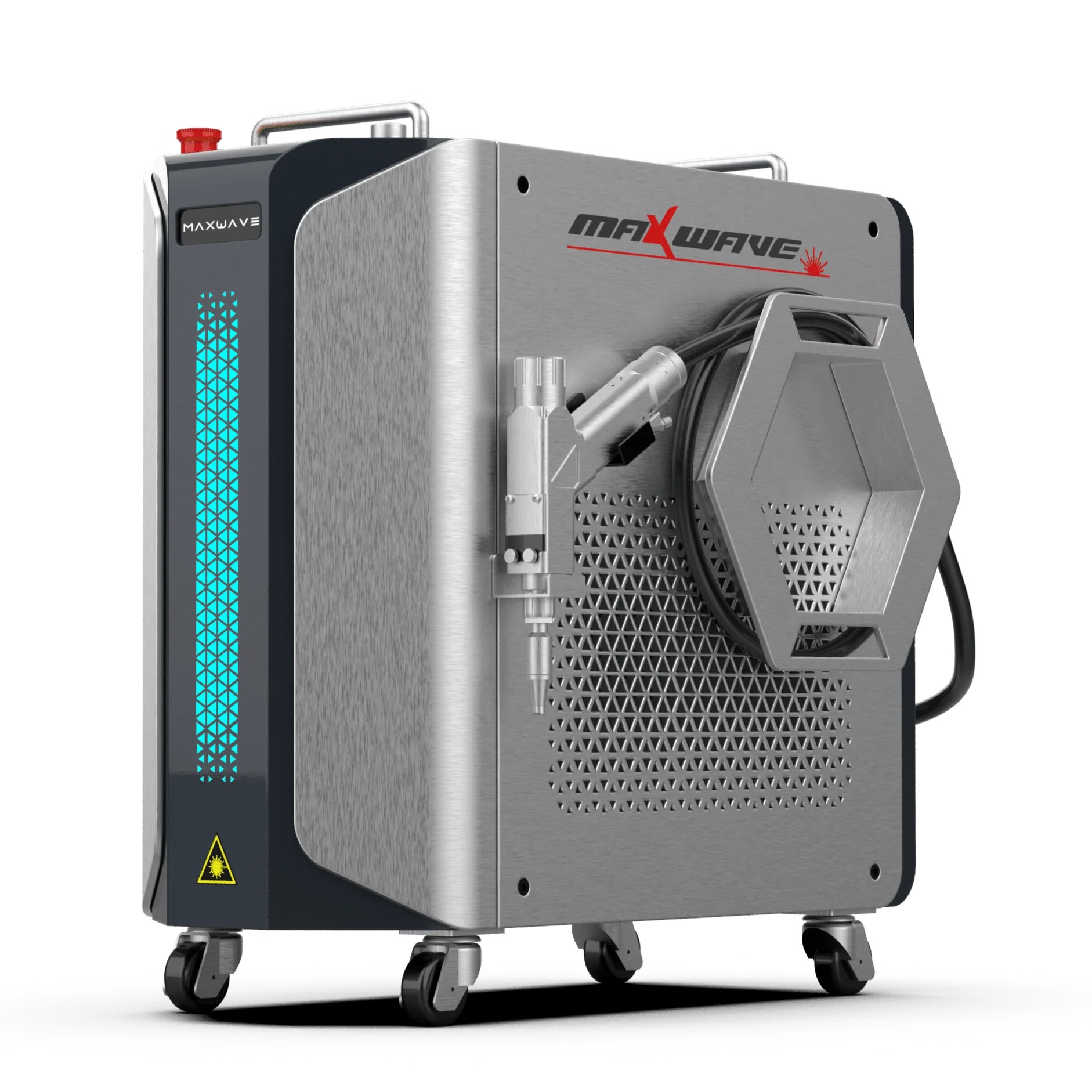
- 56 kg Body · 0.7 kg Welding Head: Easy to move · Easy to handle
- Air-Cooled Design: No external water chiller
- Modular Design: Easier maintenance and service
- Smart Welding Head: Screen · E-stop · Sensing · App
- Preset Parameters: Easy to learn · Easy to operate · Faster job changes
Built for Faster, Simpler Everyday Welding
01
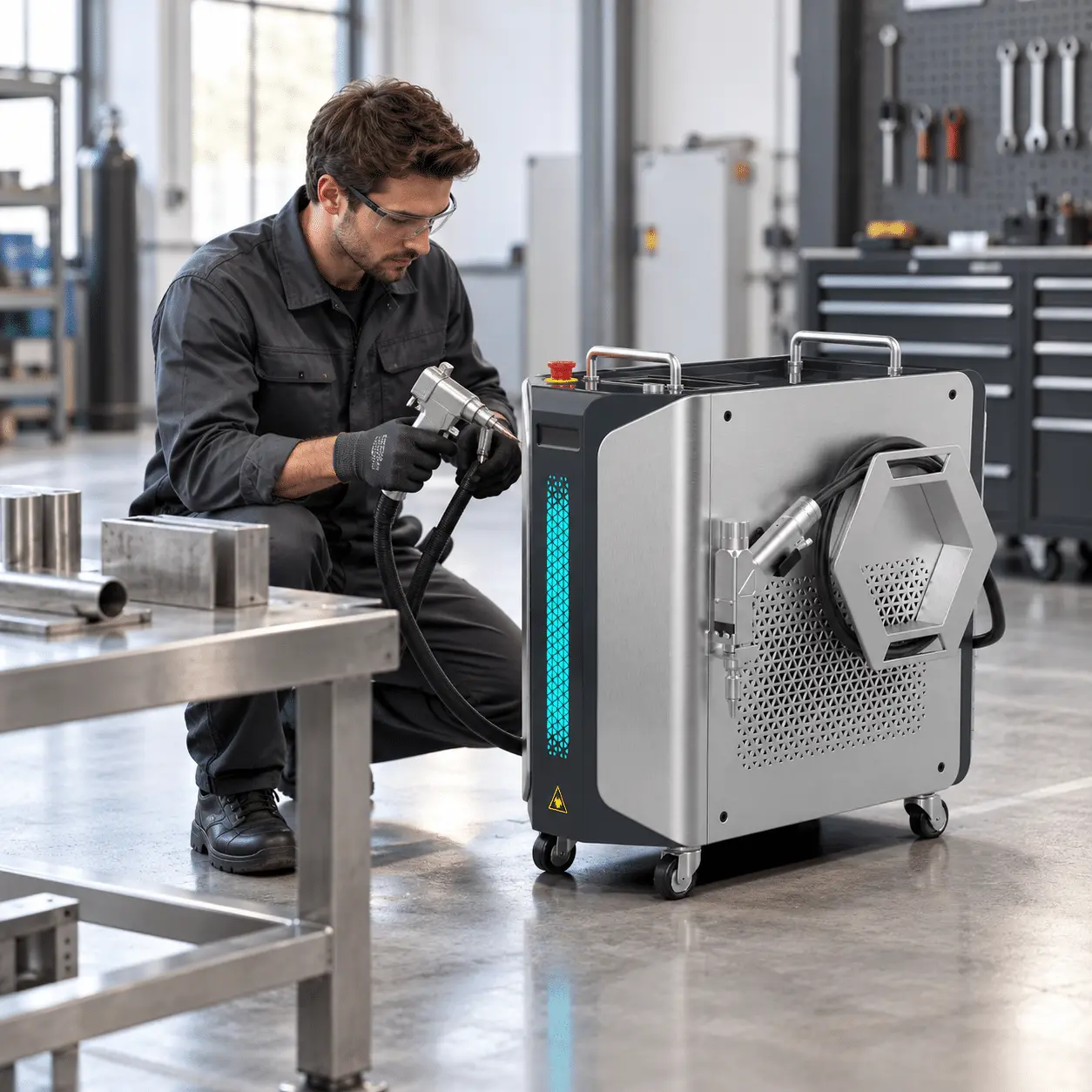
Get to Welding Faster
Air-cooled design removes the need for an external water chiller, so setup is quicker and simpler
02
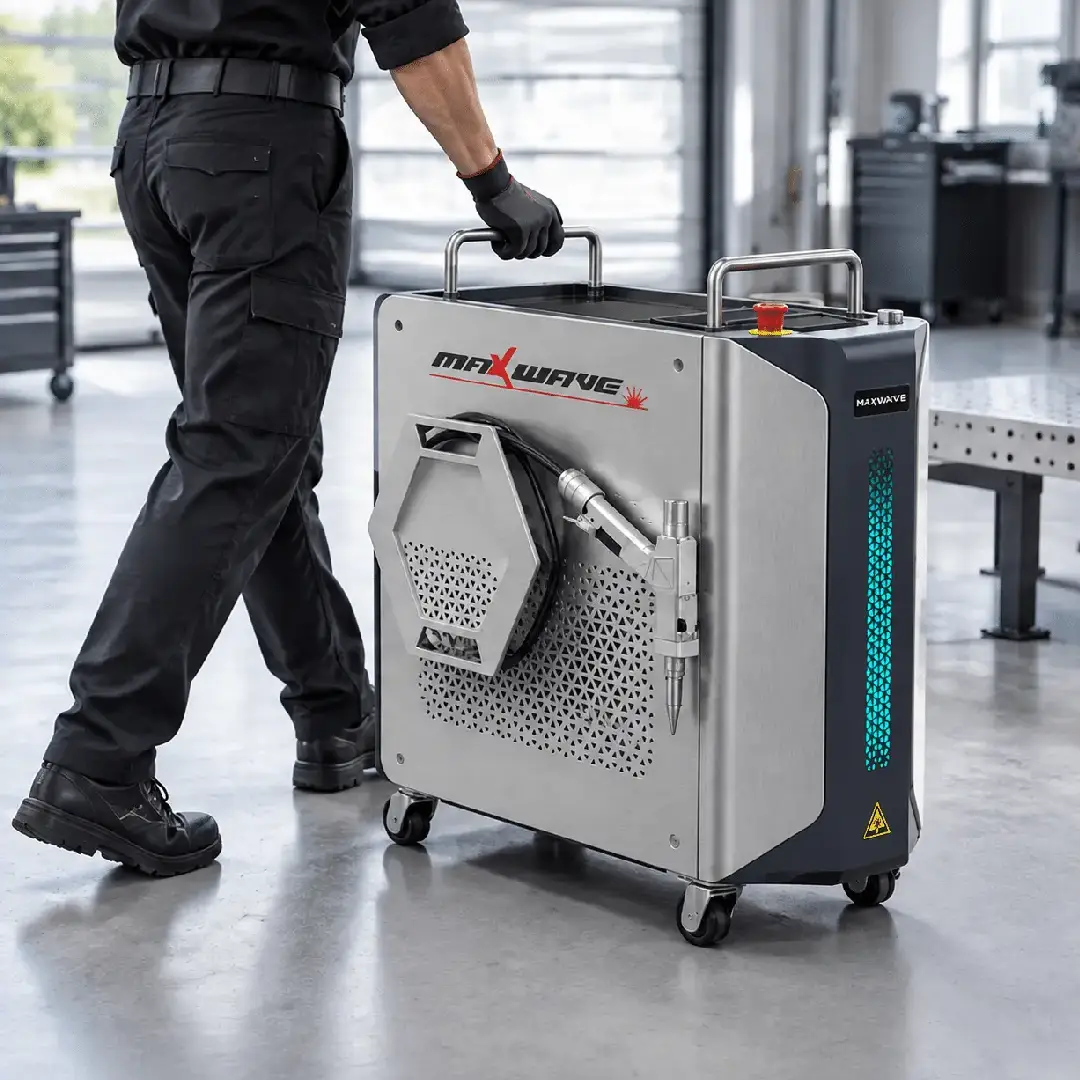
A 56 kg compact body and 0.7 kg welding head make moving and handling easier.
03
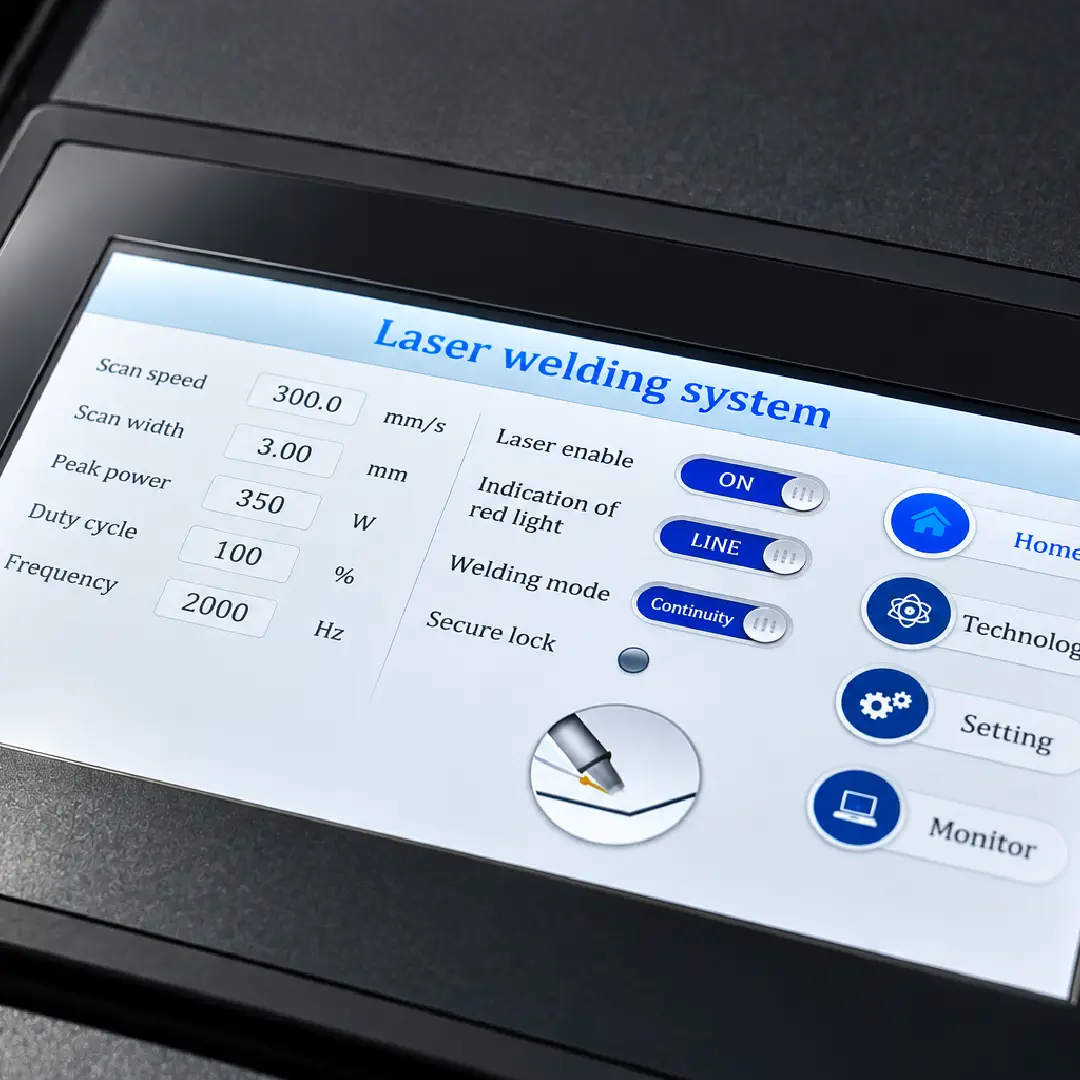
Preset parameters and an intuitive interface make job changes quicker and daily operation easier to learn.
Can It Weld Your Parts?
Material
800W
1200W
1500W
2000W
Stainless Steel
< 2 mm
≤ 4 mm
≤ 5 mm
≤ 6 mm
Carbon Steel
< 2.5 mm
≤ 5 mm
≤ 6 mm
≤ 6 mm
Aluminum
< 2 mm
≤ 4 mm
≤ 5 mm
≤ 6 mm
Iron
< 2.5 mm
≤ 5 mm
≤ 6 mm
≤ 6 mm
Real Welding Samples
Actual welding samples with the material, thickness and machine setup used for each result.
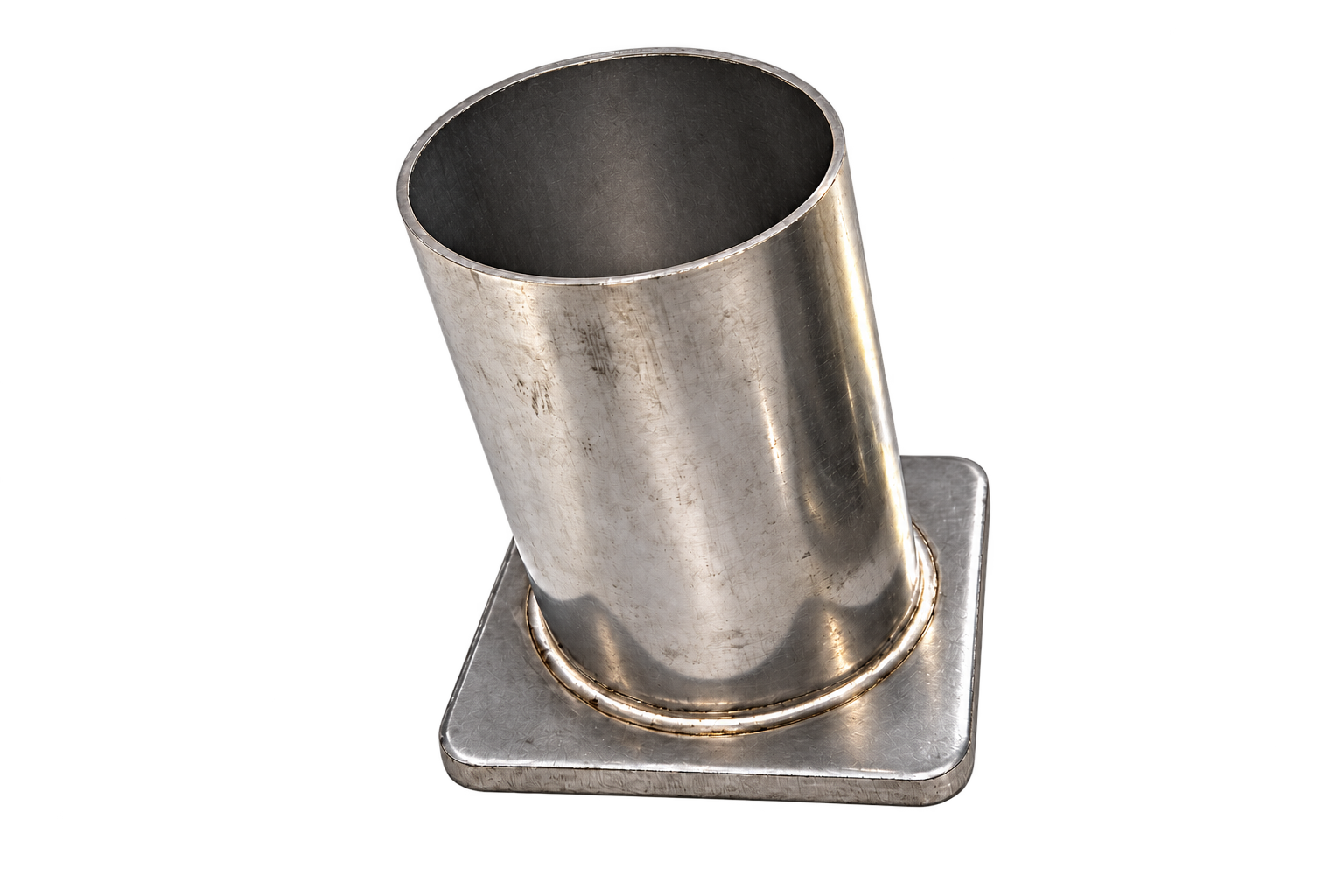
SAMPLE 01
Stainless Steel · 2 mm
POWER 1500W | JOINT Fillet Weld | WIRE 1.0 mm
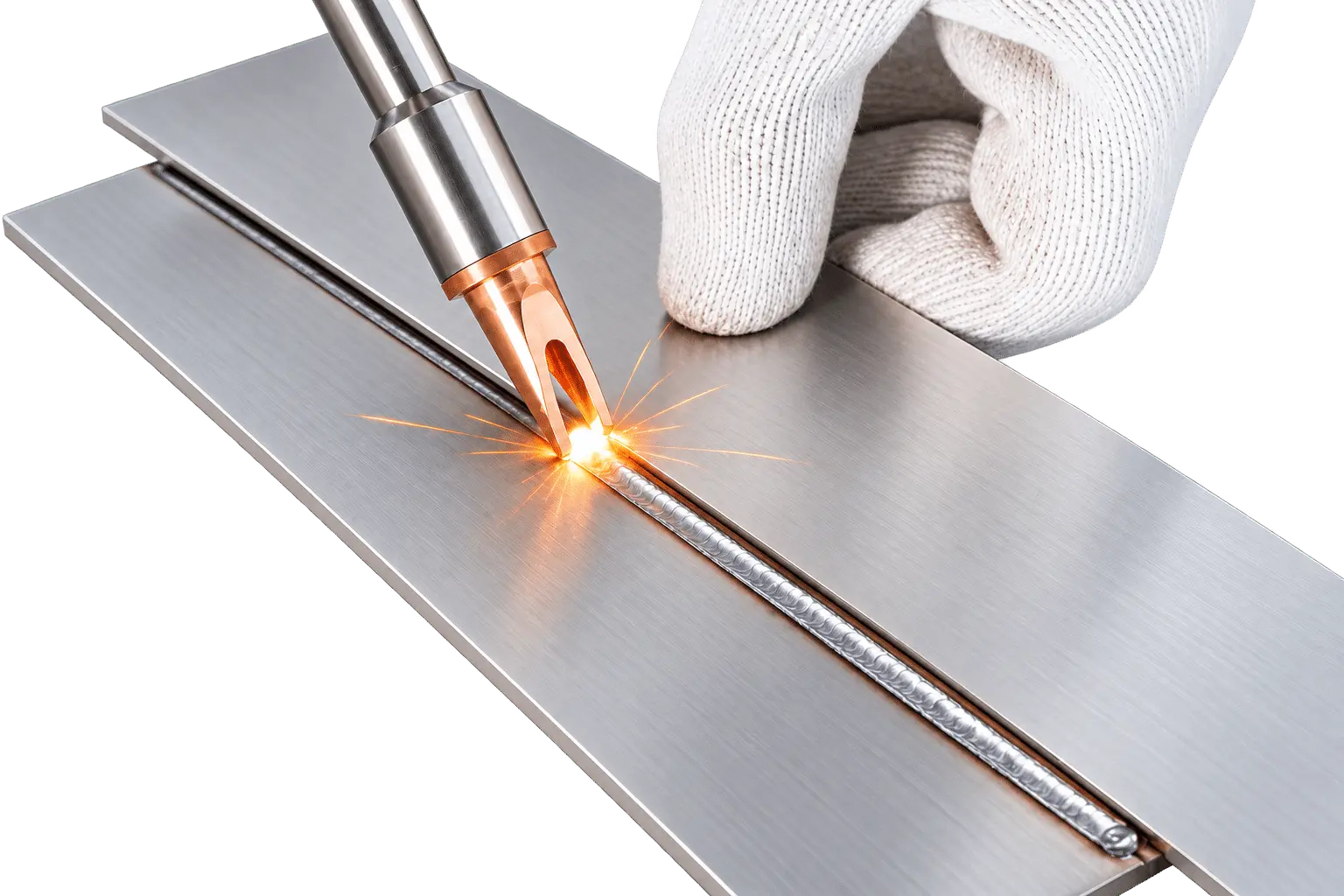
SAMPLE 02
Carbon Steel · 3 mm
POWER 1500W | JOINT Lap Weld | WIRE 1.0 mm
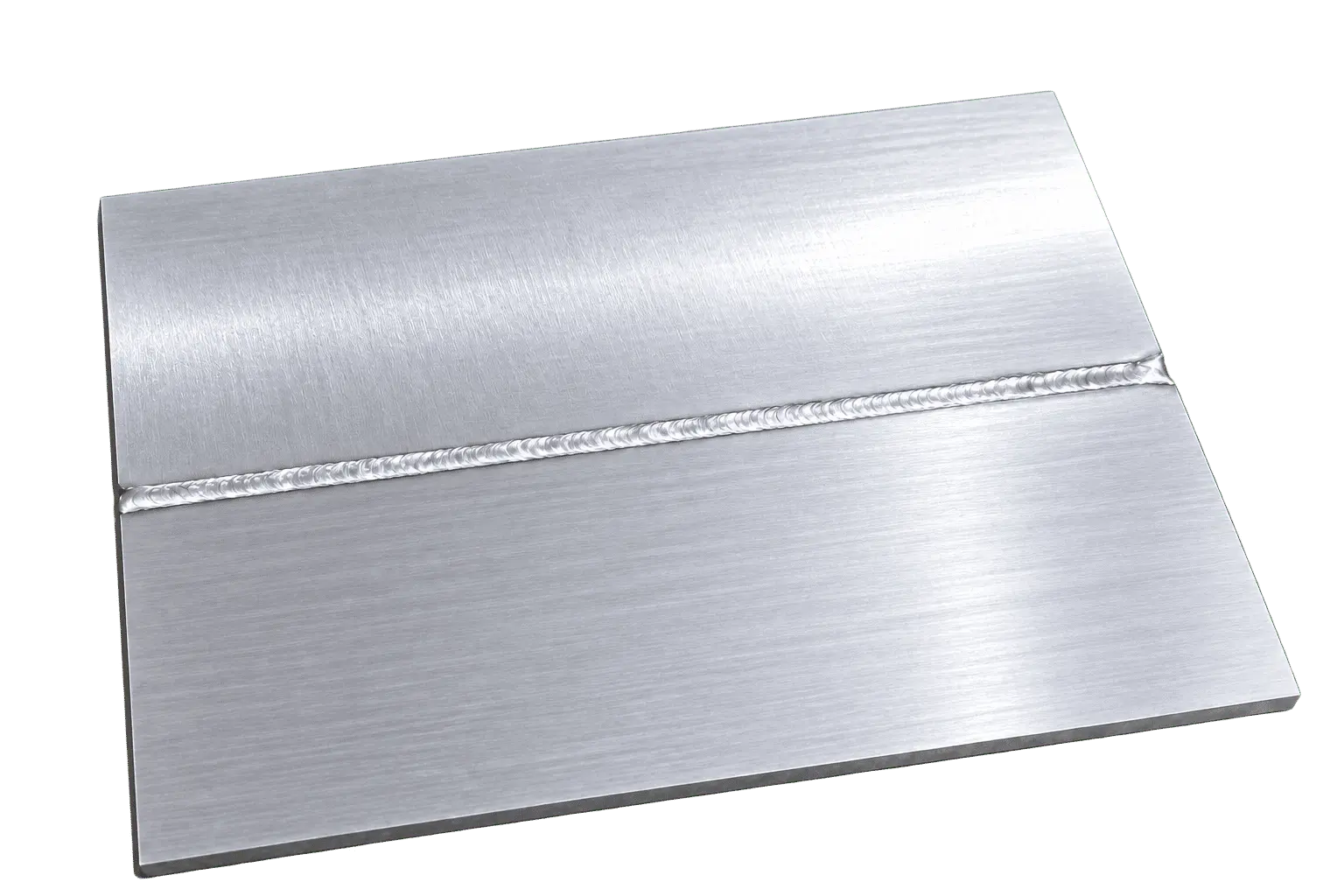
SAMPLE 03
Aluminum · 2 mm
POWER 1500W | JOINT Butt Weld | WIRE 1.0 mm
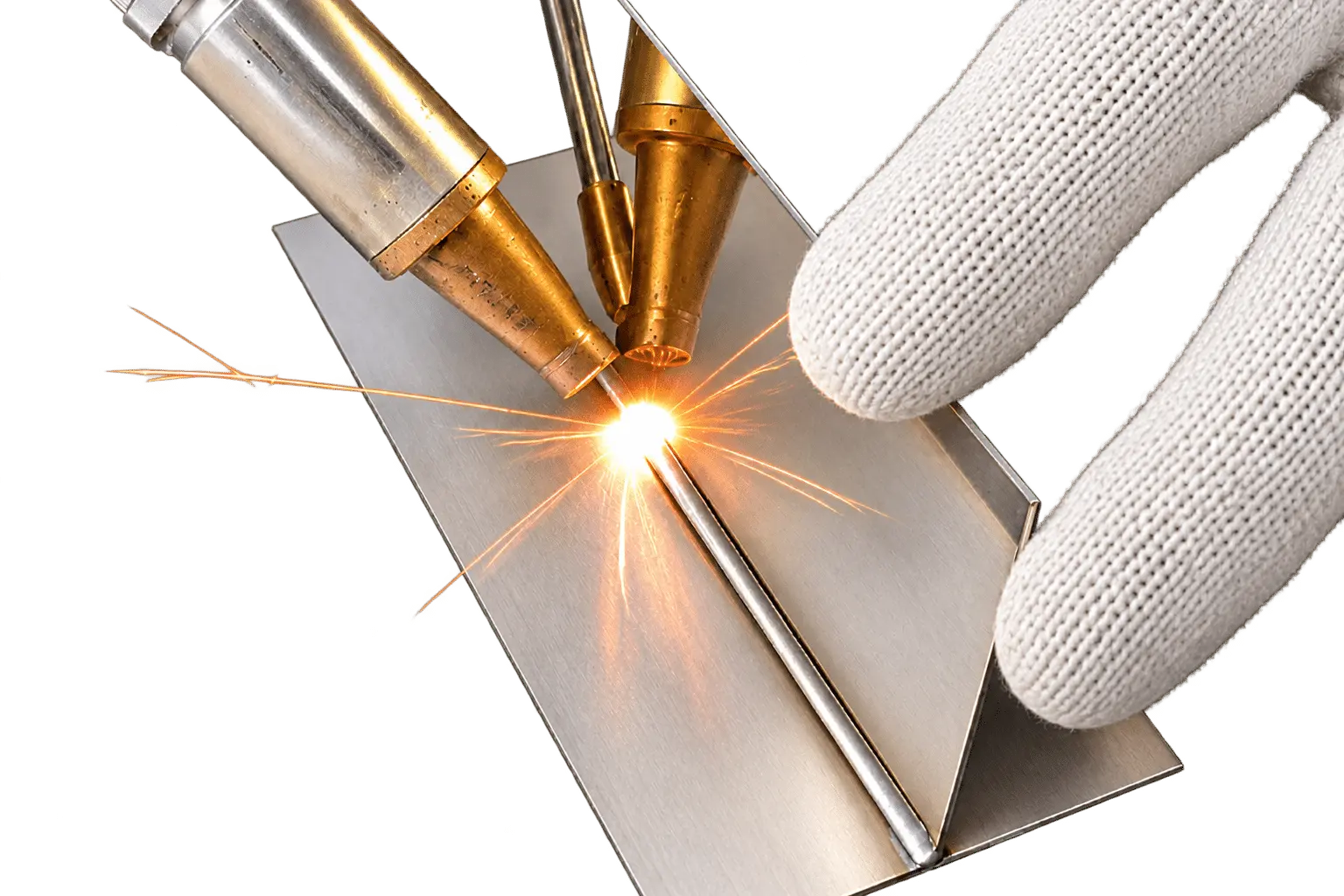
SAMPLE 04
Carbon Steel · 3 mm
POWER 1500W | JOINT Lap Weld | WIRE 1.0 mm
Where It Fits
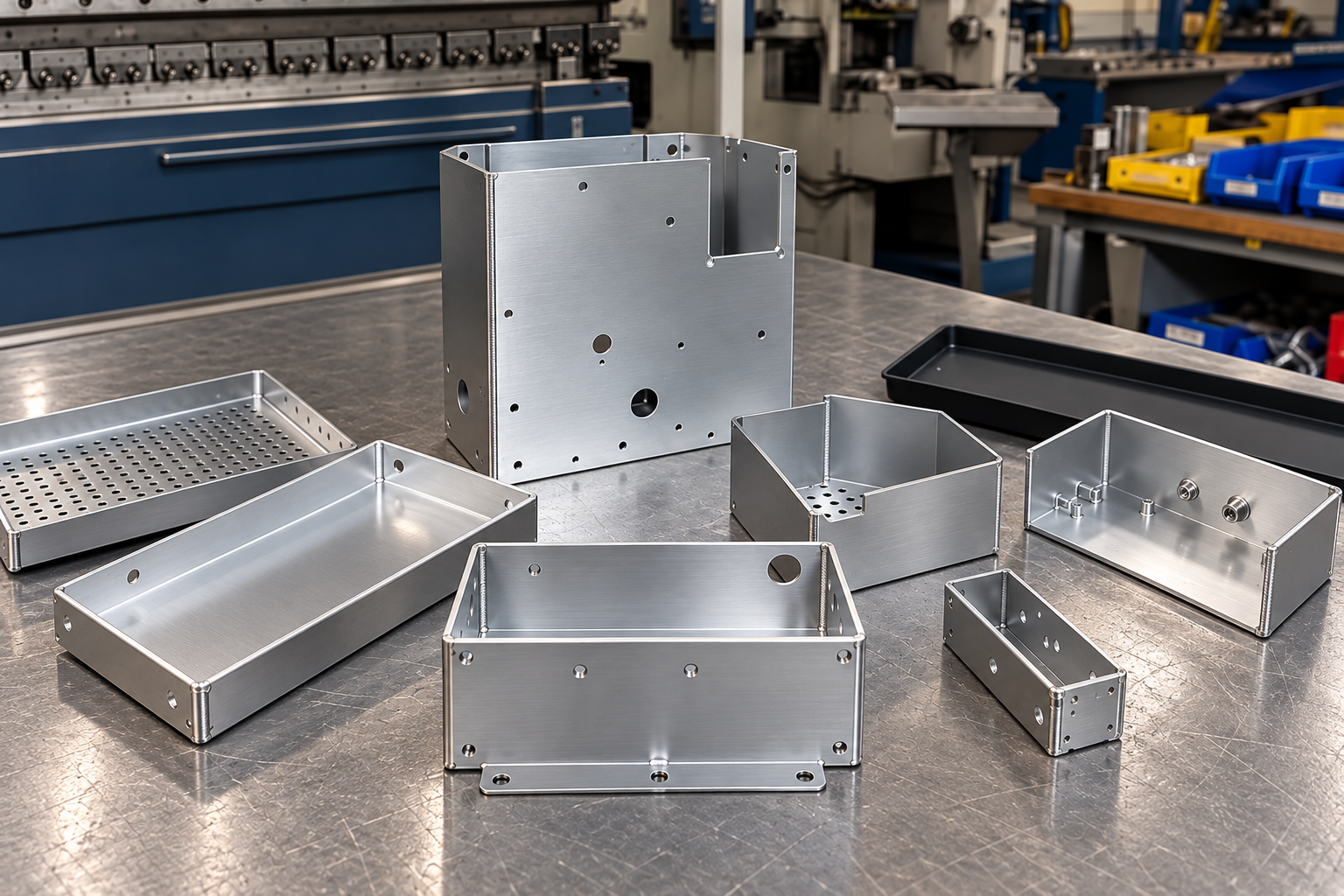
Sheet Metal & Enclosure Fabrication
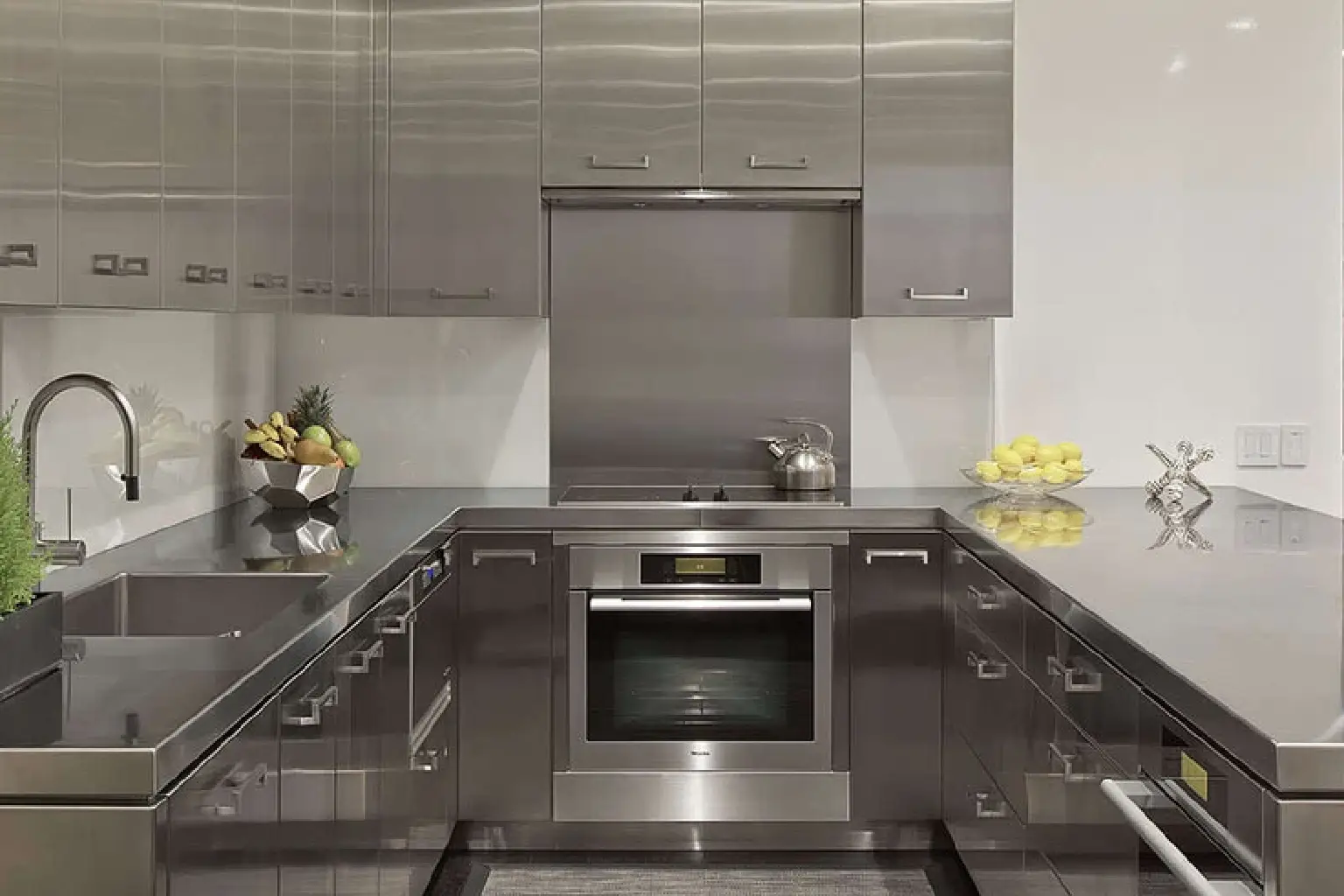
Stainless Steel & Kitchen Equipment

Doors, Railings & Architectural Metalwork
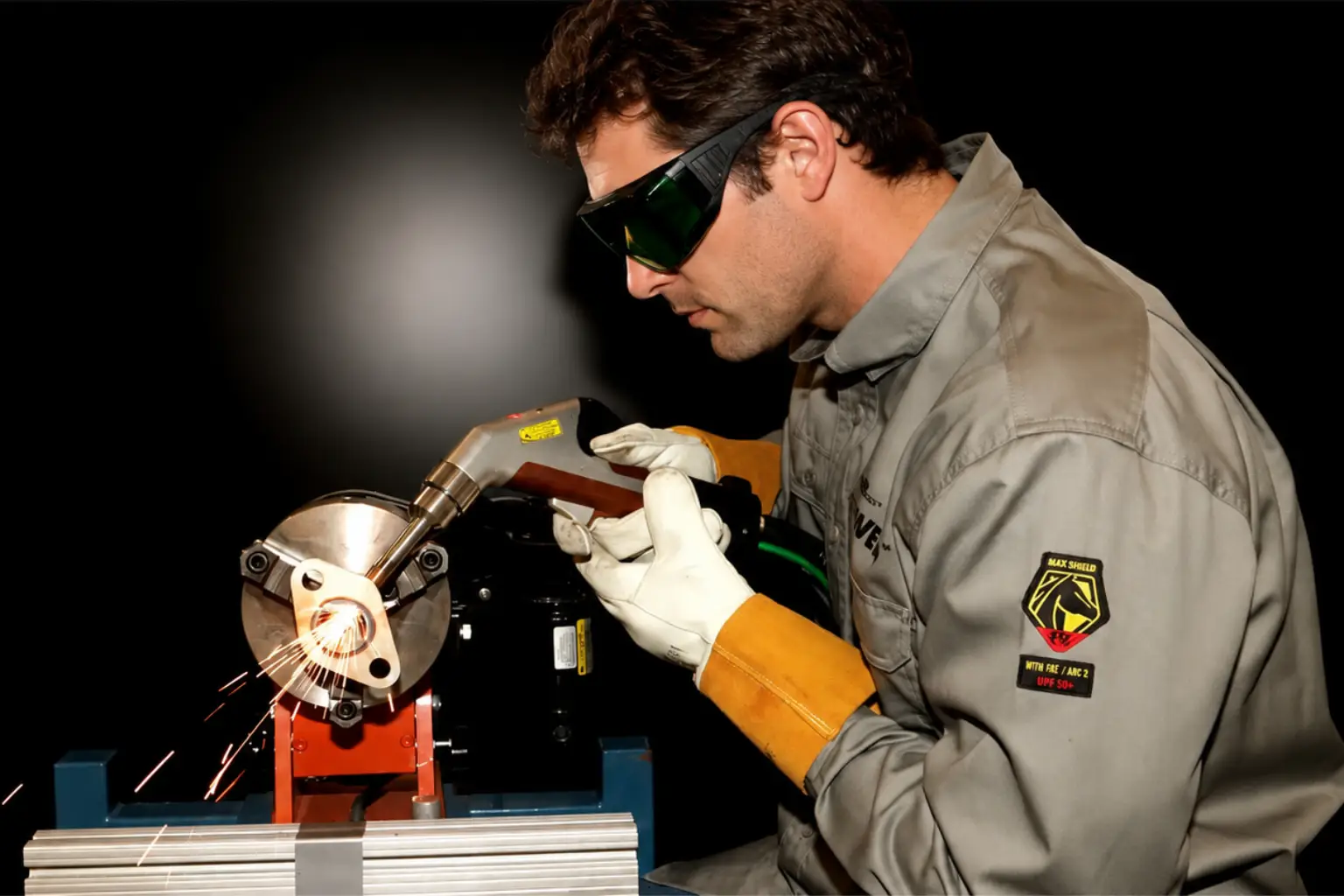
Repair & Small-Batch Fabrication
What Makes This MaxWave Laser Welder Different
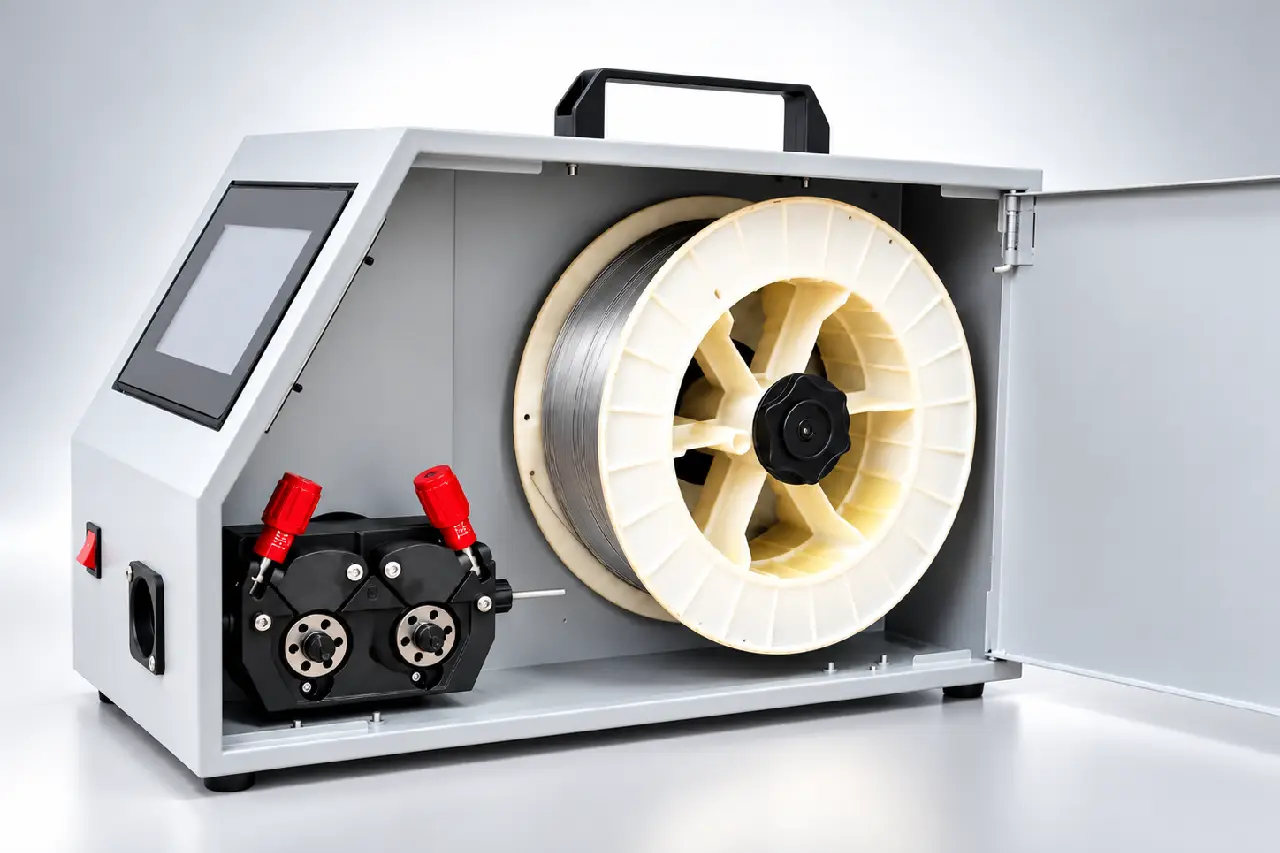
Steady Wire Feeding, Fewer Interruptions
Designed for consistent wire delivery across different welding jobs.
Stable feeding helps reduce jams and mid-weld interruptions, keeping welding more continuous with fewer stops.
WIRE RANGE 0.8–1.6 mm
MATERIALS Stainless Steel · Carbon Steel · Aluminum
Keep Welding Without Heat-Related Stops
POWER CABLE 6 mm²
COOLING Dual-Fan Design
FIBER PROTECTION Reinforced Protective Wrap
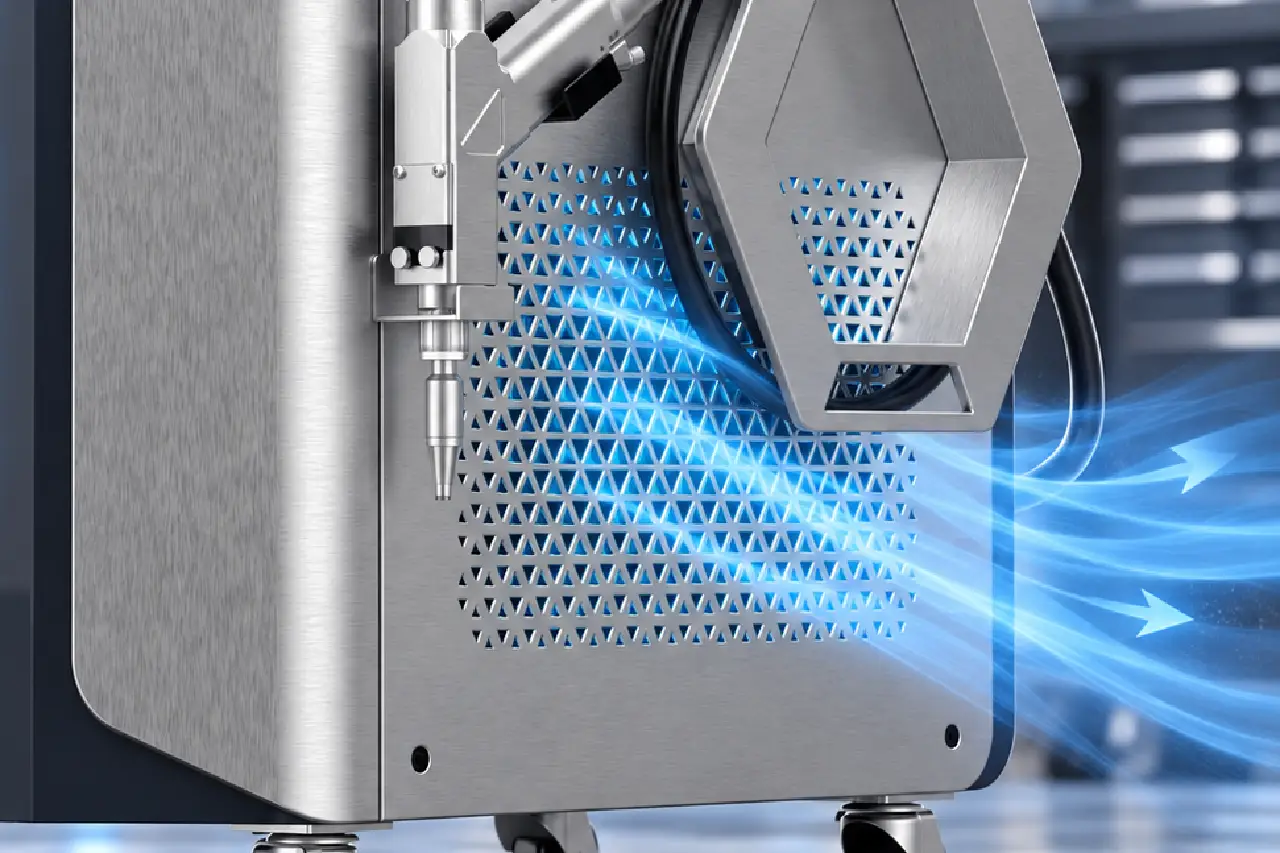
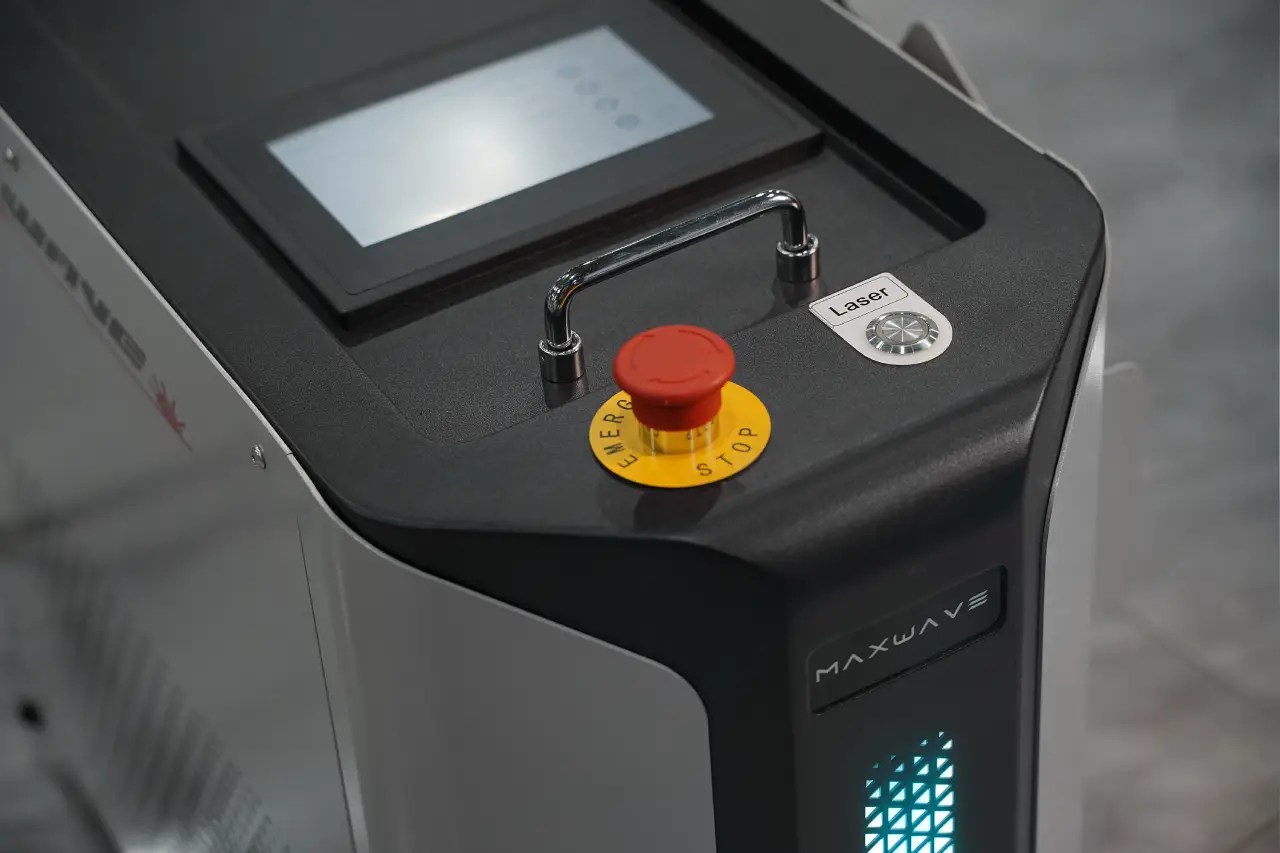
Built-In Protection Against Setup Errors
Operators get clearer feedback before and during welding, reducing avoidable mistakes and making daily operation feel safer and more predictable.
SAFETY CHECKS Gas Pressure Detection · Ground-Clamp Interlock
STATUS FEEDBACK 3-State Machine Indicator
Easier to Handle Across Long Welding Jobs
Operators can work around cabinets, frames and complex parts with less awkward handling and better control.
GUN WEIGHT 0.7 kg
CABLE LENGTH 5±0.5 m (others can be customized)
HANDHELD DESIGN Ergonomic Grip
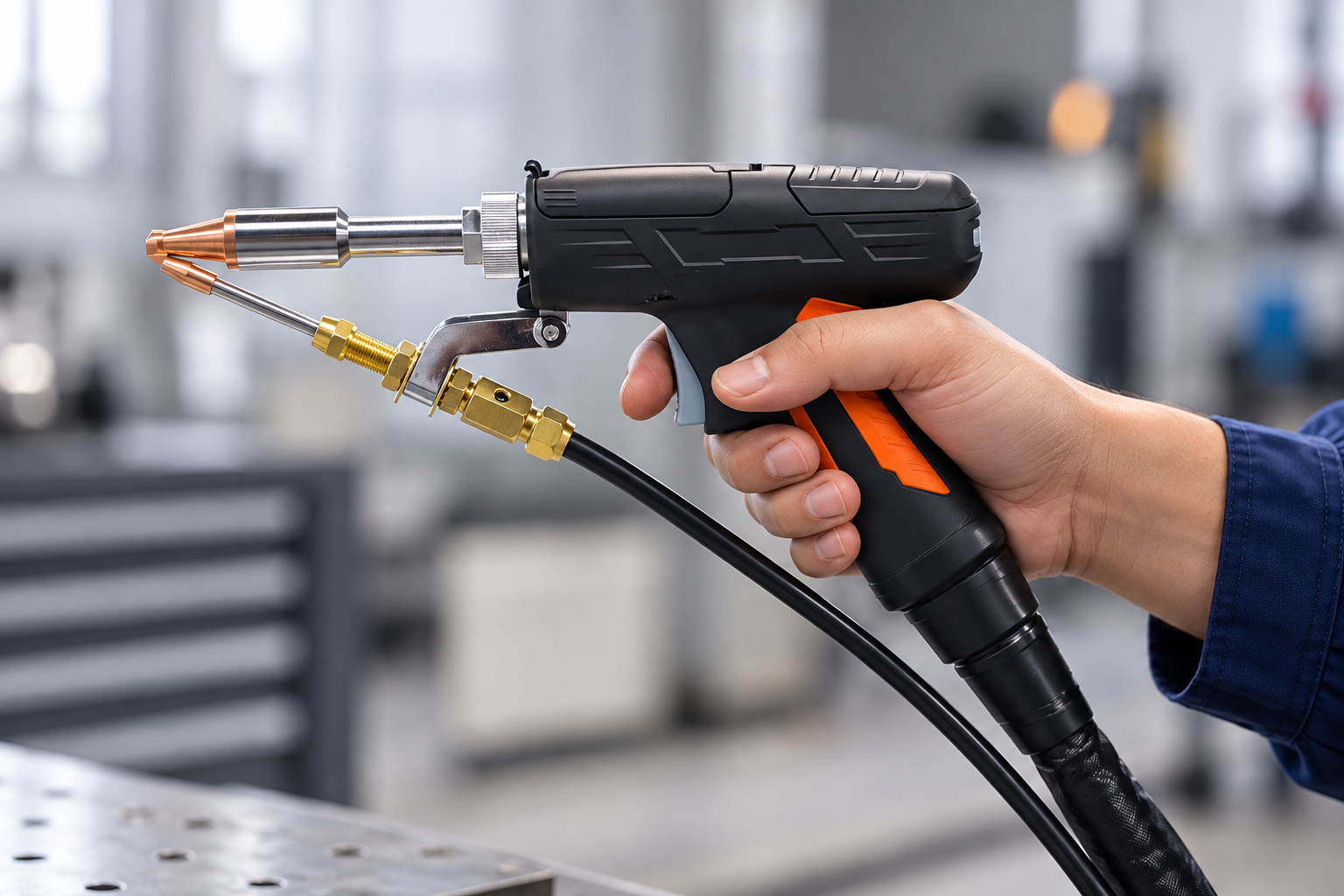
WELDING HEAD PERFORMANCE
Dual-Swing Welding Head for Real-World Joints
More tolerance for imperfect fit-up, more control over weld shape, and more stable weld formation across changing joints and materials.
01 · BETTER TOLERANCE
More Forgiving in Real-World Welding
Dual-axis beam oscillation provides wider weld coverage and more tolerance for joint variation and small positioning errors, helping operators keep the weld more consistent when fit-up or movement is not perfect.
BETTER TOLERANCE
02 · BEAM CONTROL
Match the Beam to the Joint
Multiple oscillation patterns let operators adapt beam movement to different joints, penetration requirements and desired weld appearances instead of relying on one fixed pattern.
7 ADJUSTABLE BEAM PATTERNS
03 · WELD FORMATION
More Stable Weld Formation on Difficult Materials
Beam oscillation promotes more complete molten-pool movement, helping reduce porosity and incomplete fusion while supporting smoother weld formation—especially on materials such as aluminum and copper.
BETTER WELD FORMATION
BUILT-IN CONTROL & PROTECTION
Smart Control Built Into the Welding Head
Key controls and support functions are placed closer to the operator, reducing unnecessary back-and-forth and making daily operation more direct and flexible.
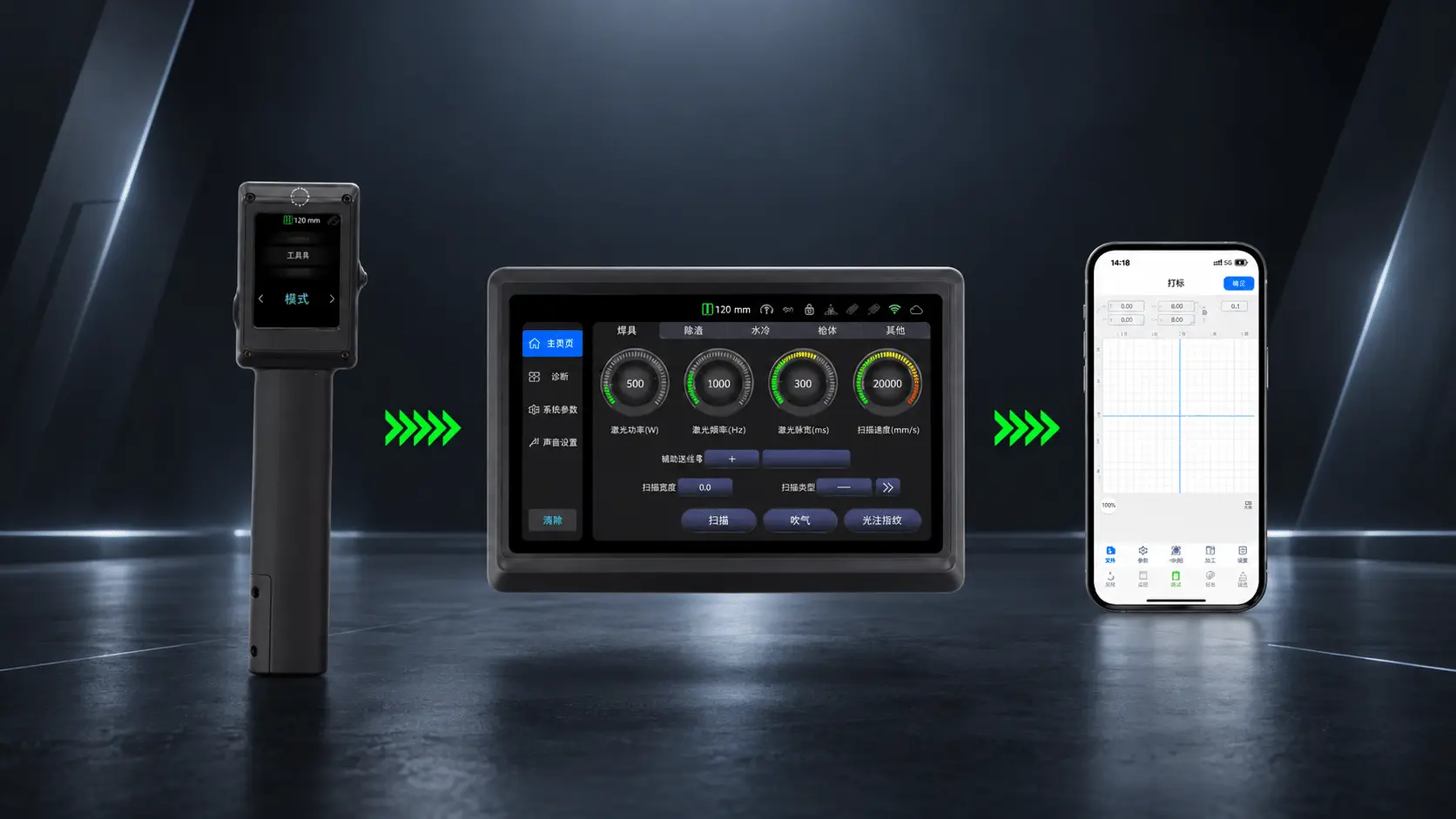
01 · LOCAL CONTROL
Adjust Without Leaving the Job
Adjust key parameters at the head without returning to the main control panel.
02 · QUICK STOP
Stop Right at the Head
Emergency stop is built right into the welding head, so operators can react instantly without reaching for the main unit.
03 · DISTANCE SENSING
Know the Right Working Distance
Distance sensing helps operators judge head position more easily instead of relying only on experience.
04 · SIDE-BLOW
Protection Right at the Work Area
Built-in side-blow adds localized protection around the working area.
05 · MOBILE APP
Custom Control from Your Phone
Mobile app support lets operators adjust supported settings and custom parameters directly from their phone.
Choose the Right Power for Your Work
Choose by material, thickness, joint and workload—not wattage alone.
POWE
BEST FOR
TYPICAL WORK
WHY CHOOSE IT
800W
Thin-Sheet & Lighter Jobs
Light fabrication, repairs & thin parts
Compact setup for lighter work
1200W
General Fabrication
Mixed daily fabrication and repair
More headroom for varied daily jobs
1500W
Regular Production Work
Frames, cabinets, railings & fabrication
More capacity for frequent welding
2000W
Higher-Capacity Work
Heavy fabrication & thick workpieces
More power for demanding jobs
WIRE FEEDING OPTIONS
Single or Dual Wire Feeding?
Choose the wire-feeding setup based on weld gap, filling demand and the kind of fabrication work you handle every day.
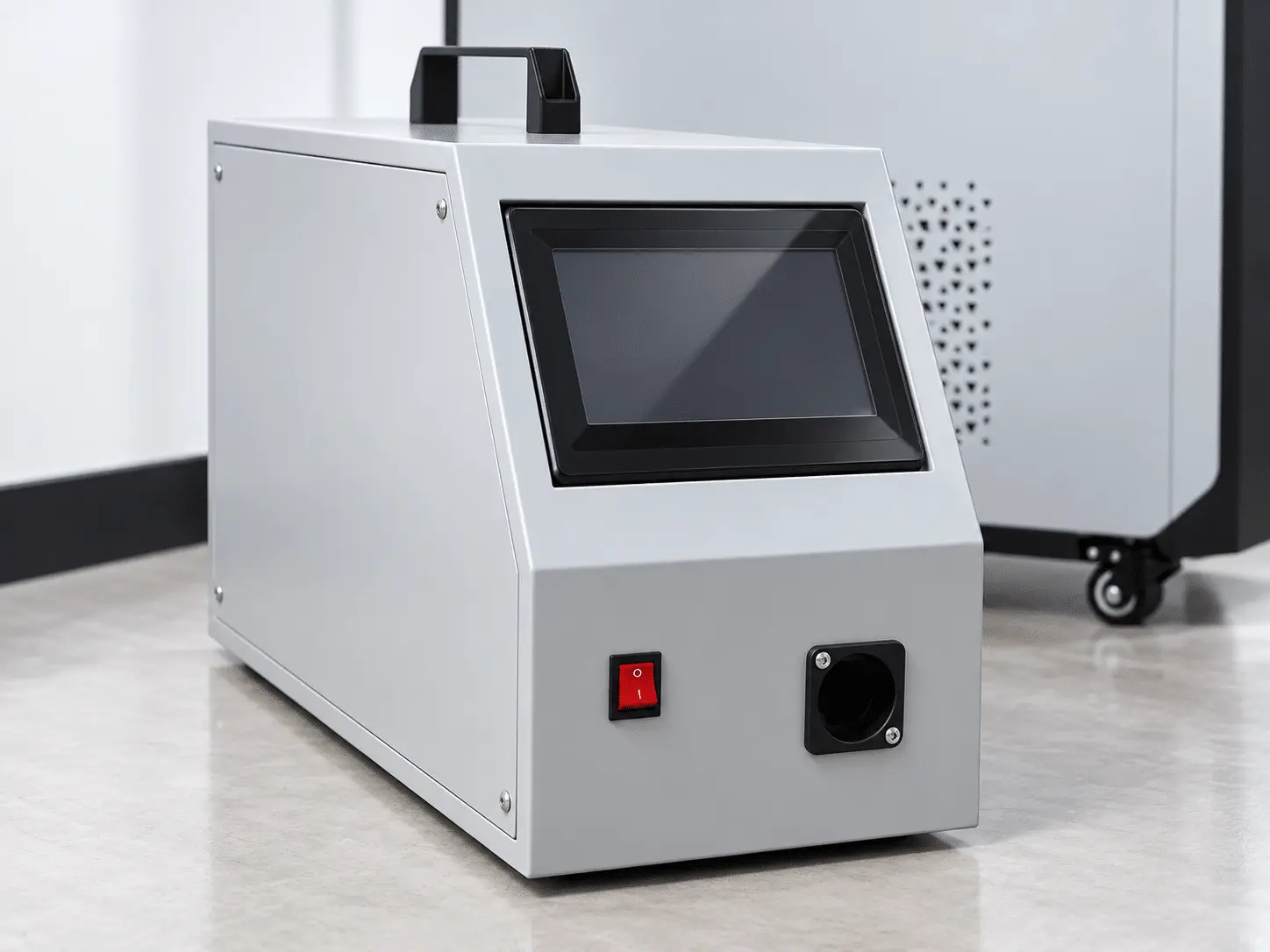
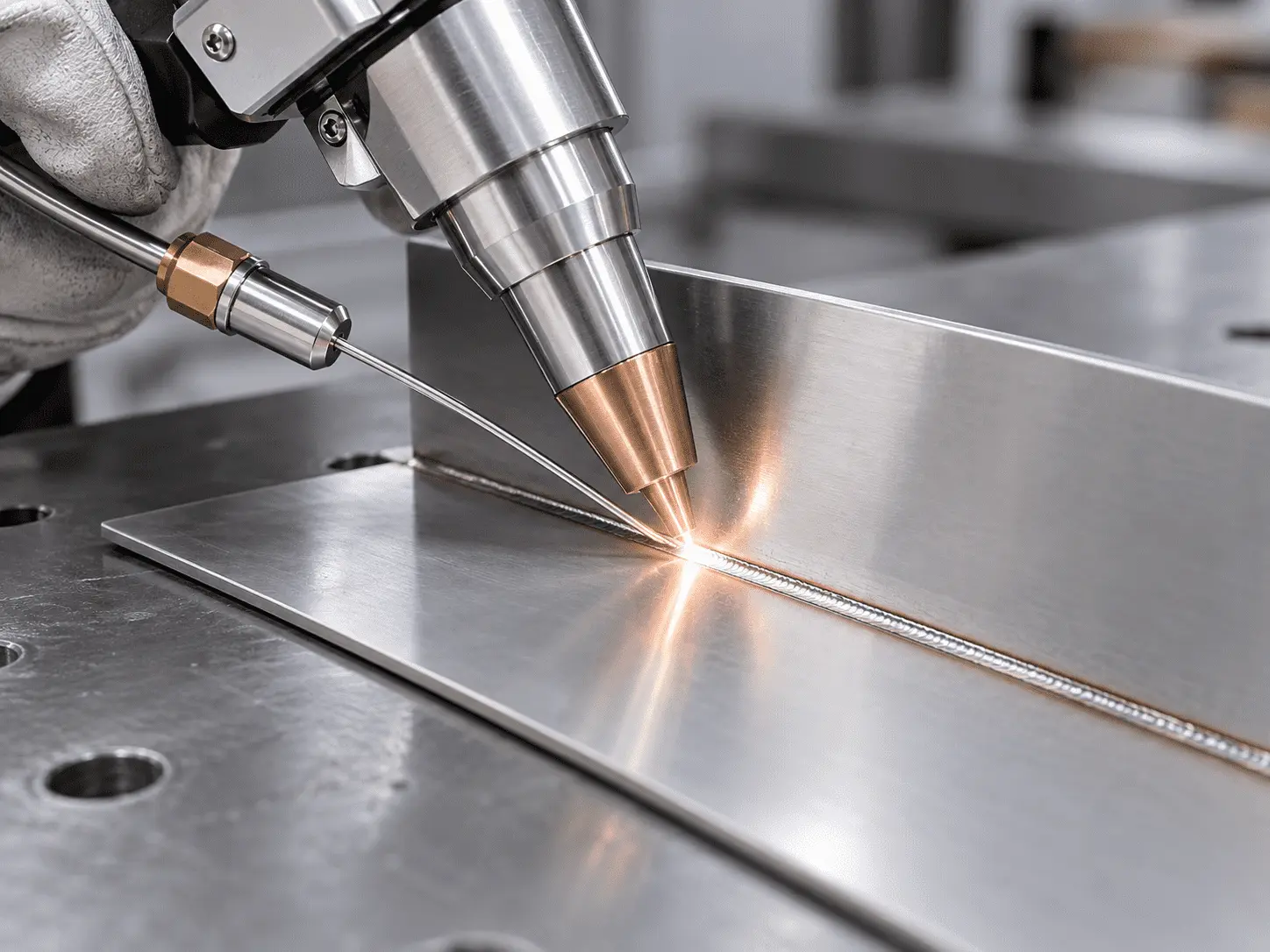
SINGLE WIRE MODE
Single Wire Feeding
A simpler, more controlled choice for thinner materials, cleaner fit-up and routine fabrication work.
Thin Sheet
Better suited to lighter sheet-metal welding.
Cleaner Fit-Up
Works well where joint gaps are already controlled.
Simpler Control
A straightforward setup for routine single-wire welding.
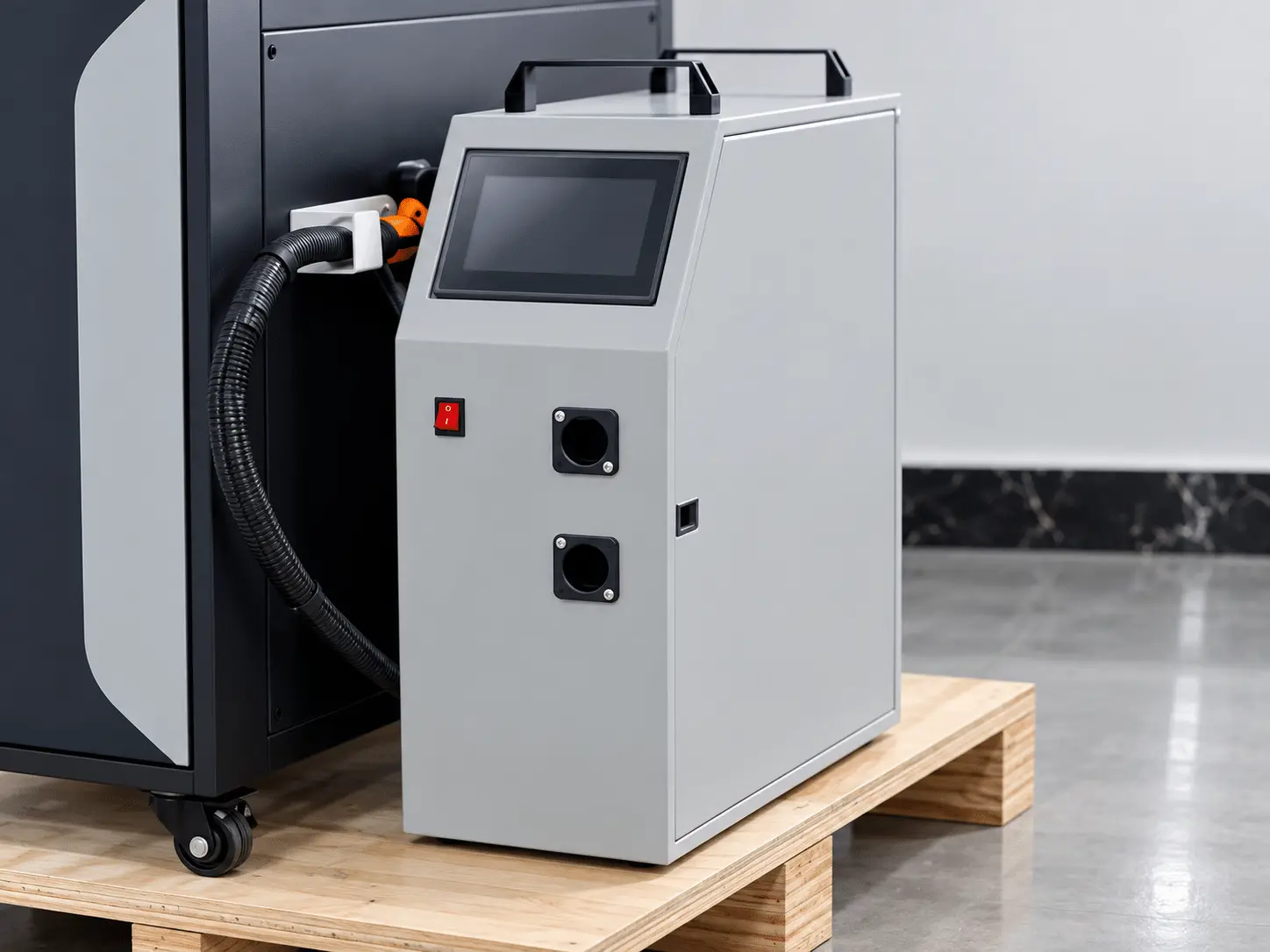
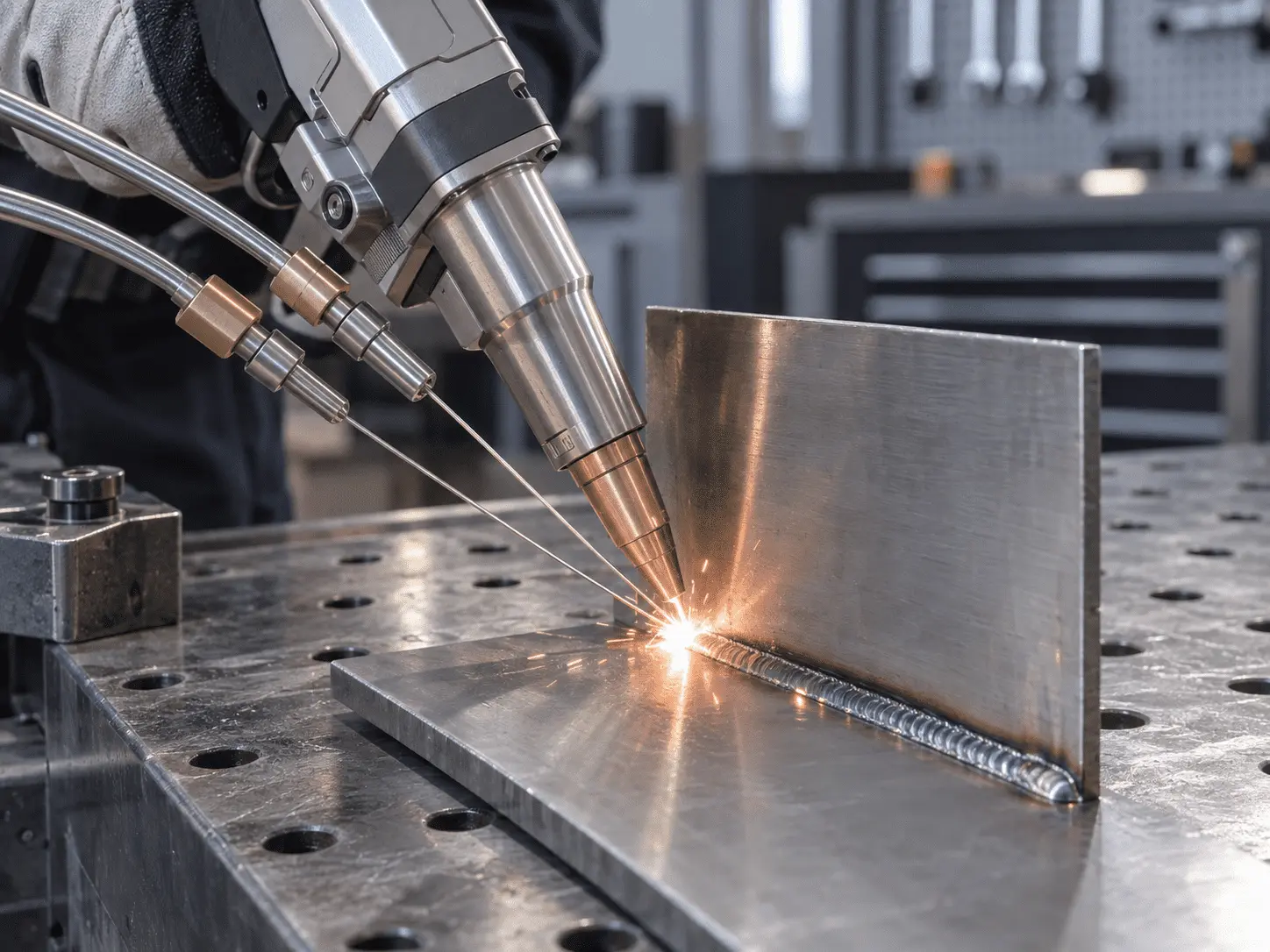
DUAL WIRE MODE
Dual Wire Feeding
More suitable for wider gaps, higher fill demand and faster deposition in heavier fabrication work.
Larger Gaps
Better suited to joints that need more filler material.
Faster Filling
More filler can be delivered into the joint during welding.
Heavier Fabrication
Better fit for thicker or higher-fill welding tasks.
Extra Functions When You Need Them.
Use the system primarily for welding, with cleaning and simple cutting available for selected jobs and configurations.
PRIMARY FUNCTION
Welding
Built primarily for everyday welding across sheet metal, fabrication and repair work.
Sheet Metal · Fabrication · Repair
EXTRA FUNCTION
Cleaning
Useful for light rust, oxide and weld-area cleanup.
Rust · Oxide · Weld Cleanup
EXTRA FUNCTION
Cutting
Suitable for basic thin-metal cutting on selected jobs.
Thin Sheet · Trim Cuts · Small Jobs
PROCESS COMPARISON
Laser Welder vs TIG & MIG
Compare operator skill, heat input and post-weld work across common fabrication jobs.
TIG
More Operator Skill
Torch angle, filler and travel speed rely heavily on operator technique.
More Heat to Control
Higher heat input can increase distortion and discoloration on thin parts.
More Post-Weld Work
Some jobs need additional grinding, straightening or finishing afterward.
MIG
Familiar, but More Process Variables
Wire, voltage and travel speed still need to match the job.
More Heat & Spatter
Heat and spatter can add distortion and cleanup on some jobs.
More Cleanup After Welding
Spatter and weld buildup can mean extra cleanup or grinding.
Laser
Easier to Learn & Set Up
Preset parameters reduce repeated adjustment between common welding jobs.
Lower Heat, Less Distortion
Focused energy helps thin parts hold their shape with a smaller heat-affected area.
Less Grinding & Finishing
Cleaner welds can reduce straightening, grinding and finishing on suitable parts.
FREE SAMPLE TEST
Prove It on Your Parts Before You Buy
Send us your material, thickness, joint details or part drawings. We’ll test the weld, record the process and recommend the right configuration before you order.
01
Send Your Part Details
Material · Thickness · Joint · Photo or Drawing
02
We Select the Configuration
Power · Parameters · Wire · Shielding Gas
03
We Weld & Record the Test
Actual Sample · Welding Process · Test Video
04
Review Before Ordering
Weld Result · Key Parameters · Recommended Setup
WHAT YOU’LL RECEIVE
A Clear Result Before You Order
Welded Sample
See the actual weld result on your own material.
Test Video
Review the welding process and operating result.
Recommended Setup
Get the suggested power, parameters and configuration.
PACKAGE & CONFIGURATION
Know Exactly What Comes With Your Machine
See what is included as standard, what you may need for routine use, and which options can be added for your application.
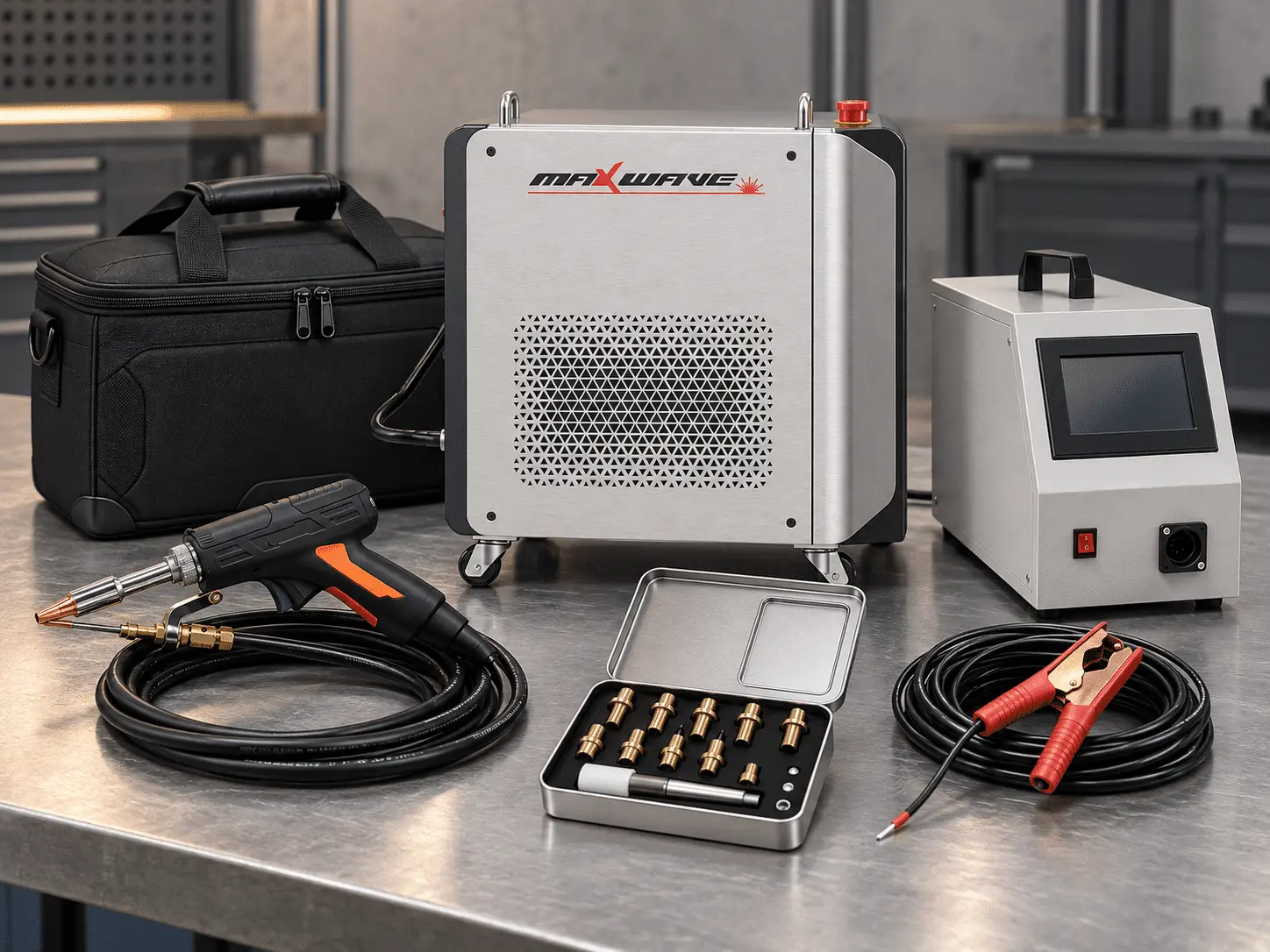
01 Included With the Machine
Main Welding Unit
Air-cooled laser welding system.
Handheld Welding Gun
Standard welding head supplied with the system.
Wire Feeder
For supported welding wire sizes.
Ground Clamp
For operating interlock and welding setup.
Standard Nozzle Set
Common nozzles for different weld joints.
Basic Tool Kit
Tools for basic setup and maintenance.
02 Consumables & Spare Parts
Protective Lenses
Routine protective consumables.
Focusing Lenses
Replacement optics when required.
Welding Nozzles
Spare nozzles for routine use.
Wire Feeding Components
Replacement parts for the wire-feeding system.
Spare consumables can be ordered with the machine to reduce future downtime.
03 Optional Add-ons
Different Wire Feeder Configuration
For selected wire-feeding requirements.
Extra Fiber Length
For a larger working range.
Additional Nozzle Sets
Extra nozzle options for different jobs.
Spare Lens Kit
Additional optical consumables.
Voltage Configuration
Matched to the final electrical requirement.
Special Welding Fixtures
For selected workpieces and applications.
Extended Accessory Package
Additional accessories based on project needs.
MAINTENANCE & CONSUMABLES
Simple Routine Maintenance. Clear Consumables.
Know what to inspect, what may need replacement, and which items users can handle routinely.
ITEM
WEEKLY
MONTHLY
YEARLY
REPLACE WHEN
Protective Lens
Inspect & clean
Check marks / scratches
—
Contaminated or damaged
Nozzle
Clean spatter
Check wear / deformation
—
Worn or deformed
Wire Feeder
Check feeding path
Clean rollers / tension
Full inspection
Unstable feeding
Airflow
Clean inlet / outlet
Check dust buildup
Full airflow check
No replacement schedule
Fiber Cable
Visual check
Check sheath / bends
Full condition check
Cable or cover damaged
Welding Wire
Check remaining supply
—
—
When consumed
Routine consumables and spare parts can be ordered with the machine for easier future maintenance.
EASY DAILY OPERATION
Set the Job. Select the Parameters. Start Welding.
Preset settings and a clear control interface reduce repeated setup, helping operators move from startup to welding with fewer steps and less trial-and-error.
SITE READINESS
What You Need to Run It in Your Shop
Confirm power, shielding gas, grounding, workspace and laser-safety requirements before the machine ships.
BEFORE SHIPMENT
Power · Gas · Grounding · Ventilation · Safety
01 Power Supply
Prepare a stable power supply that matches the confirmed machine specification. We’ll confirm the required voltage, frequency and circuit requirements before shipment.
02 Shielding Gas
Prepare the recommended shielding gas, regulator and connection for your welding application. Gas requirements will be confirmed based on the material and process.
03 Grounding
Provide reliable electrical grounding and make sure the work clamp has clean, secure contact with the workpiece before welding.
04 Fume Control
Prepare suitable ventilation or local fume extraction for the materials being welded, keeping welding fumes away from the operator and machine airflow.
05 Laser-Safe Work Area
Set up a controlled welding area with appropriate laser protection, PPE and restricted access to keep operators and nearby personnel protected during use.
SUPPORT AFTER DELIVERY
Support That Continues After Your Machine Arrives
From first startup to troubleshooting, maintenance and spare parts, our team provides practical support to keep your machine running and your operators moving forward.
01
SETUP GUIDANCE
Everything operators need to get started with confidence from day one.
Installation & Operation Materials
Manuals and videos cover setup, startup, basic operation and maintenance.
On-Machine Guidance
Operating labels and safety notices help operators identify key steps directly on the machine.
02
ENGINEER SUPPORT
Real engineer support when you need more than a manual.
Remote Technical Guidance
Share photos or video with our engineers for remote diagnosis and step-by-step guidance.
Operator Support
Get help with machine operation, parameter adjustment, wire feeding and common operating questions.
Translation Support
Online technical communication can be supported with translation when needed.
03
ONGOING SUPPORT
Support continues after startup, so you’re not left on your own once the machine is running.
7×24 Support Availability
Our after-sales team is available 7 days a week, 24 hours a day for technical support requests.
Regular Follow-Up
Our service team follows up on machine use, answers questions and provides maintenance recommendations.
Machine Service Records
Each machine can be linked to a customer service record, helping our team review previous information and locate problems more efficiently.
Spare Parts & Warranty
A dedicated spare-parts manager helps arrange replacement parts and cross-border dispatch, with 2-year parts warranty support according to the supplied terms.
Technical Specifications
Output power (W)
800~2000
Operating mode
Continuous mode/Pulse mode
Output laser wavelength (nm)
1080±10
Power stability
±5%
Maximum modulation frequenc
10kHz
Laser response time
< 30us
Indicated laser wavelength (nm)
650
Indicates optical power adjustable range (milliwatts)
<1
Swing mode
simple pendulum
Swing width
0~5mm
Laser incident mode
Coaxial
Protective mirror specifications
D18*2
Supporting optical cable length (m)
5±0.5 (others can be customized)
Working environment temperature range (℃)
-10~40
Input voltage
≤4.5kWh
Power consumption
≤4.5kWh
Working environment humidity range
s95 degrees
Dimension(cm)
77 x 47 x 60 (L×W×H)
Machine weight(kg)
56
MaxWave Handheld Laser Welder FAQS
Thinking about switching to a handheld laser welder? Below are the most common questions customers ask before buying—covering ease of use, material compatibility, safety, and real-world performance. Whether you’re concerned about how quickly you can get started, what materials you can weld, or how it performs in daily workshop use, these answers will help you understand the real benefits and make a confident, informed decision.
What Is the Operating Cost Compared to Tig or Mig Welding?
How Safe Is a Handheld Laser Welder to Operate?
Handheld laser welders feature built-in safety protections and are safe for daily use with proper goggles and basic training.
Is a handheld laser welder worth buying?
Yes. It delivers 2–10× faster welding, lower labor costs, minimal distortion, and consistent quality, making it a cost-effective upgrade from traditional welding methods.
How Can a Handheld Laser Welder Boost Your Business?
Handle more jobs, weld more materials, and boost your daily output-all with one machine.From thin sheet metal to thicker parts, achieve clean, high-quality welds faster thantraditional methods. With minimal training, even beginners can get started quickly anddeliver professional results. Reduce rework, save time, and lower labor costs-ideal forworkshops, repair services, and growing fabrication businesses.
Start Welding Smarter Today
Find the Right Laser Machine for Your Needs
Tell us what you want to make — we’ll recommend the best machine for you.
- Not sure which machine to choose? We’ll help you
- Easy to use — even for beginners
- Fast reply within 12–24 hours