
MAXWAVE COLLABORATIVE ROBOT ARM
One Collaborative Robot Arm. More Ways to Automate.
- Versatile Applications: Welding · Assembly · Pick & Place · Machine Tending
- Flexible 6-Axis Motion: Dual-Joint Design · ±360° Joint Range
- Multiple Payload Options: 3–15 kg Payload · 590–1300 mm Reach
- Easy Programming: Graphical Interface · Intuitive Operation
- Flexible Integration: TCP/IP & Modbus · Tool & Sensor Support
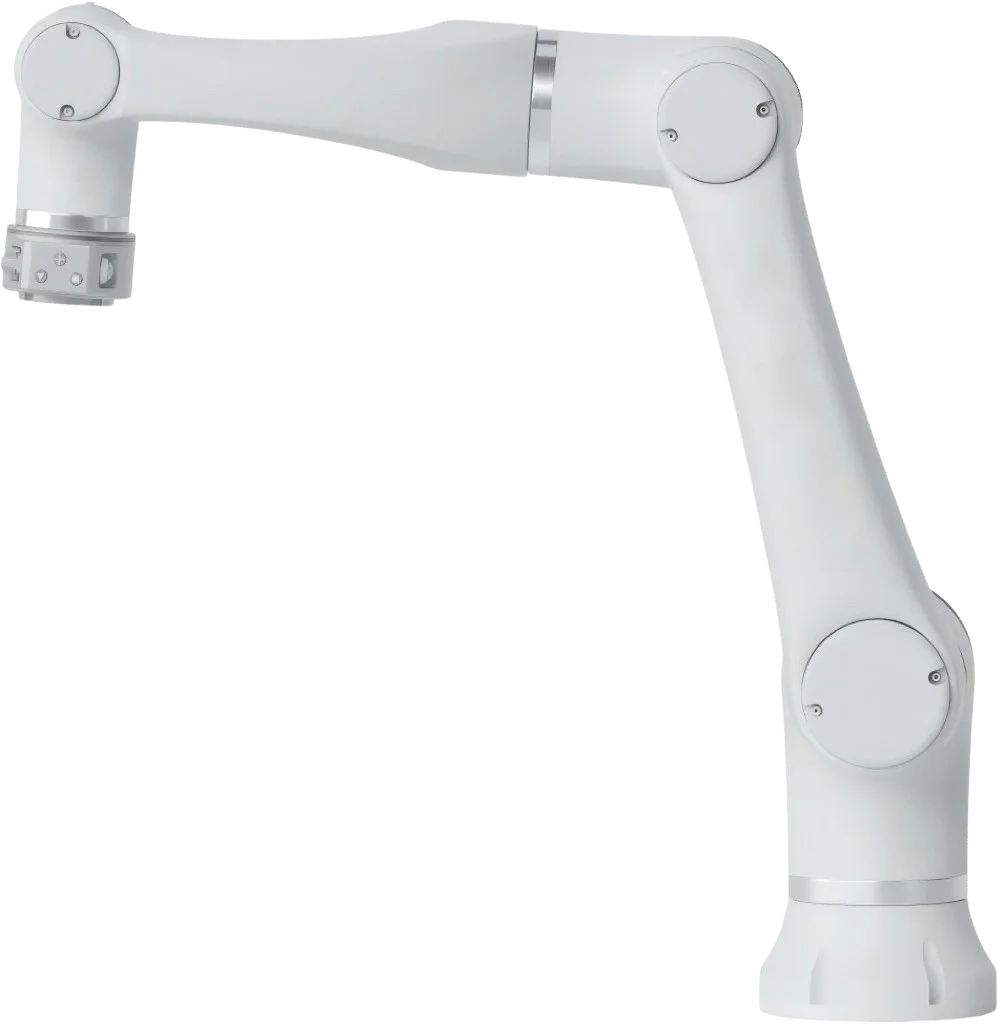
Built to Fit Your Work, Not the Other Way Around
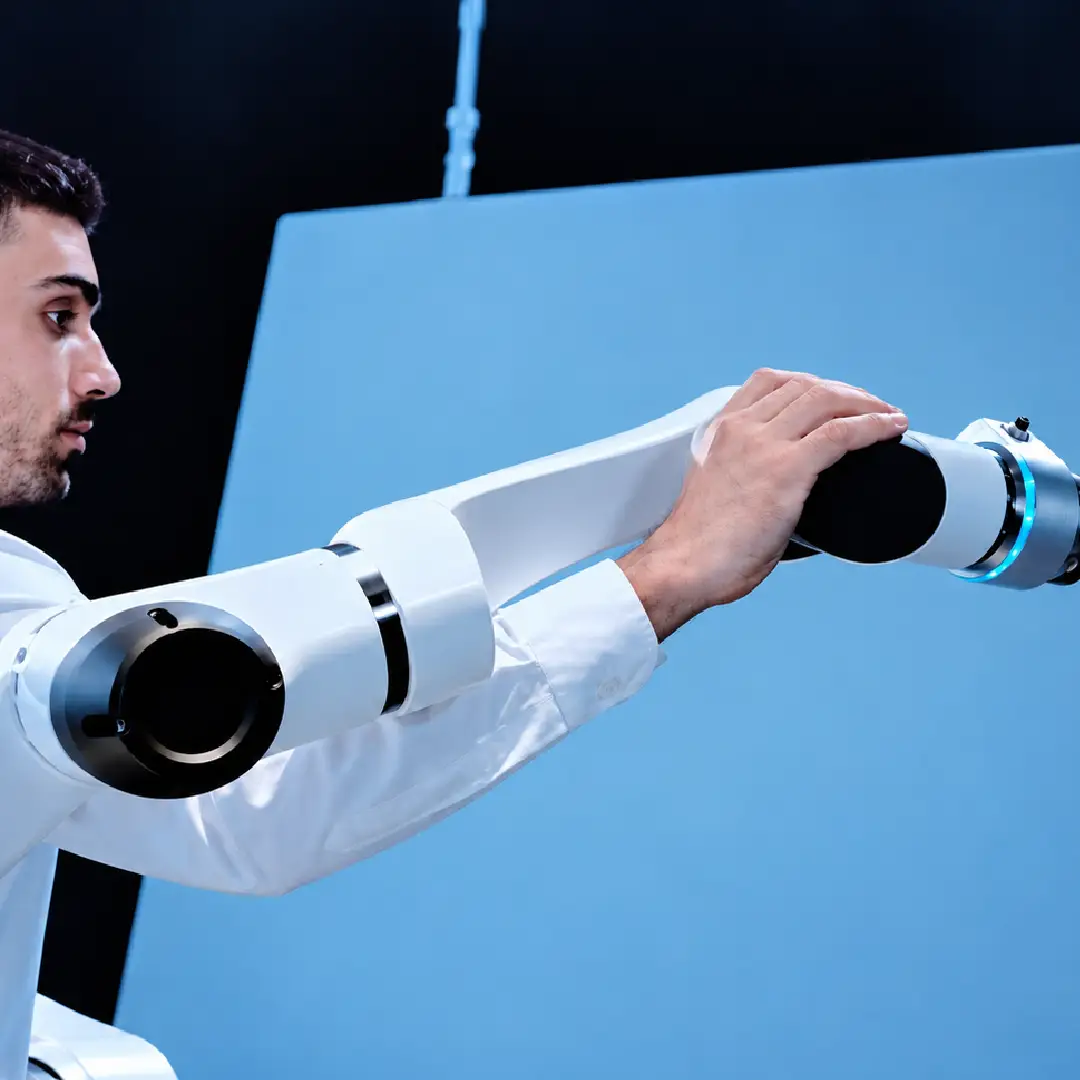
01
Reach More, Reposition Less
Dual-joint design and ±360° joint movement provide greater flexibility in tight spaces.
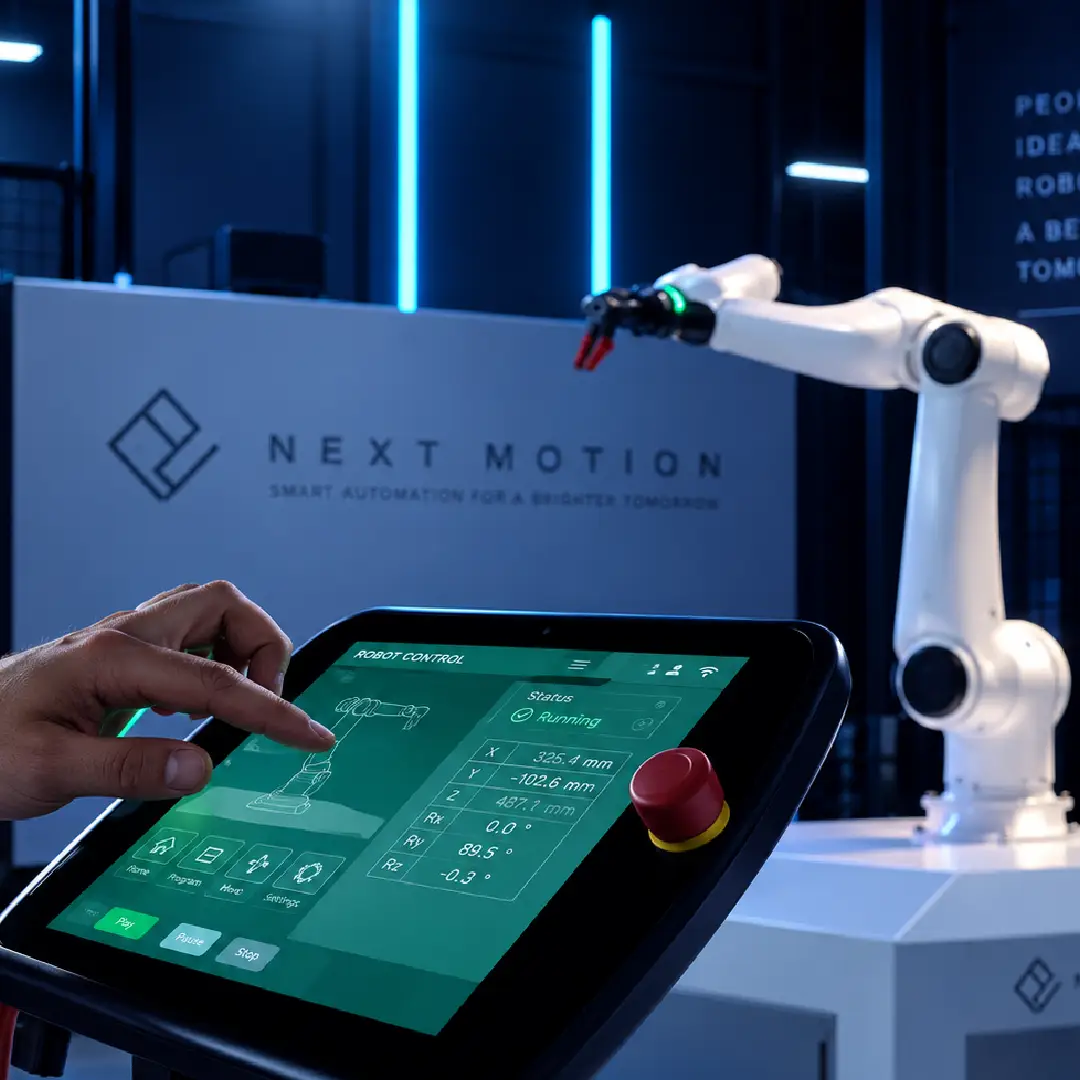
02
Program Easily, Adjust Quickly
Intuitive graphical programming simplifies robot setup and task adjustments.
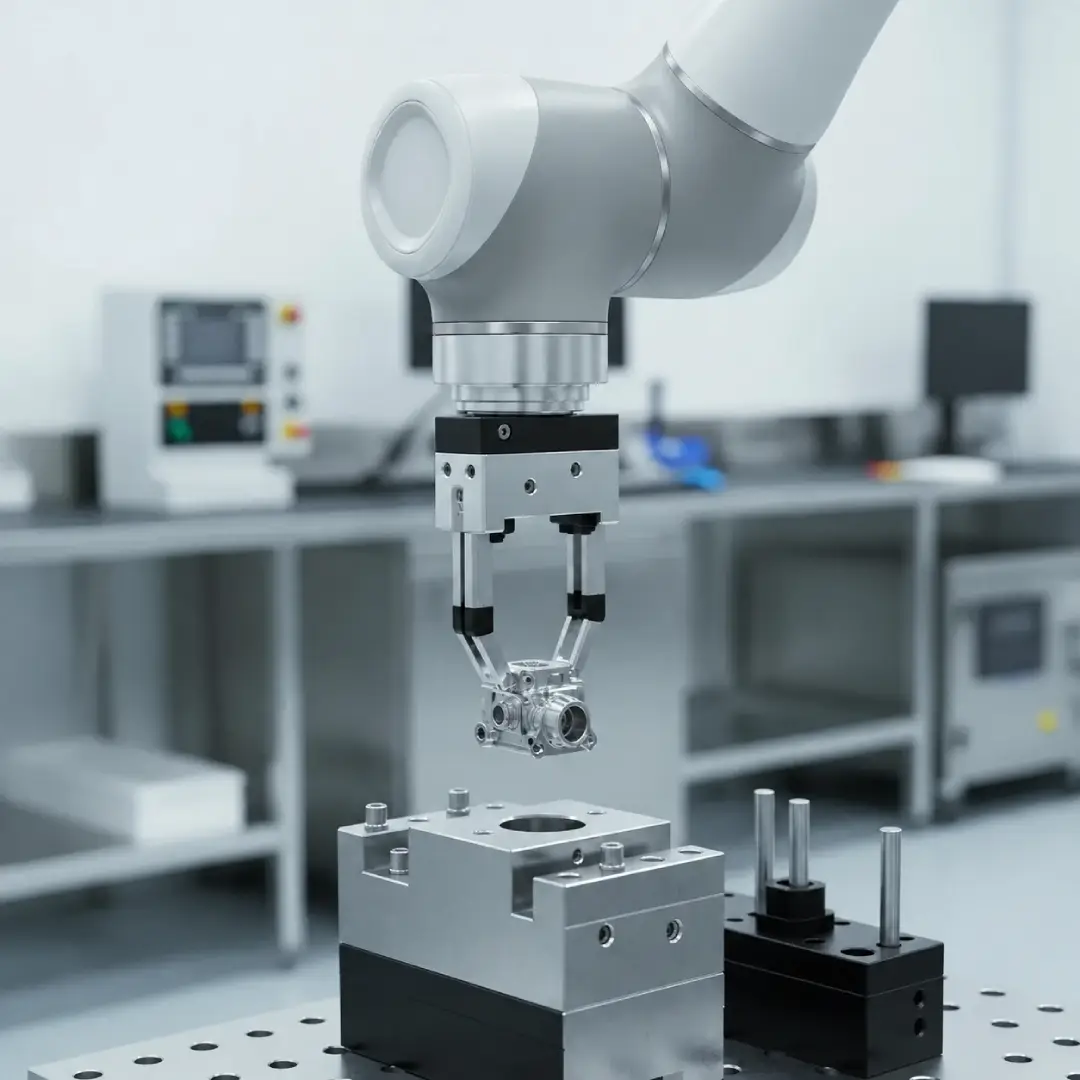
03
Fit Your Tools, Fit Your Workflow
Open interfaces support grippers, cameras, and sensors for flexible task integration.
What Can Your Robot Arm Automate?
APPLICATION
COMMON PARTS / TASKS
HOW THE ROBOT HELPS
SELECTION DEPENDS ON
CNC Machine Tending
CNC Lathes · Milling Machines · Metal Parts
Automatic Loading · Unloading
Payload · Reach · Gripper
Pick and Place Robot
Small Parts · Trays · Conveyor Lines
Picking · Sorting · Part Transfer
Gripper · Cycle Time · Vision
Welding
Steel Components · Metal Frames · Weld Seams
Welding · Path Following
Welding Tool · Reach · Safety
Assembly
Electronic Parts · Housings · Fasteners
Positioning · Insertion · Screwdriving
Repeatability · Tooling · Force
Palletizing
Boxes · Cartons · Trays
Box Stacking · Pallet Loading
Payload · Stacking Height · Reach
Grinding & Polishing
Metal Parts · Edges · Surfaces
Grinding · Polishing · Deburring
Abrasive Tool · Force Control
Dispensing & Gluing
Housings · Seams · Components
Gluing · Sealing · Adhesive Dispensing
Dispensing Tool · Path · Material
Vision Inspection
Finished Parts · Assemblies
Camera Positioning · Quality Inspection
Camera · Lighting · Accuracy
Real Cleaning Results
Actual cleaning examples showing the contaminant, surface and power used for each job.
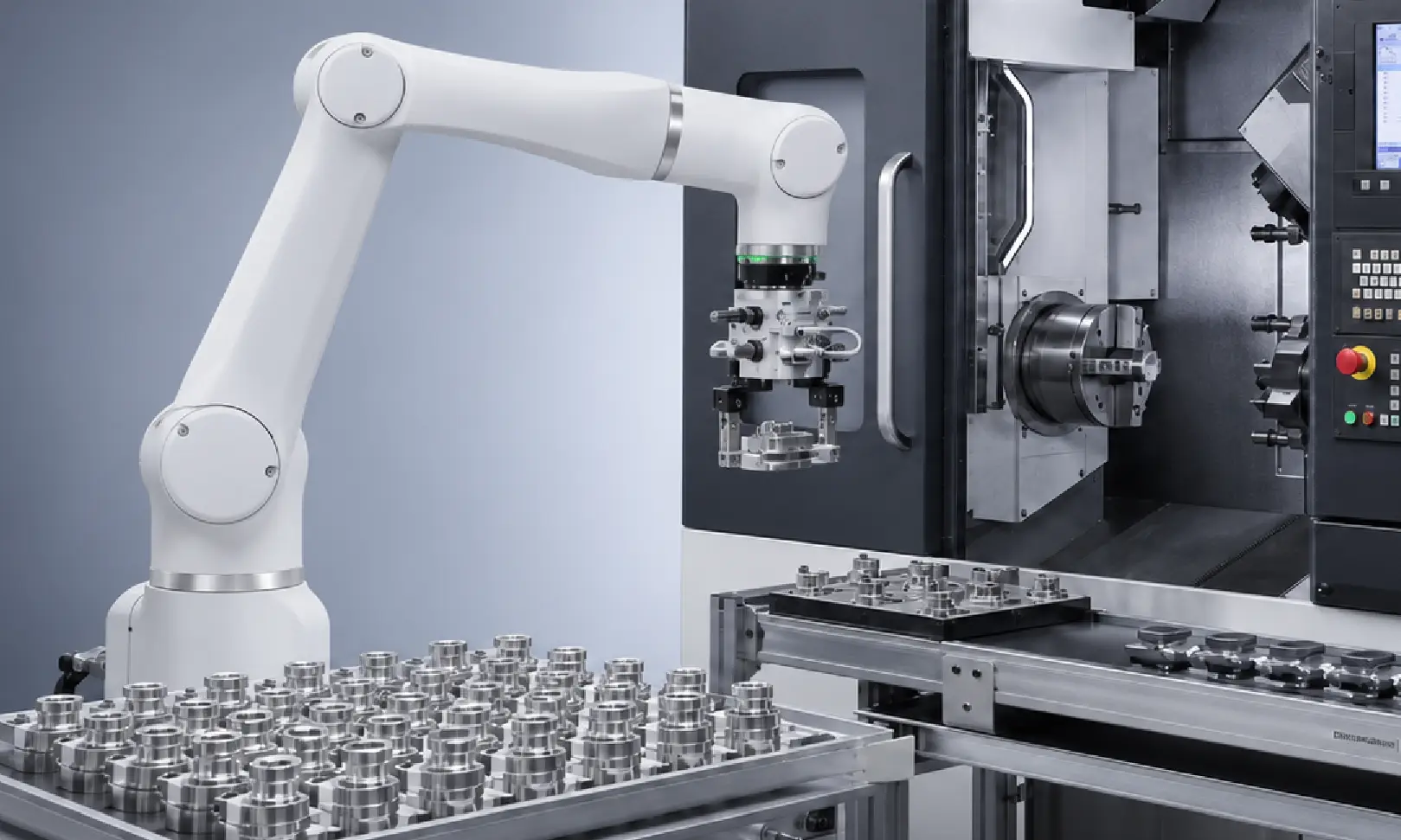
SAMPLE 01
CNC Machine Tending
CNC PARTS · AUTOMATIC LOADING & UNLOADING · GRIPPER
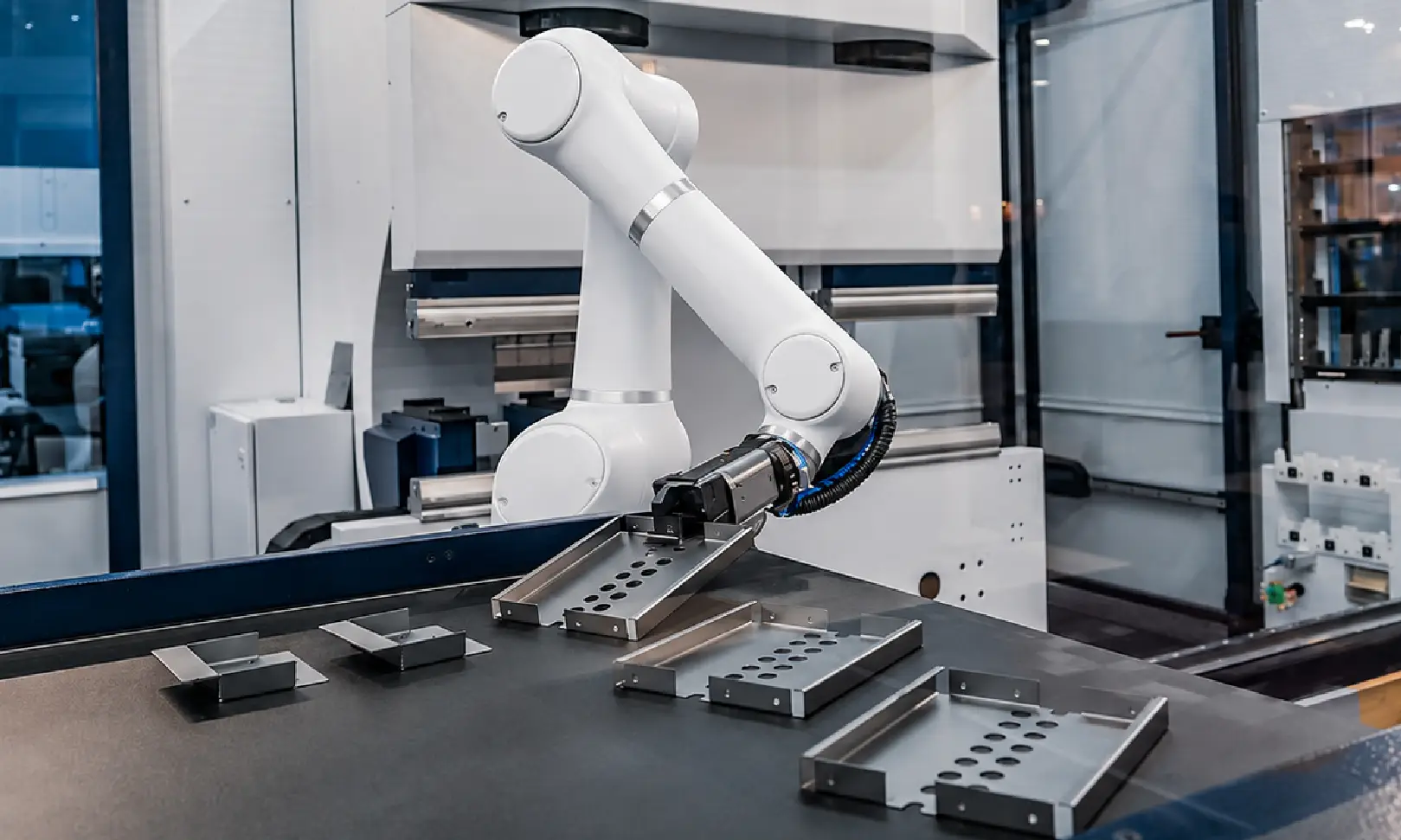
SAMPLE 02
Pick and Place
SMALL PARTS · PICKING & SORTING · GRIPPER
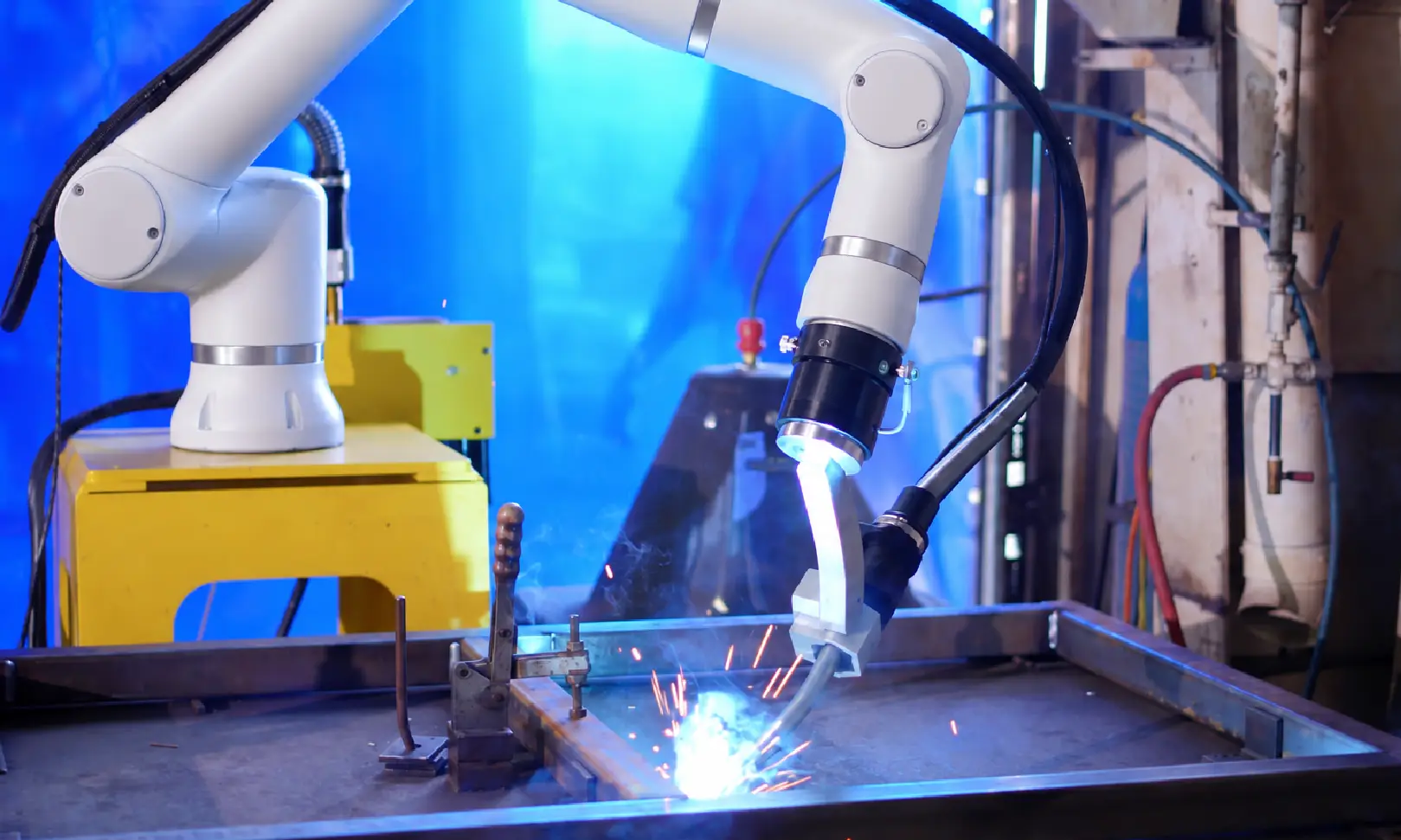
SAMPLE 03
Robotic Welding
METAL FRAMES · AUTOMATED WELDING · WELDING TORCH
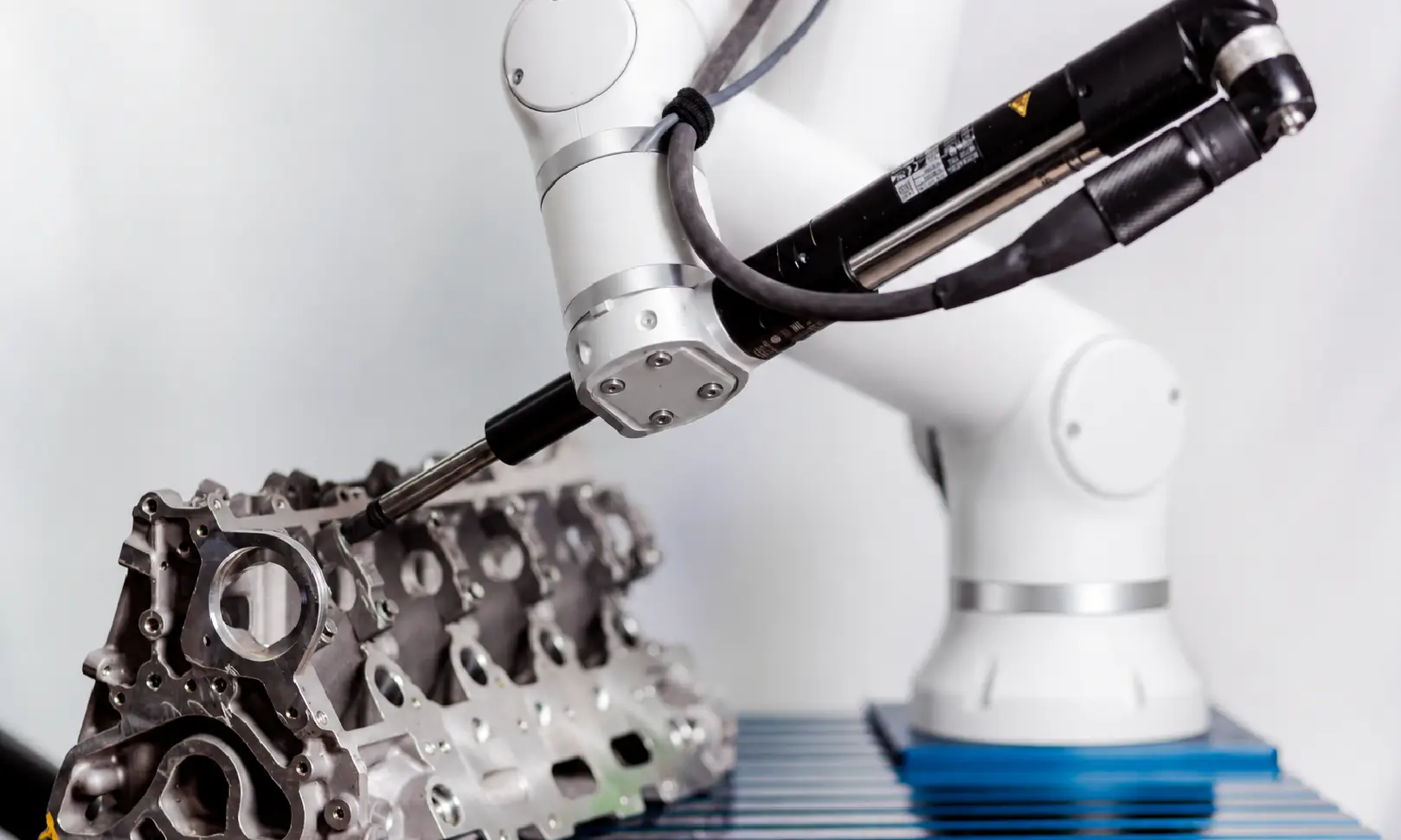
SAMPLE 04
Robotic Assembly
INDUSTRIAL PARTS · POSITIONING & FASTENING · ASSEMBLY TOOL
Where This Laser Cleaner Fits
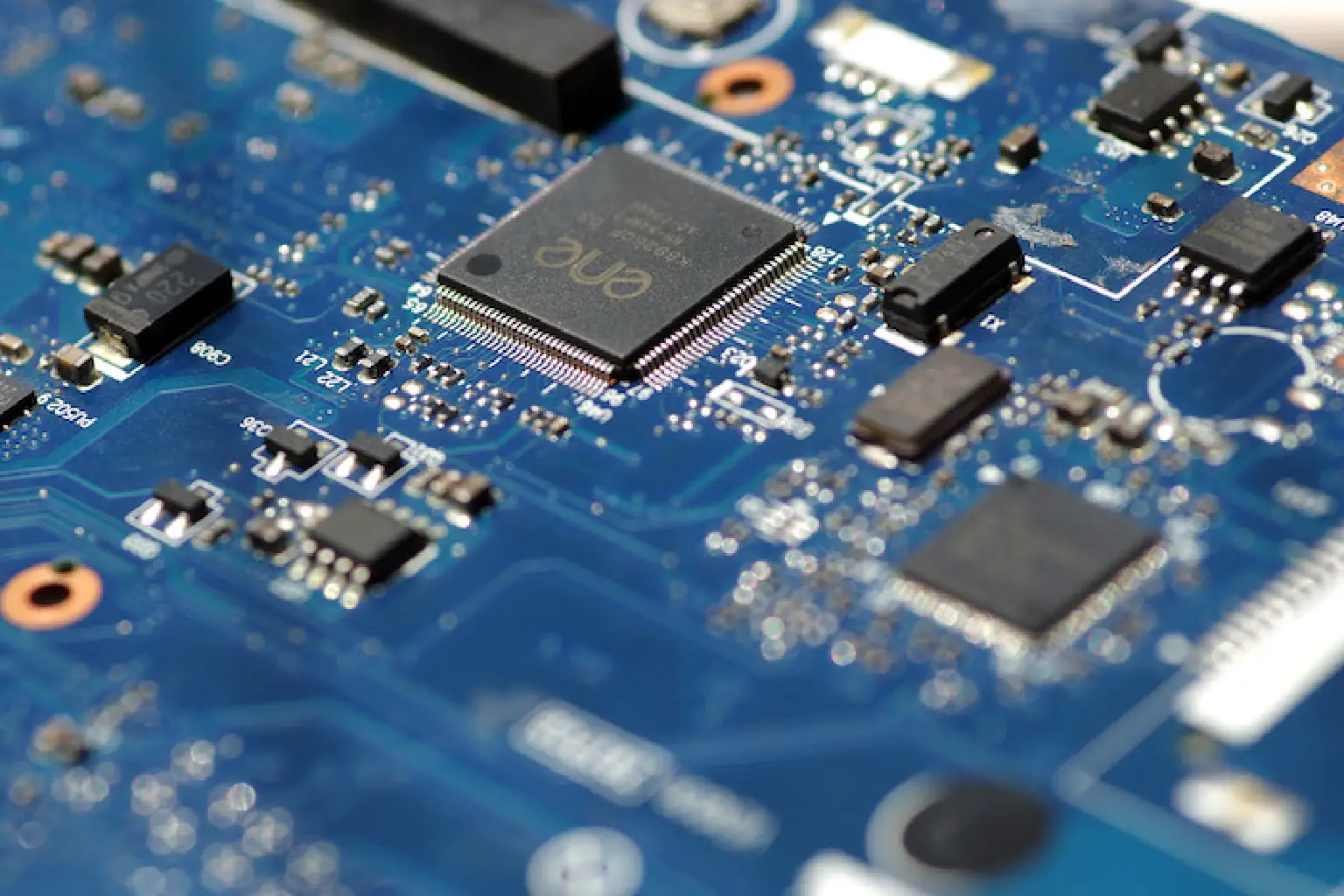
Electronics & 3C Manufacturing
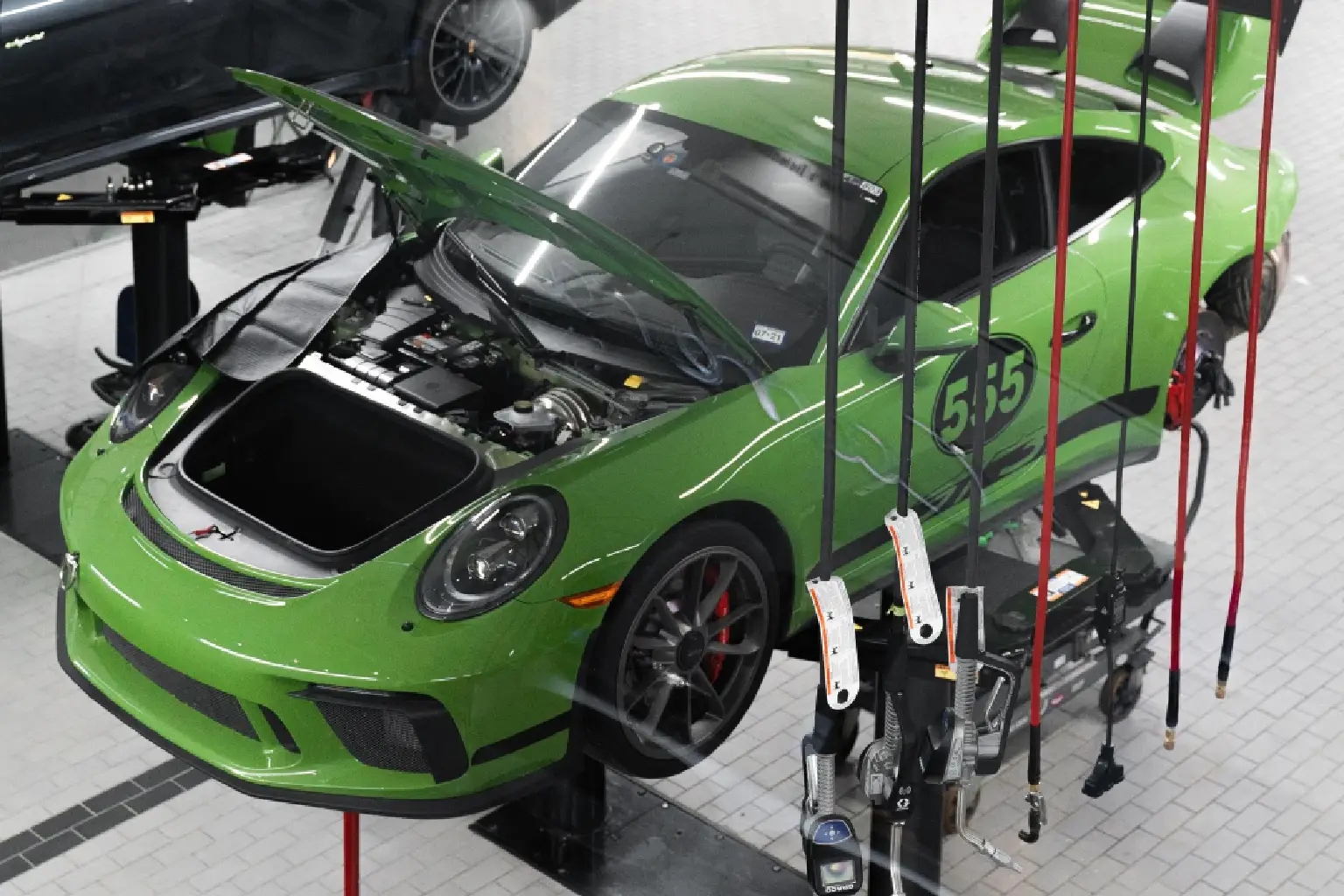
Automotive & Metal Fabrication
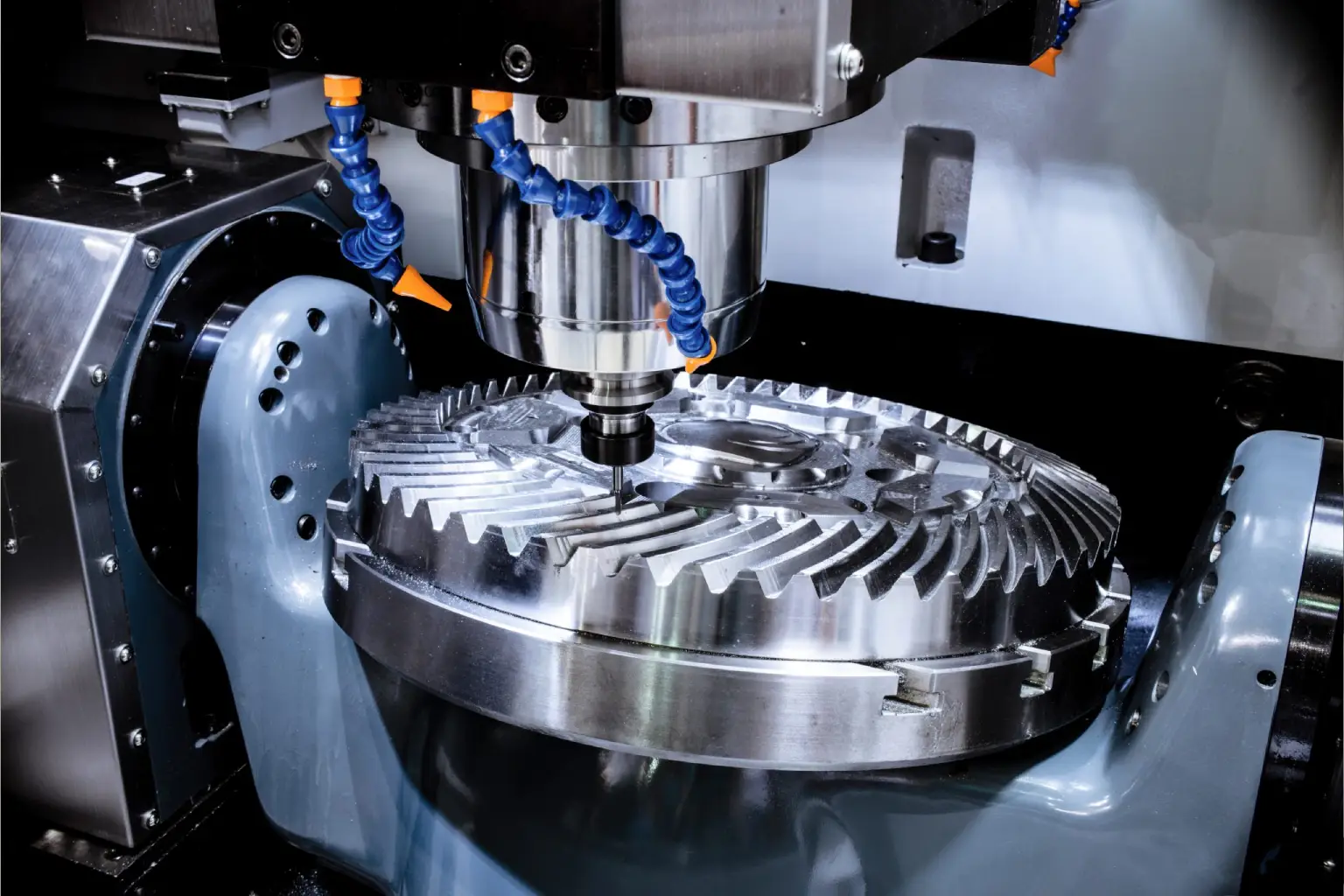
Molds & Production Tooling
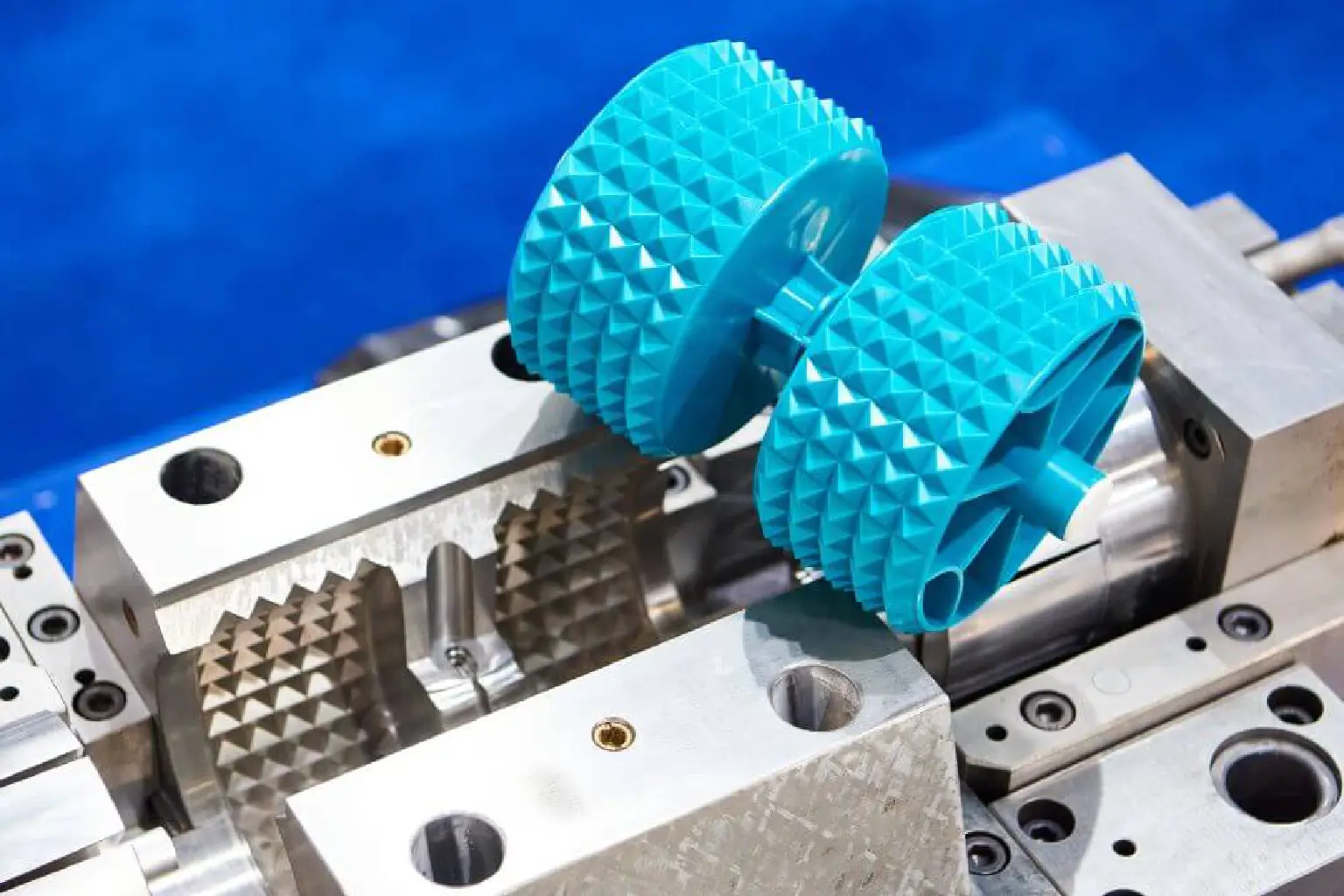
Plastics & Injection Molding
MAXWAVE ROBOT ARM TECHNOLOGY
What Makes MAXWAVE Robot Arms Different
Engineered for flexible motion, repeatable positioning, safer operation, and seamless integration into industrial automation workflows.

More Freedom in Every Movement
The dual-joint design and ±360° joint movement give the robot arm greater flexibility while reducing motion limitations. Operators can reach difficult positions with less workpiece repositioning, making complex tasks easier to set up.
DUAL-JOINT DESIGN 2 Joints per Module
JOINT RANGE ±360°
FREEDOM 6 Axes
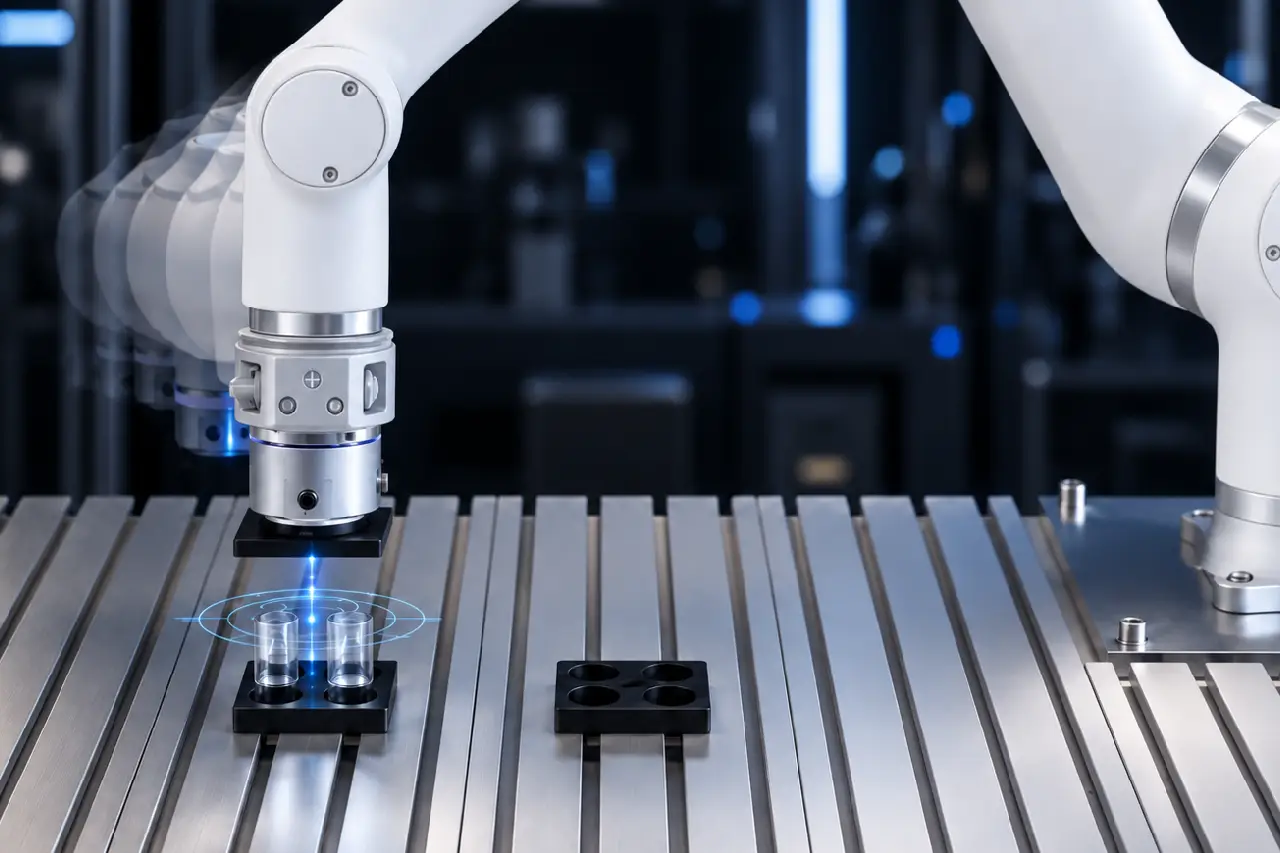
Consistent Positioning, Task After Task
With model-specific repeatability from ±0.03 to ±0.1 mm, the robot arm supports consistent positioning during repeated operations. This makes part handling and assembly more predictable, with less need for frequent position corrections.
REPEATABILITY ±0.03–0.1 mm
TOOL SPEED Up to 2 m/s
APPLICATIONS Handling · Assembly · Positioning
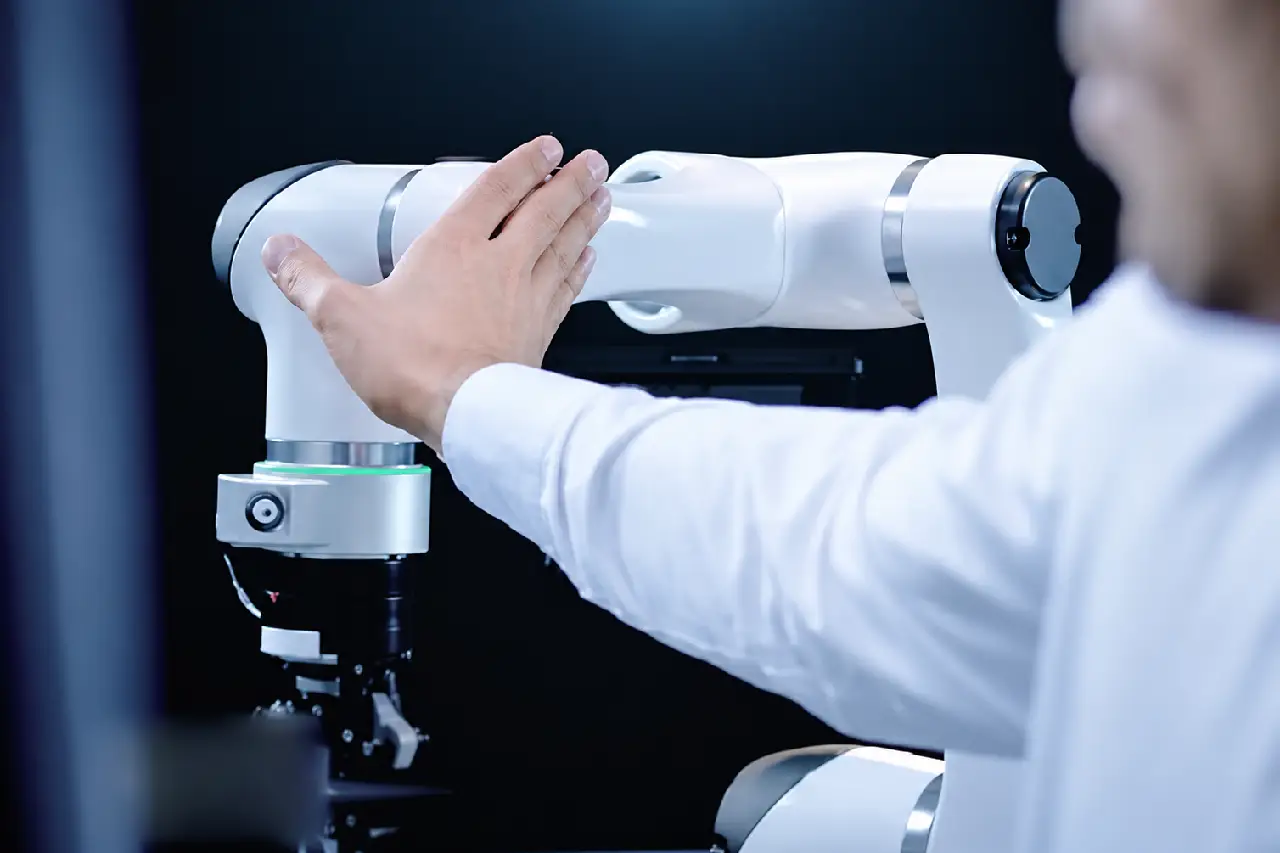
More Control When Safety Matters
Built-in force and power limits support protective stopping during contact, while integrated joint brakes help prevent unintended movement during emergency stops or power loss, giving operators greater confidence when working nearby.
SAFETY 10 Advanced Safety Functions
RESPONSE Protective Stop
BRAKING Integrated Joint Brakes
Easier Programming, Faster Task Changes
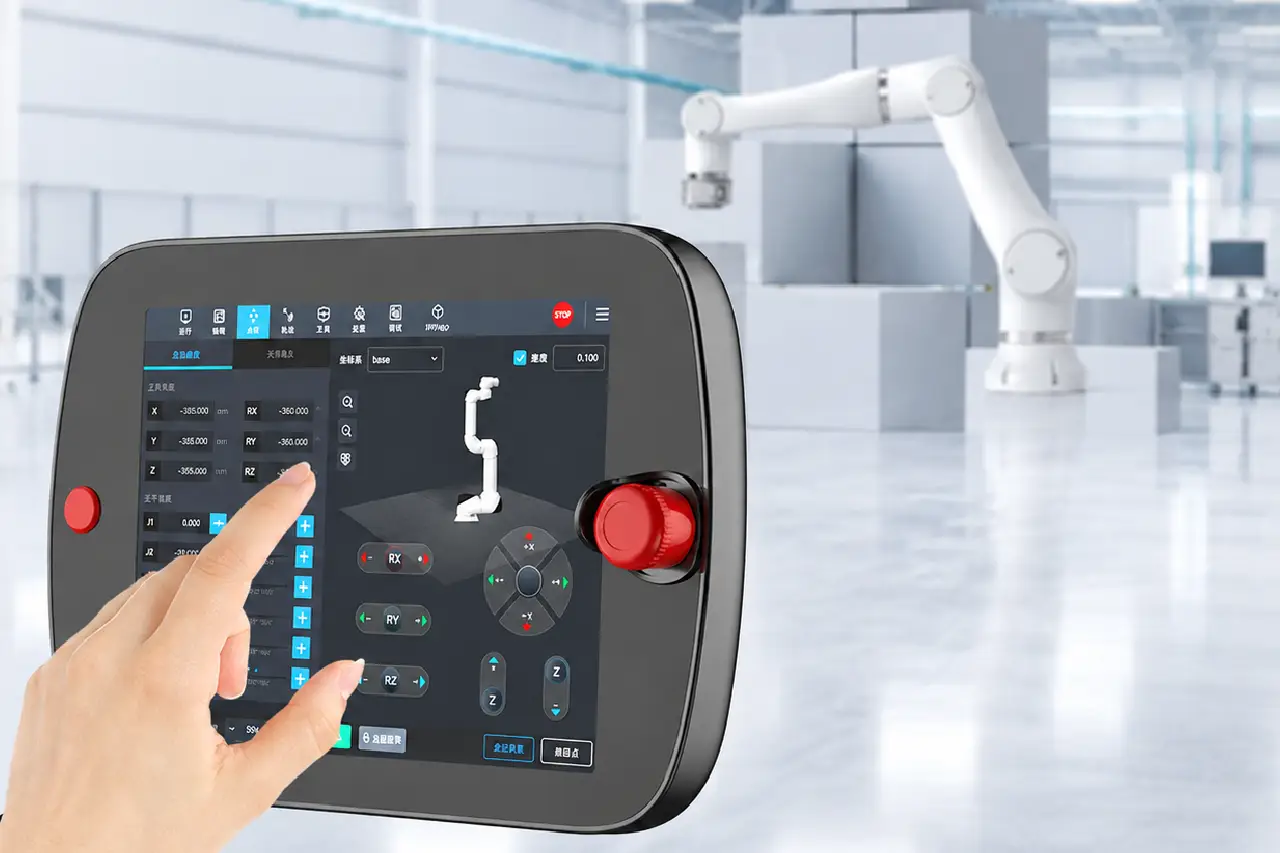
The 10.4-inch touchscreen and graphical programming system simplify robot setup and motion adjustments. Remote program-call interfaces support task control through external systems, reducing manual steps and making daily operation easier.
DISPLAY 10.4″ Touchscreen
PROGRAMMING Graphical Interface
CONTROL Remote Program Calls
HAND-GUIDED ROBOT TEACHING
Guide the Arm. Teach the Task. Get to Work.
For supported configurations, hand-guided teaching lets operators move the robot arm to key positions first, then refine motion paths through graphical programming. This makes new task setup more intuitive, reduces manual coordinate input, and helps operators bring automation into production faster.
01 · POSITION TEACHING
Guide the Arm to the Right Position
For supported hand-guided teaching, operators can move the robot arm to target positions and record key points directly. This reduces the need to enter every position manually and makes first-time setup easier.
TEACHING METHOD
02 · PROGRAM REFINEMENT
Fine-Tune Movements on Screen
After key points are taught, operators can adjust motion paths, sequence and task logic through the graphical programming interface. This makes task changes more visual, more flexible and easier to manage.
PROGRAMMING
03 · TASK EXECUTION
Run the Task with More Confidence
Once the path and task logic are confirmed, the robot arm can repeat the programmed motion for handling, assembly, inspection or machine tending. Operators get a clearer workflow from setup to daily production.
WORKFLOW
OPEN ROBOT INTEGRATION
Connect the Tool. Coordinate the Workcell.
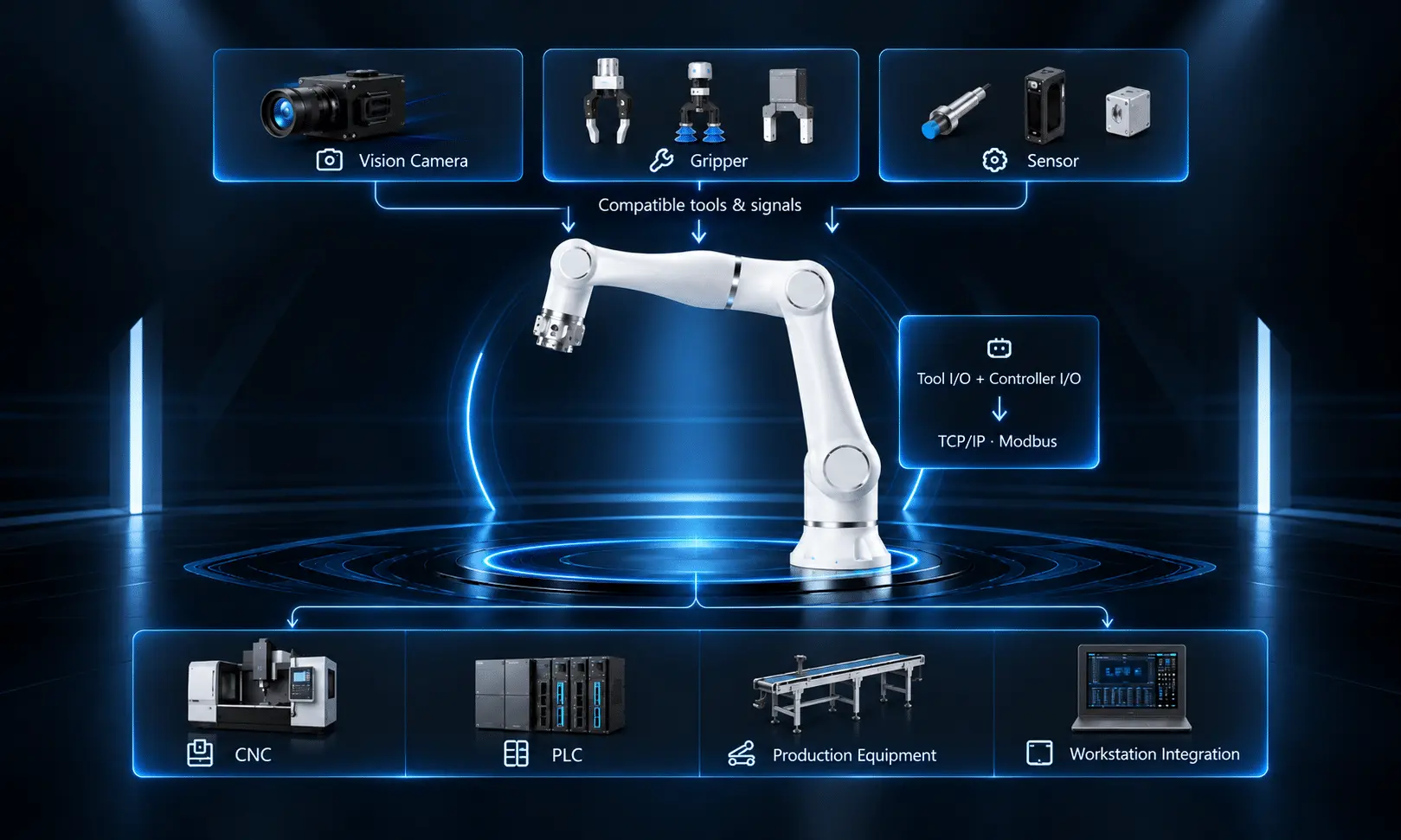
Built-in I/O and industrial communication interfaces connect compatible tools, sensors, and production equipment, helping MAXWAVE robot arms fit into different automation workflows.
01 · TOOL CONNECTION
Adjust While Watching the Surface
End-effector I/O supports compatible grippers and tools, making it easier to configure the robot for different handling and assembly tasks.
02 · WORKCELL COORDINATION
Make Equipment Work Together
Control box I/O enables signal exchange with external devices, helping coordinate robot movements with other workstation operations.
03 · SYSTEM COMMUNICATION
Connect Across Production Systems
TCP/IP and Modbus support communication with compatible industrial controllers, making robot integration into existing automation systems easier.
Choose the Right Robot Arm for Your Application
Compare payload, reach, and application needs to find the right MaxWave robot arm for your workstation. Choose based on the complete task—not payload alone.
| MODEL | PAYLOAD & REACH | BEST FOR | WHY CHOOSE IT |
|---|---|---|---|
| E03 | 3 kg · 590 mm | Small-Part Assembly · Pick & Place | Compact size for lightweight automation |
| E05 | 5 kg · 800 mm | Assembly · Parts Handling | Balanced payload and reach for general tasks |
| E05-L | 3.5 kg · 950 mm | Inspection · Parts Transfer | Longer reach for lightweight parts |
| E10 | 10 kg · 1000 mm | CNC Machine Tending · Parts Loading | Higher payload for heavier parts and tools |
| E10-L | 8 kg · 1300 mm | Long-Reach Machine Tending | Extended reach for larger work areas |
| E15 | 15 kg · 1300 mm | Higher-Payload Parts Handling | Highest payload in the standard range |
| MODEL | PAYLOAD & REACH | BEST FOR | WHY CHOOSE IT |
|---|---|---|---|
| P03 | 3 kg · 590 mm | Precision Assembly · Inspection | ±0.02 mm repeatability with IP66 protection |
| P05 | 5 kg · 800 mm | Assembly · Pick & Place | Balanced payload and reach with IP66 protection |
| P05-L | 3.5 kg · 950 mm | Extended-Reach Parts Handling | Longer reach for lightweight tasks |
| P10 | 10 kg · 1000 mm | CNC Machine Tending · Parts Handling | Higher payload with enhanced protection |
| P10-L | 8 kg · 1300 mm | Long-Reach Industrial Automation | Extended reach with IP66 protection |
ROBOT ARM APPLICATION REVIEW
Find the Right Robot Arm Before You Buy
Share your workpiece, workstation, and automation requirements. We’ll review payload, reach, tooling, and integration needs to help you choose the right robot arm configuration.
01
Send Your Task Details
Workpiece · Weight · Application · Photos
02
We Review Your Requirements
Payload · Reach · Tooling · Workstation
03
Get a Recommended Setup
Robot Model · Gripper · Control Interfaces
04
Confirm Before Ordering
Configuration · Options · Quotation
WHAT YOU’LL RECEIVE
A Clear Result Before You Order
Robot Model Recommendation
Find suitable payload and reach options for your task.
Tooling & Integration Review
Review grippers, interfaces, and workstation requirements.
Configuration & Quotation
Review included components, available options, and pricing.
PACKAGE & CONFIGURATION
Know Your Robot Arm Setup Before You Order
Explore the main system components, compatible tools, and integration options available for your MAXWAVE robot arm. Confirm the right configuration for your automation needs.
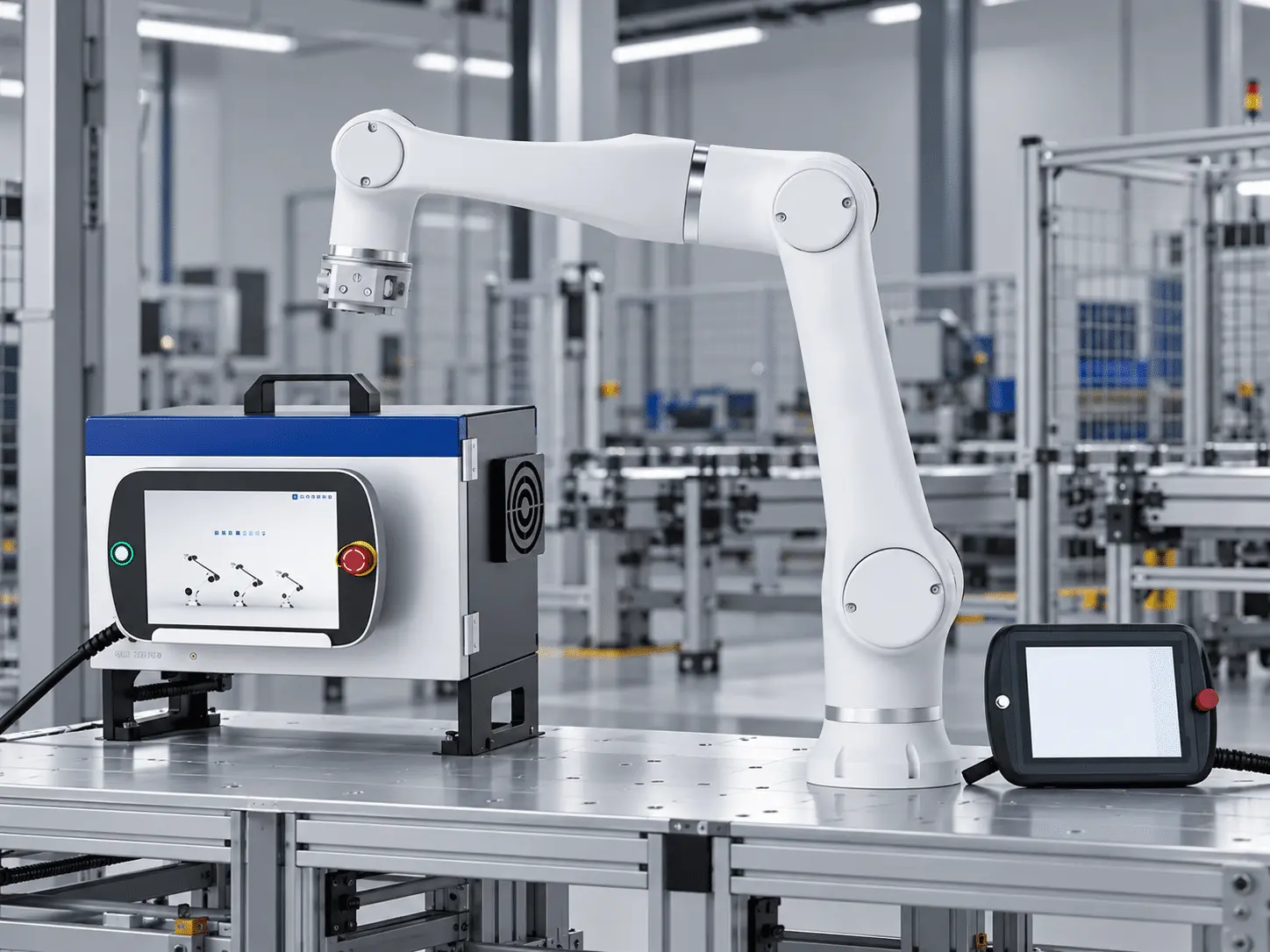
01 Core Robot System
6-Axis Robot Arm
Main robot unit for automated motion and positioning.
10.4-Inch Teach Pendant
Touchscreen for graphical programming and operation.
Robot Control Box
Controls robot motion and external connections.
Connection Cables
5 m cables for robot controller and teach pendant connections.
02 Optional End-of-Arm Tools
Grippers
For pick-and-place, machine tending, and parts handling.
Welding Tools
For compatible robotic welding applications.
Dispensing Tools
For automated gluing, sealing, and adhesive application.
Assembly Tools
For screwdriving and component assembly.
03 Sensors & Integration Options
Vision Cameras
For part positioning and visual inspection.
Force Sensors
For compatible force-controlled applications.
Industrial I/O
Connect grippers, sensors, and external equipment.
TCP/IP & Modbus
Support communication with compatible automation systems.
ROBOT ARM MAINTENANCE
Simple Maintenance. Reliable Daily Operation.
Regular checks help keep robot joints, cables, tooling, and safety systems in good condition for smoother daily operation.
ITEM
BEFORE USE
MONTHLY
SERVICE WHEN
Joints & Mounting
Noise · Stability
Bolts · Movement
Noise or looseness
Grippers & Tools
Grip · Attachment
Wear · Alignment
Slipping or damage
Cables & Connectors
Visible damage
Routing · Connections
Damage or loose plugs
Control Box
Vents · Alarms
Dust · Cooling
Overheating or faults
Pendant & Safety
Controls · E-Stop Access
Safety Function Checks
Damage or failed checks
Suggested inspection schedule. Actual intervals and procedures must follow the manufacturer’s maintenance instructions.
ROBOT ARM OPERATION GUIDE
From Setup to Motion. See How It Works.
See how MaxWave collaborative robot arms are operated—from system startup and task setup through the graphical teach pendant to running programmed movements.
FLEXIBLE WORKCELL DEPLOYMENT
Fit the Robot Around Your Production
The integrated robot design supports flexible mounting layouts and different reach options, helping manufacturers configure automation around existing machines, available space, and production tasks.
BEFORE SHIPMENT
Mounting · Reach · Layout · Controller · Safety
01 Flexible Mounting
Install the robot arm in different workstation positions according to model capability and engineering requirements, giving you more flexibility when working around existing machines and layouts.
02 Match the Reach to the Task
Choose from different reach options to match the actual working position, helping you select the right robot arm for the task instead of simply choosing the highest payloa
03 Adapt to Production Changes
When production needs change, the robot arm can be redeployed through workstation adjustment and program updates, making it easier to support changing tasks and batch sizes.
04 Controller & Cable Placement
Keep the control box in a protected location and route cables safely, helping maintain stable operation and reduce unnecessary wear during daily use.
05 Robot Safety Setup
Assess workstation risks, define safe operating areas, and confirm emergency stop and protective measures before operation.
SUPPORT AFTER DELIVERY
Support That Keeps Your Robot Arm Working
From installation and programming to troubleshooting and maintenance, MAXWAVE provides practical guidance to help you operate and manage your robot arm with confidence.
01
SETUP GUIDANCE
Get your robot arm ready for operation with clear setup instructions and guidance.
Installation & Operation Materials
Guides and videos cover robot mounting, cable connections, startup, and basic operation.
Programming & Safety Guidance
Learn graphical programming, teach pendant operation, and essential safety procedures.
02
ENGINEER SUPPORT
Practical technical assistance when you need help with robot operation or integration.
Remote Technical Guidance
Share photos or video with our engineers for remote diagnosis and step-by-step guidance.
Operator Support
Get help with motion settings, program adjustments, and task configuration.
Tool & System Integration
Receive guidance on connecting compatible grippers, sensors, and automation equipment.
03
ONGOING SUPPORT
Technical assistance continues beyond initial setup to help maintain smooth daily operation.
Maintenance Guidance
Get recommendations for inspecting joints, cables, controllers, and end-of-arm tools.
Troubleshooting Assistance
Identify common operating issues and review possible solutions with technical support.
Spare Parts Support
Check replacement part availability and compatibility with your robot arm model.
Warranty & Service
Get assistance with service requests and warranty procedures according to your confirmed terms.
Technical Specifications
Parameter
E03 · E05 · E05-L · E10 · E10-L · E15 · P03 · P05 · P05-L · P10 · P10-L
Weight (kg)
18 · 25 · 26 · 43 · 45 · 60 · 19 · 26 · 27 · 45 · 48
Payload (kg)
3 · 5 · 3.5 · 10 · 8 · 15 · 3 · 5 · 3.5 · 10 · 8
Working Radius (mm)
590 · 800 · 950 · 1000 · 1300 · 1300 · 590 · 800 · 950 · 1000 · 1300
Typical Power Consumption (W)
100 · 180 · 180 · 350 · 350 · 600 · 100 · 180 · 180 · 350 · 350
J1–J2 Speed (°/s)
180 · 180 · 180 · 100 · 100 · 80 · 180 · 180 · 180 · 120 · 100
J3–J4 Speed (°/s)
180 · 180 · 180 · 150 · 150 · 120 · 180 · 180 · 180 · 135 · 135
J5–J6 Speed (°/s)
200 · 200 · 200 · 180 · 180 · 150 · 200 · 200 · 200 · 180 · 180
Repeatability (mm)
±0.03 · ±0.03 · ±0.03 · ±0.05 · ±0.1 · ±0.1 · ±0.02 · ±0.03 · ±0.03 · ±0.05 · ±0.1
Robot Arm Protection
COMMON SYSTEM SPECIFICATIONS
Degrees of Freedom
6
Joint Range
±360°
Tool Max. Speed
2 m/s
End Effector I/O
3 Digital Inputs · 3 Digital Outputs · 2 Analog Inputs
Control Box I/O
16 Digital Inputs · 16 Digital Outputs · 2 Analog Inputs · 2 Analog Outputs
I/O Power Supply
24V 2A
Communication
TCP/IP, Modbus
Programming
Graphical Programming · Remote Call Interface
Collaborative Safety
10 Advanced Safety Configuration Functions
Main Material
Aluminum Alloy
Operating Temperature
0–50°C
Power Supply
200–240V AC, 50–60Hz
Cable Length
5 m Robot Cable · 5 m Teach Pendant Cable
TEACH PENDANT SPECIFICATIONS
Teach Pendant Dimensions
327 × 230 × (45 + 22) mm
Teach Pendant Weight
2.7 kg (Including Cable)
Screen Size
10.4″
Display Resolution
1024 × 800
Emergency Stop Button
1
Teach Pendant Protection
IP54
CONTROL BOX SPECIFICATIONS
Control Box Dimensions
445.2 × 318.8 × (360 + 176) mm
Support Height
176 mm
Control Box Weight
18.5 kg
Output Power Supply
48V DC
Control Box Operating Environment
0–50°C · 90% RH (Non-Condensing)
Control Box Protection
IP20
MaxWave Robotic Arm FAQs
Choosing a robot arm for your production line? Find answers to common questions about model selection, equipment integration, and safe operation.
How Do I Choose the Right Collaborative Robot Arm?
Can MAXWAVE Robot Arms Integrate with Existing Equipment?
Yes. Built-in I/O, TCP/IP, and Modbus support integration with compatible CNC machines, grippers, sensors, and automation systems. Compatibility depends on the specific setup.
Can a Collaborative Robot Arm Work Safely Near Operators?
Configurable safety functions support human-robot collaboration. However, safe operation requires a workstation risk assessment and appropriate protective measures for the specific task.
Ready to Automate More with MAXWAVE Robot Arms?
From CNC machine tending and assembly to pick-and-place and welding, MaxWave collaborative robot arms help automate repetitive tasks and bring greater flexibility to your production workflow.
With multiple payload and reach options, graphical programming, and flexible tooling integration, you can build a robot automation setup around your actual production needs.