
MAXWAVE DUAL-BEAM LASER ENGRAVER
Mark More Materials with One Dual-Beam Laser Engraver
- Dual Laser Sources: 10W 455nm Blue · 2W 1064nm Pulsed
- More Material Coverage: Metal · Plastic · Wood · Leather · Coated Surfaces
- Desktop + Handheld Use: Bench marking · Larger or awkward parts
- Dual Red-Light Focus: Faster focusing · Easier positioning
- PC + Phone Control: Flexible setup · Easier daily operation
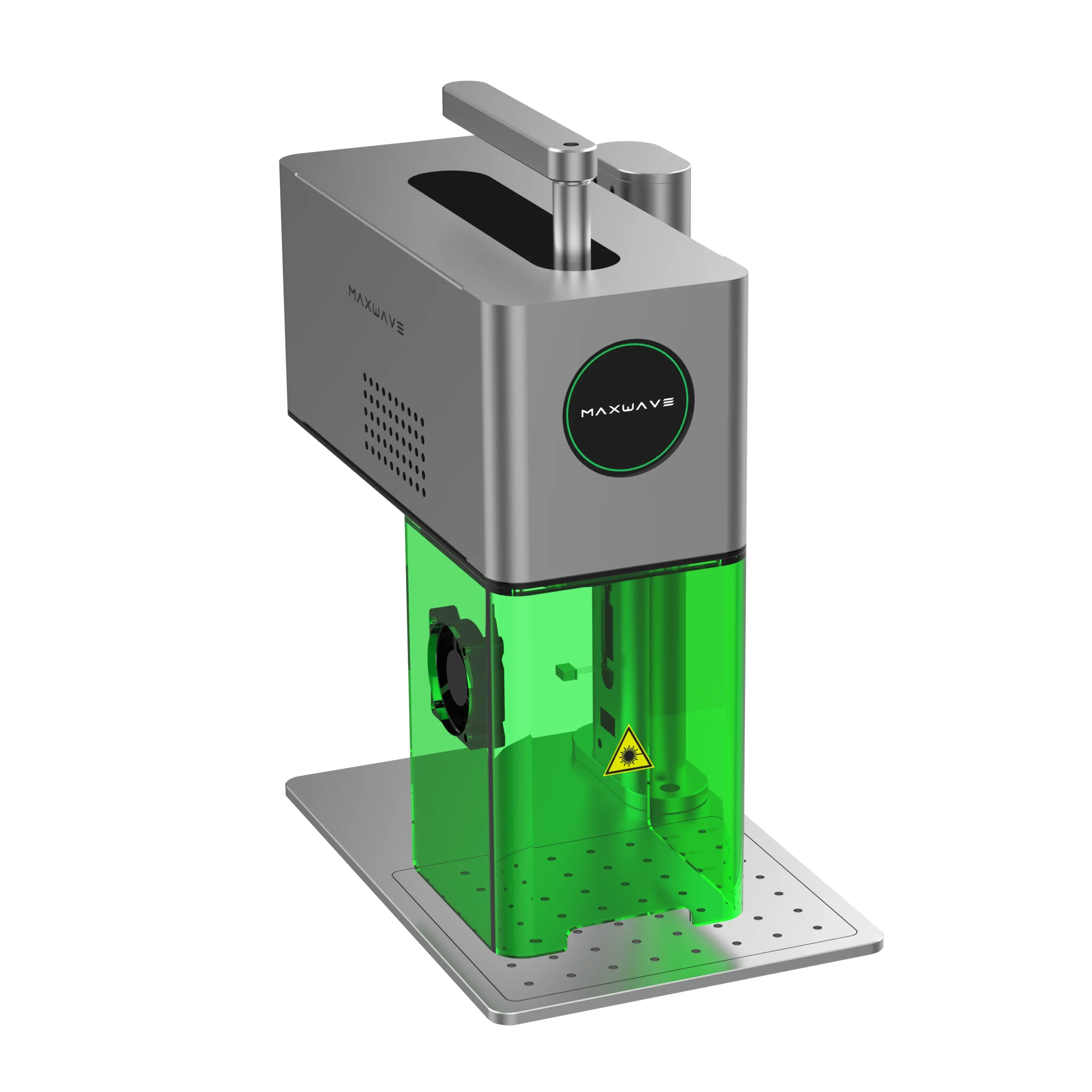
Built for More Materials, Faster Job Changes
01
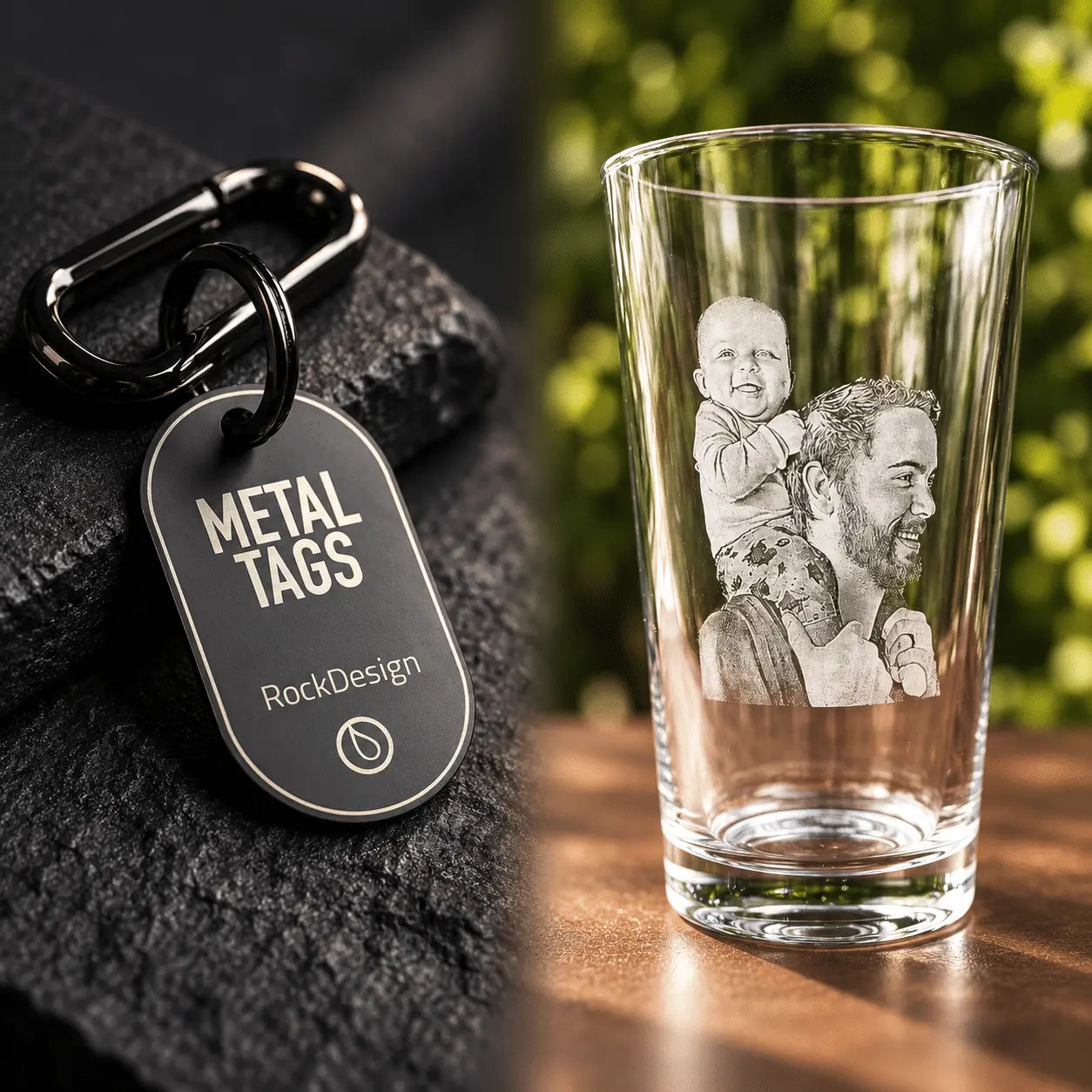
One Machine, More Materials
Switch between blue and 1064nm lasers for more metal and non-metal marking jobs.
02
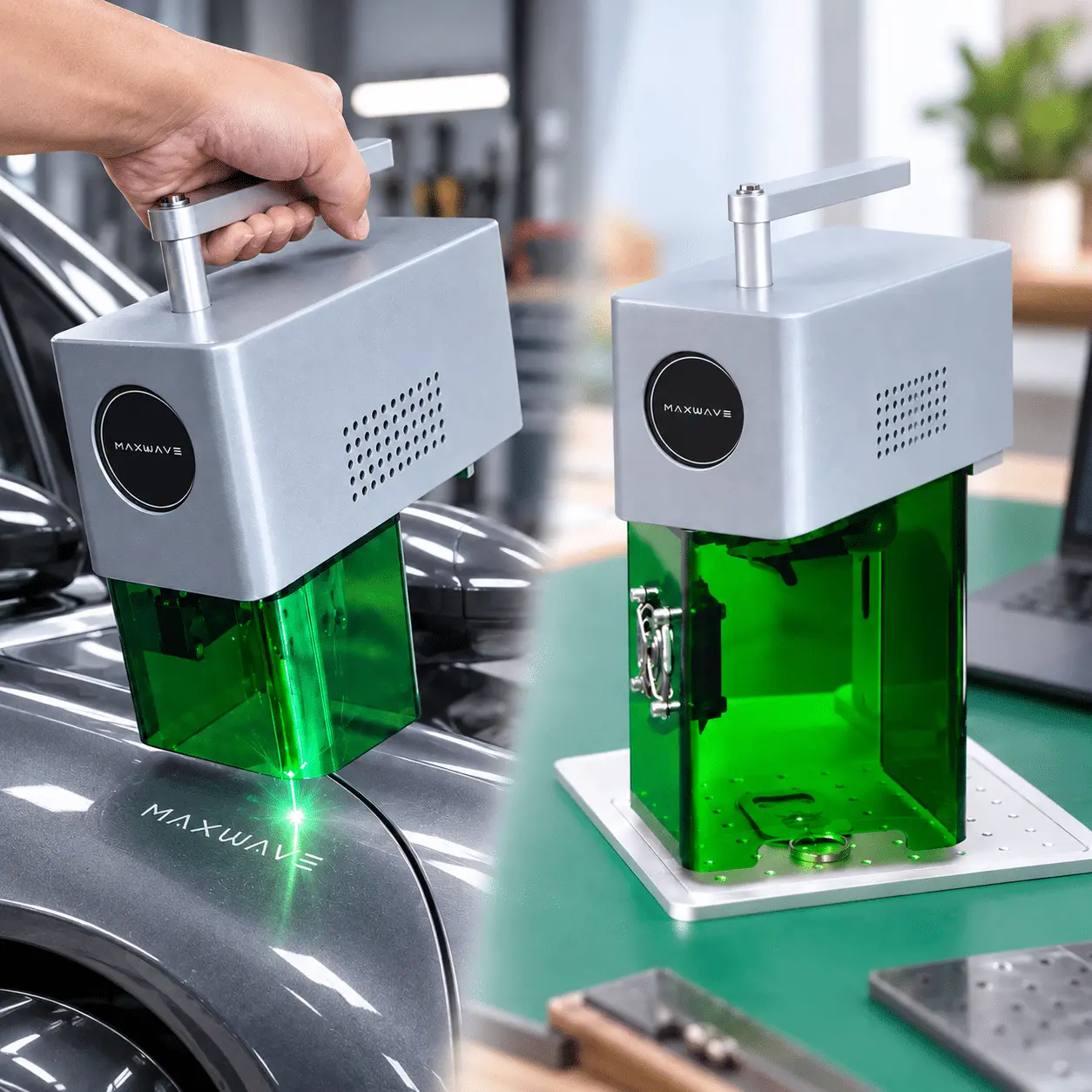
Desktop or Handheld
Use it on the bench or lift the compact unit for larger, awkward workpieces.
03
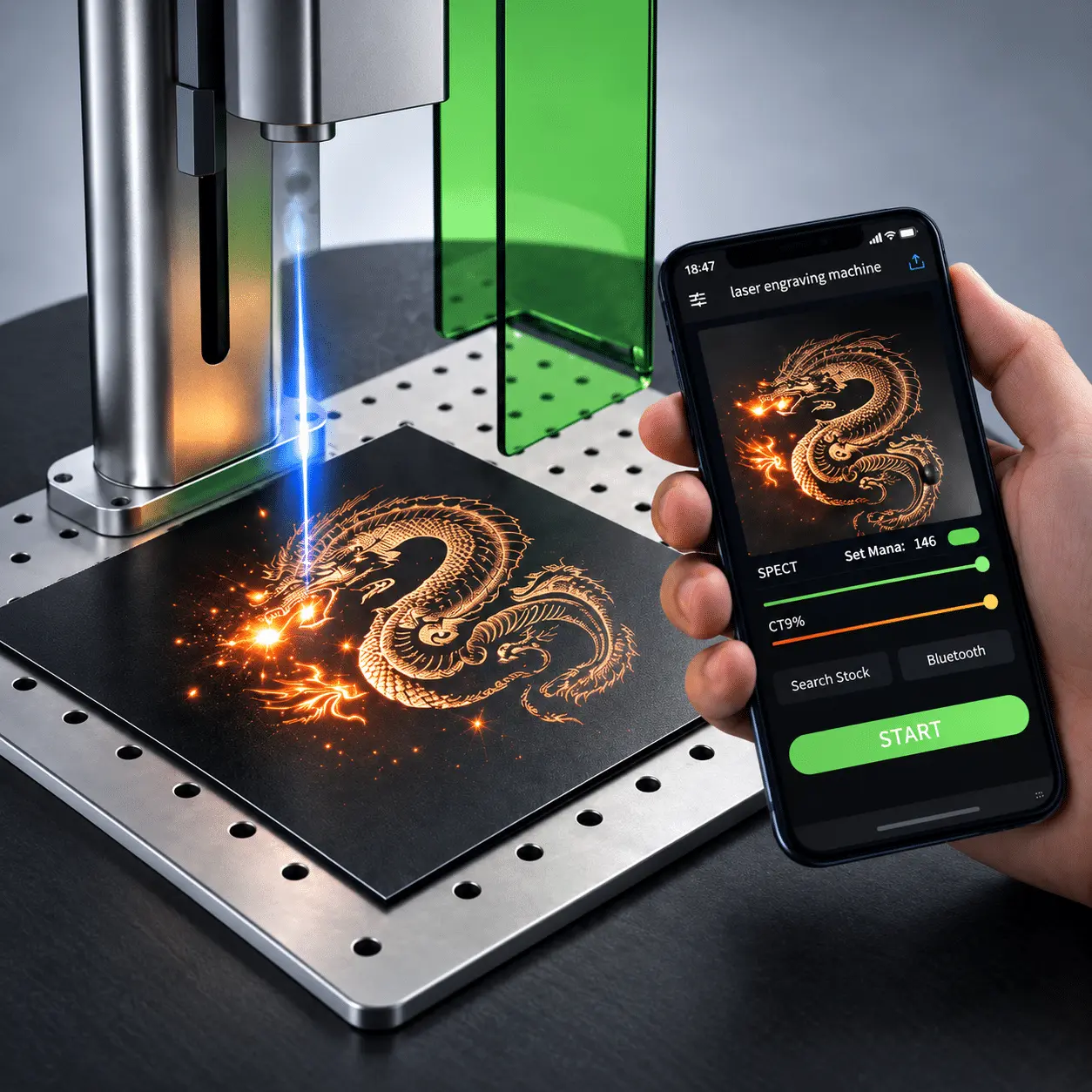
Focus Faster, Start Sooner
Dual red-light focusing and PC/phone control make setup quicker and easier.
What Can You Engrave with This Dual-Beam Laser
WHAT DO YOU WANT TO ENGRAVE?
COMMON MATERIALS / PRODUCTS
SUPPORTED
TYPICAL WORK
Metal & Jewelry
Stainless steel · Rings · Tags · Hardware · Metal parts
✓ Yes
Logos · Names · Serial numbers · Patterns
Wood & Leather Products
Steel · Stainless Steel · Aluminum · Metal Parts
✓ Yes
Personalization · Logos · Text · Artwork
Plastic & Acrylic
Metal Parts · Engine Parts · Machinery
✓ Yes
Product marking · Codes · Custom designs
Coated & Anodized Products
Mold Steel · Precision Molds · Fixtures
✓ Yes
Logos · IDs · Decorative marking
Paper, Fabric & Organic Materials
Mold Steel · Precision Molds · Fixtures
✓ Yes
Text · Patterns · Custom branding
Glass & Specialty Materials
Dark glass · Photosensitive stamps · Mixed-material products
✓ Yes
Fine marking · Custom designs · Specialty jobs
Real Cleaning Results
Actual cleaning examples showing the contaminant, surface and power used for each job.
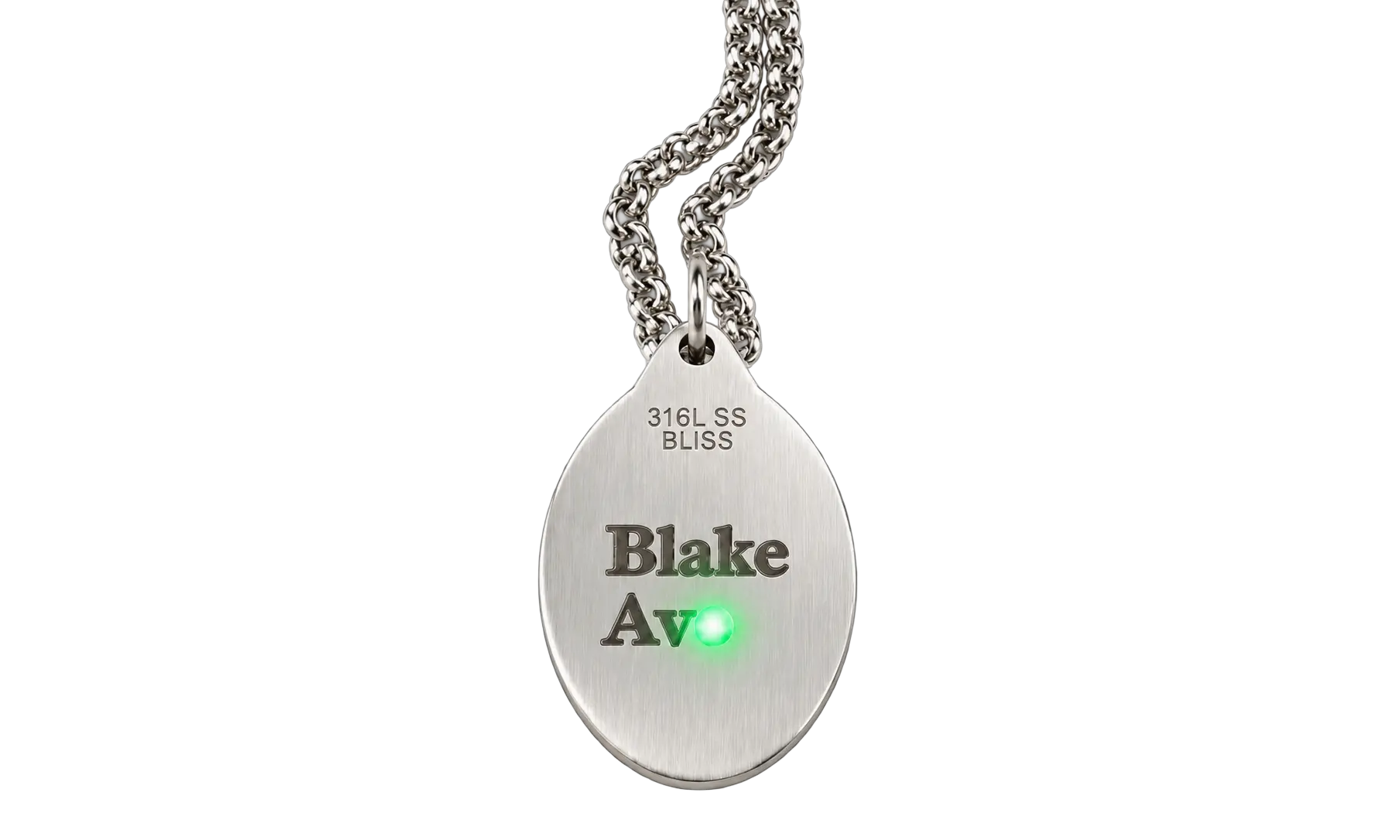
SAMPLE 01
Fine Metal Marking
STAINLESS STEEL · 1064NM PULSED · FINE MARKING

SAMPLE 02
Wood & Leather Engraving
WOOD / LEATHER · 455NM BLUE · CUSTOM ENGRAVING
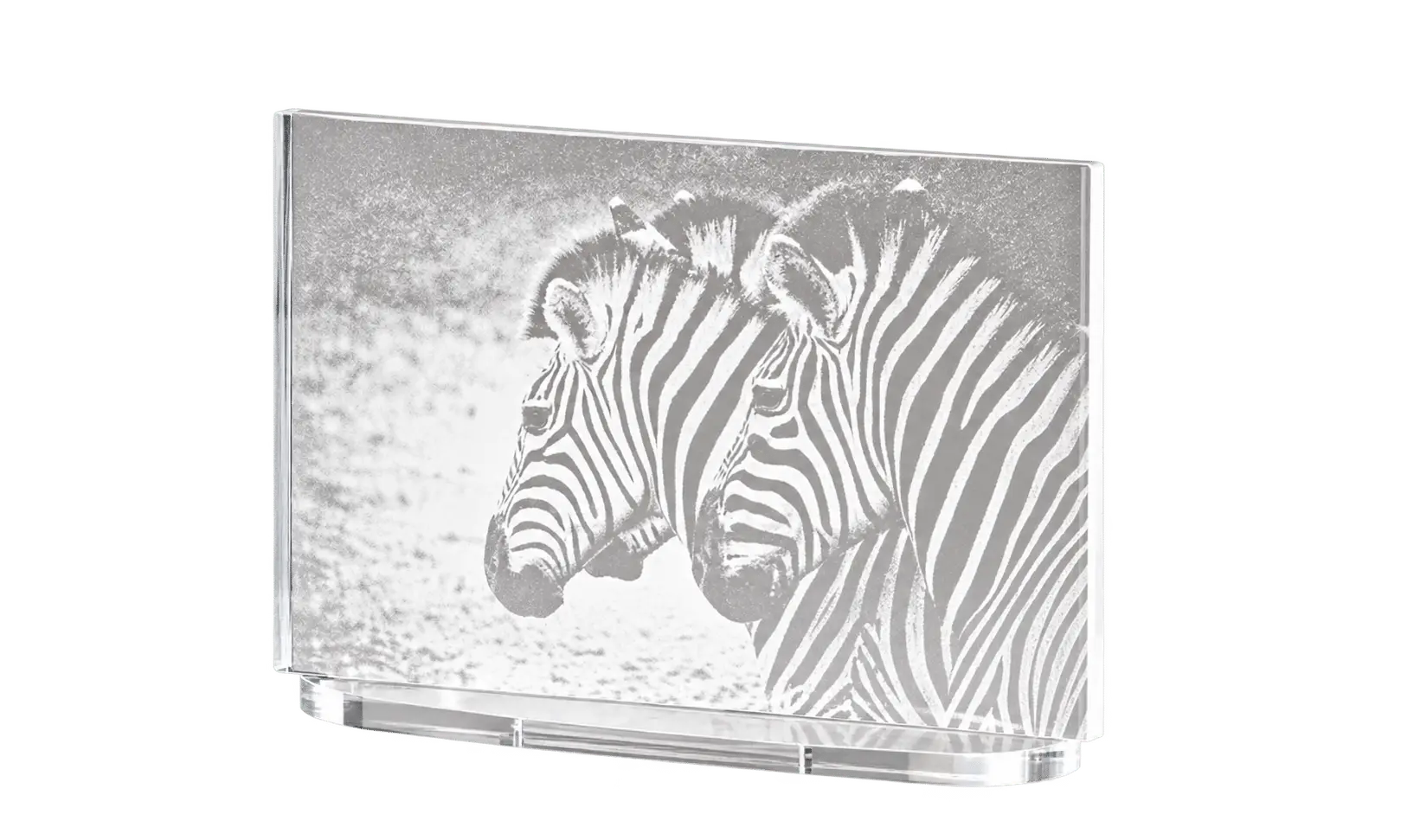
SAMPLE 03
Plastic & Coated Product Marking
PLASTIC / COATED PARTS · DUAL-BEAM · LOGO & ID MARKING
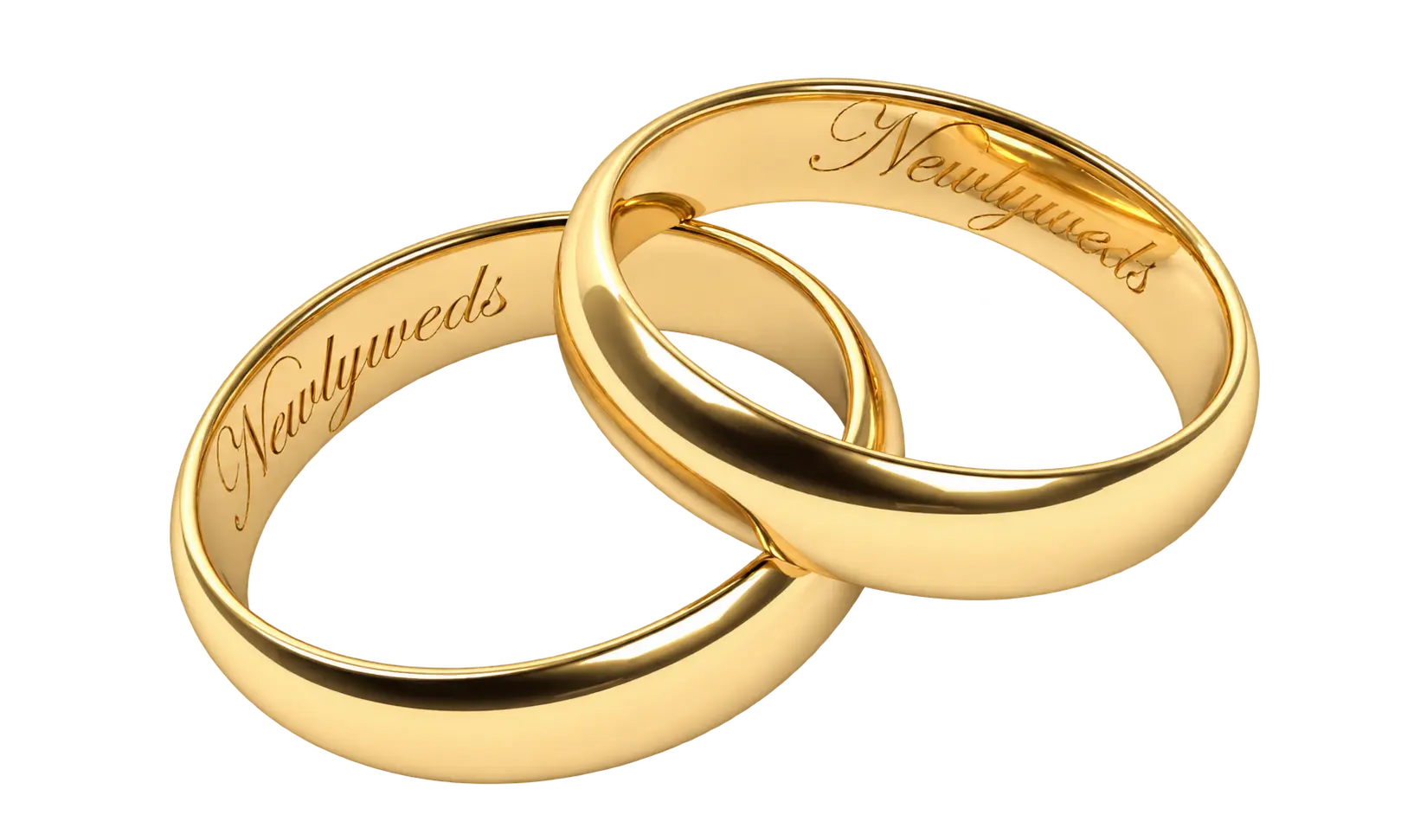
SAMPLE 04
Rotary Engraving
RINGS / CYLINDERS · ROTARY AXIS · 360° ENGRAVING
Where This Dual-Beam Laser Engraver Fits
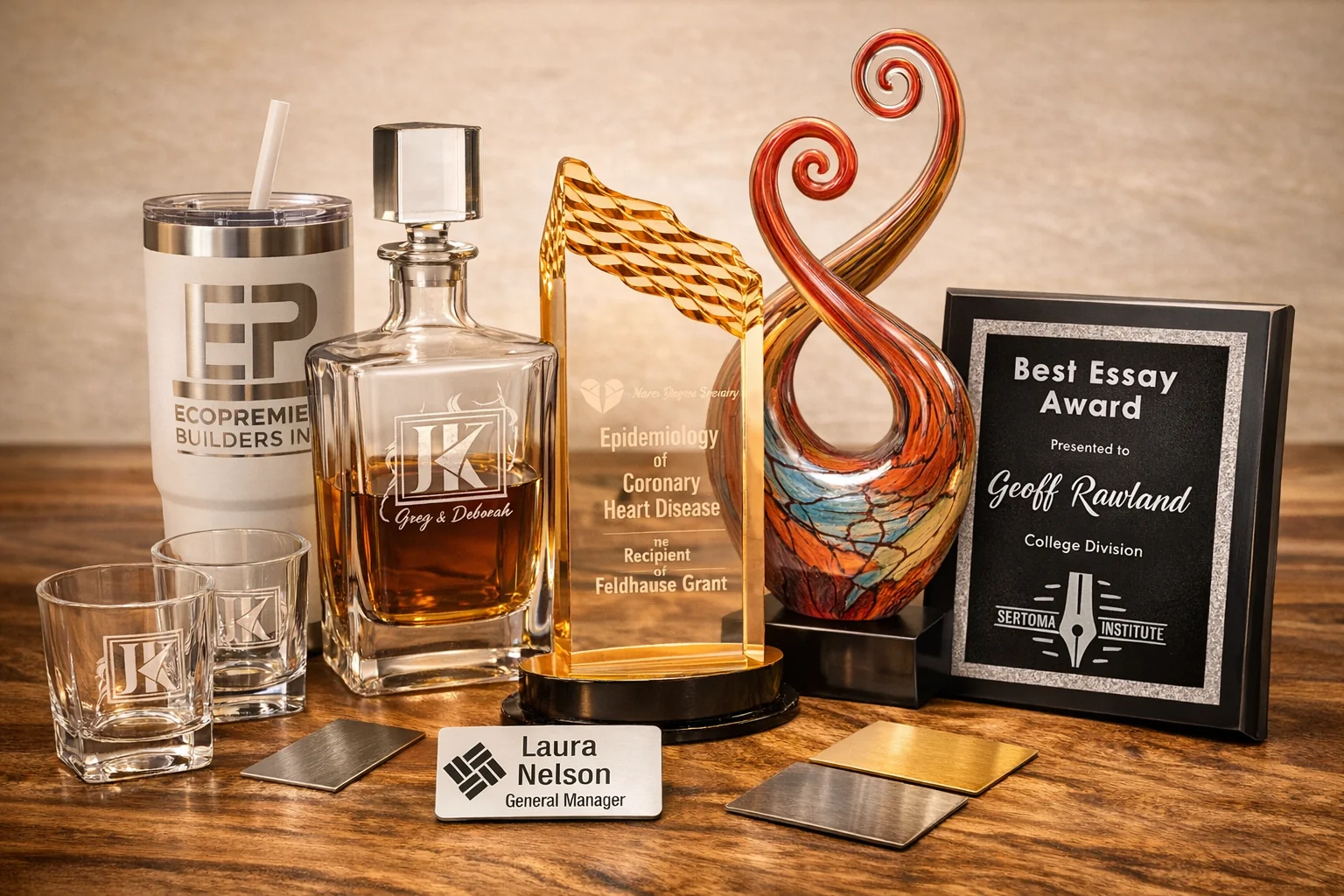
Custom Engraving & Personalization Shops
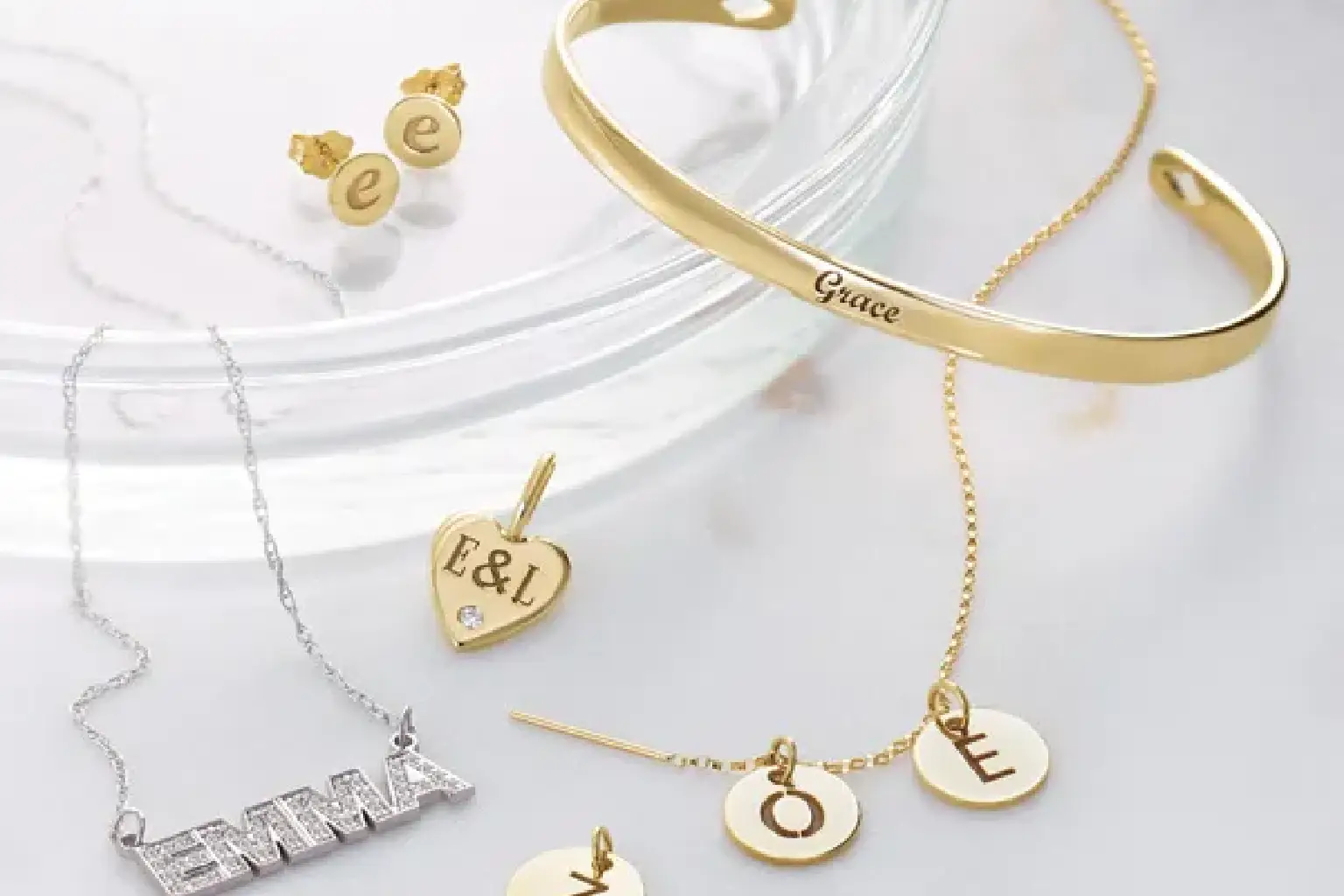
Jewelry & Accessories
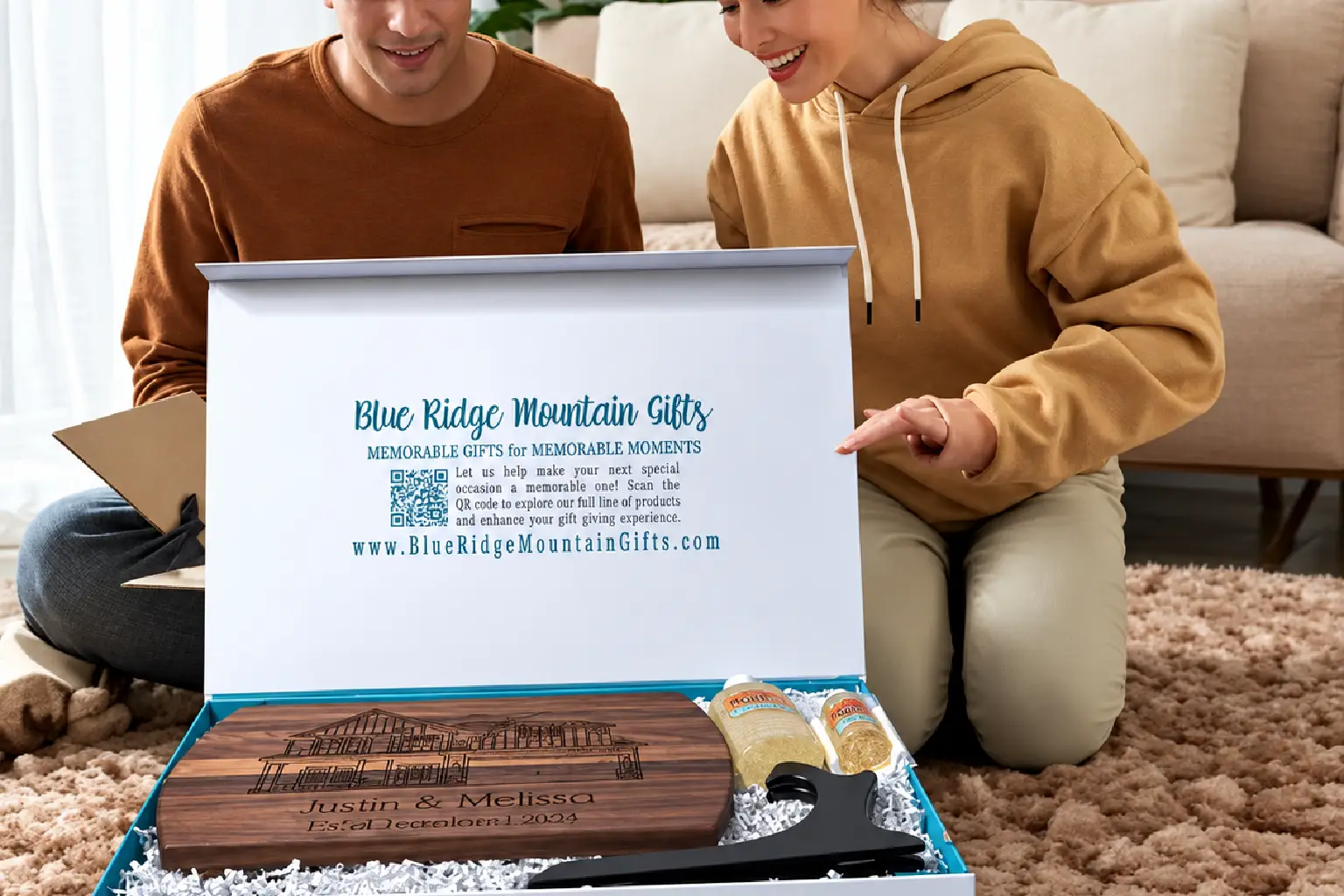
Gifts, Crafts & Online Selling
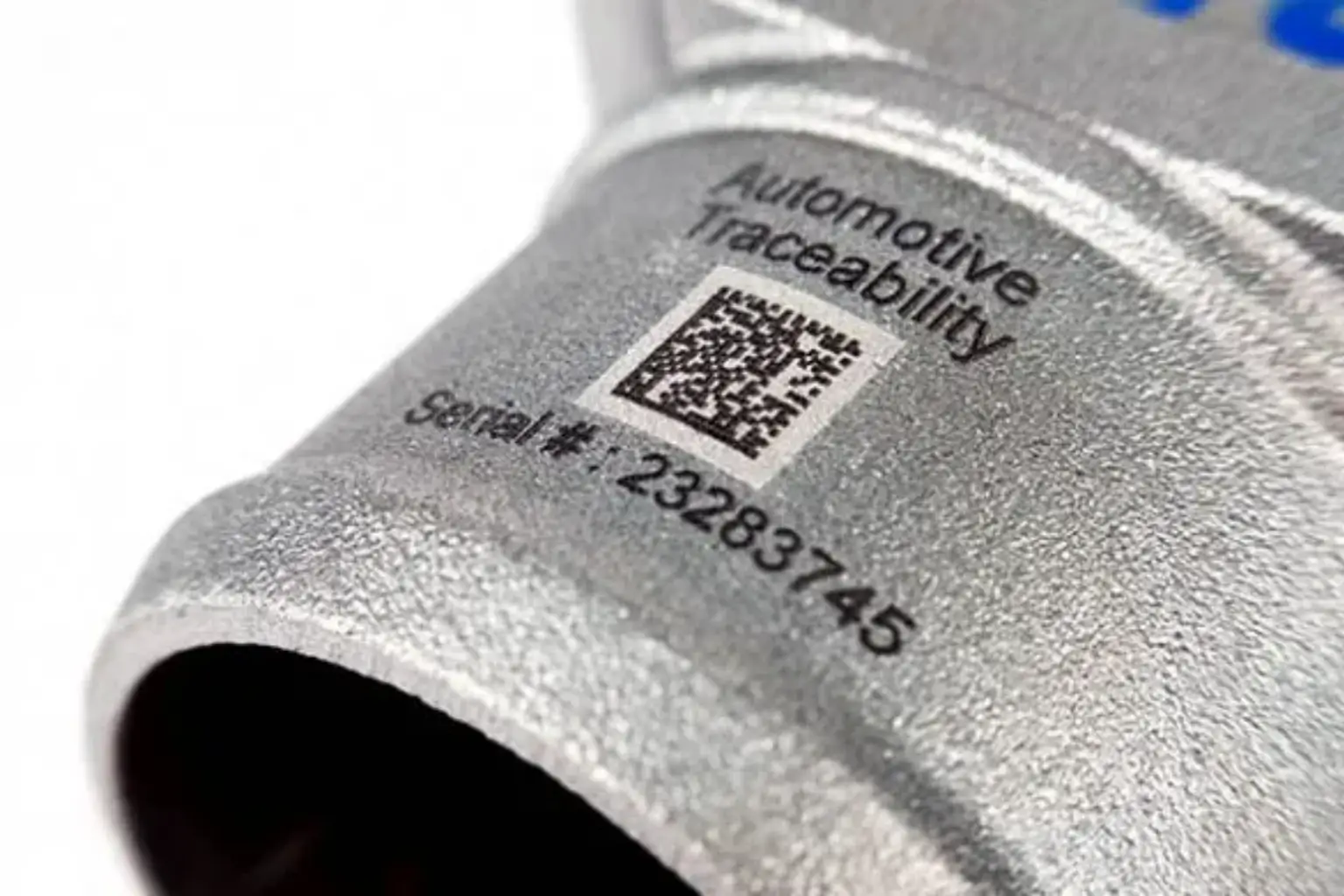
Manufacturing & Product ID
DUAL-BEAM ADVANTAGES
One Dual-Beam Laser Engraver for More Materials and More Jobs
This compact dual-beam laser engraving machine handles metal and non-metal engraving, fine custom marking and round-part applications—helping you take on more jobs without adding more equipment.
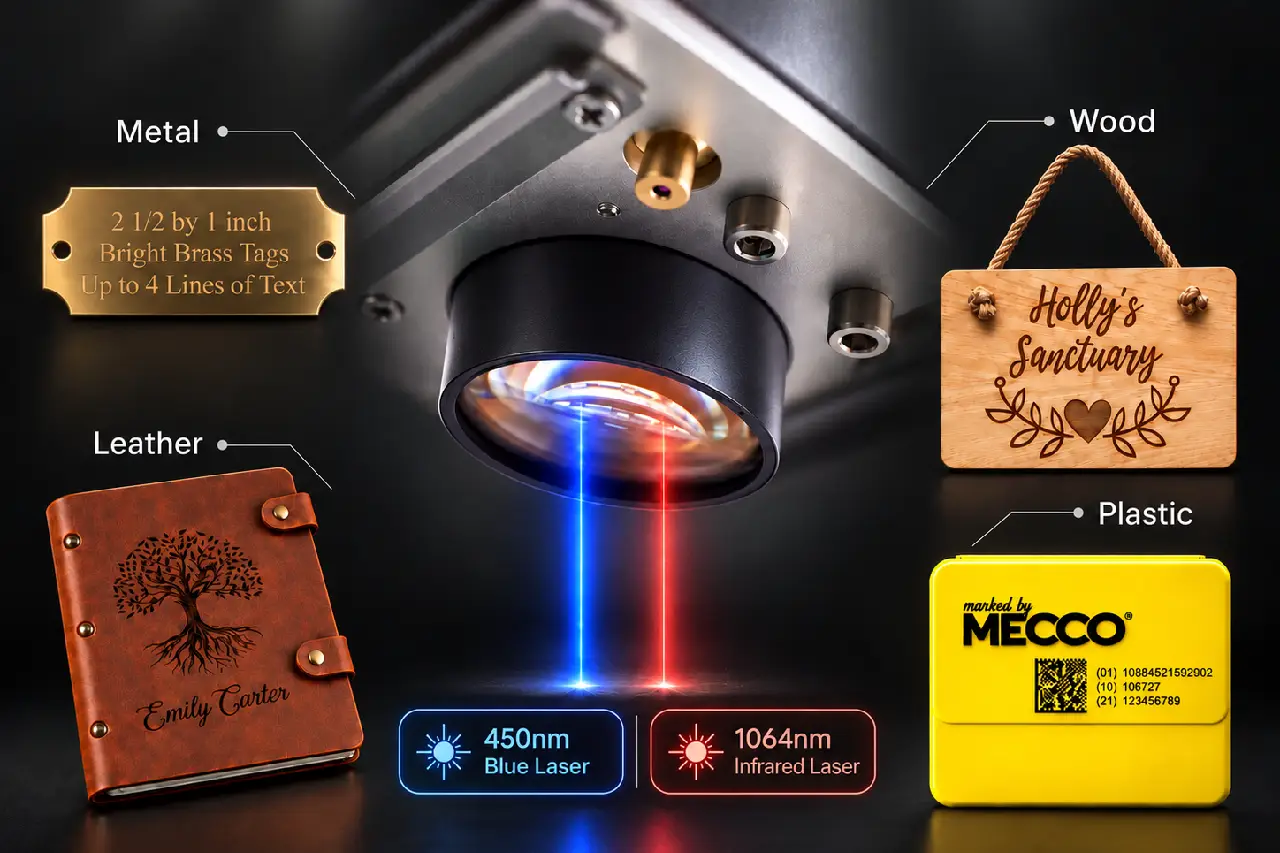
Metal & Non-Metal Engraving in One Machine
A 10W 455nm blue laser and 2W 1064nm pulsed laser are built into one compact system, covering a wider range of metal and non-metal jobs. Switch materials without changing machines, so daily custom work feels faster and more flexible.
TWO LASERS, MORE MATERIALS 10W 455nm + 2W 1064nm
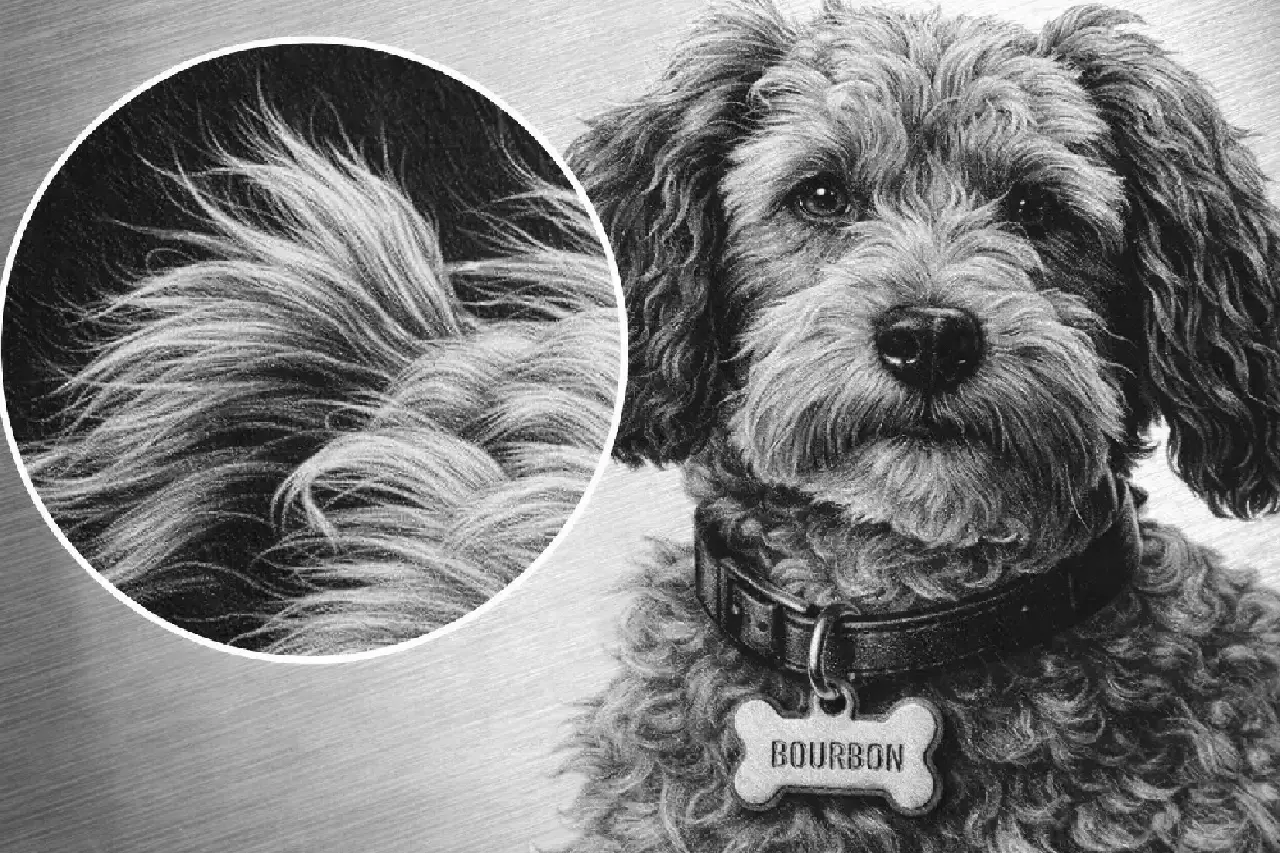
Fine Marks, Repeatable Results
POSITIONING ACCURACY ±0.01 mm
REPEATABILITY ±0.005 mm
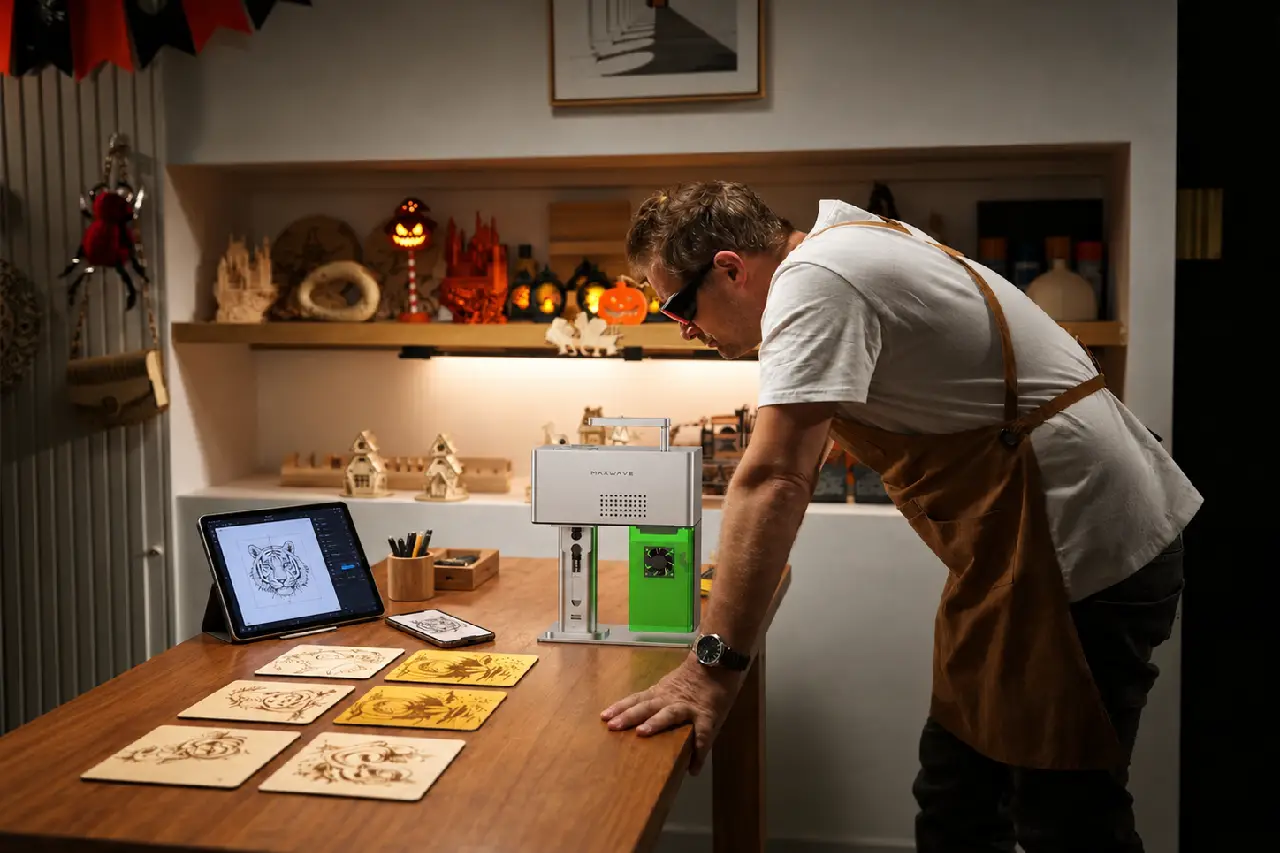
Compact Machine, Flexible to Use
MACHINE SIZE 30 × 20 × 33 cm
WEIGHT 3.9 kg
CONTROL OPTIONS PC · Bluetooth Phone
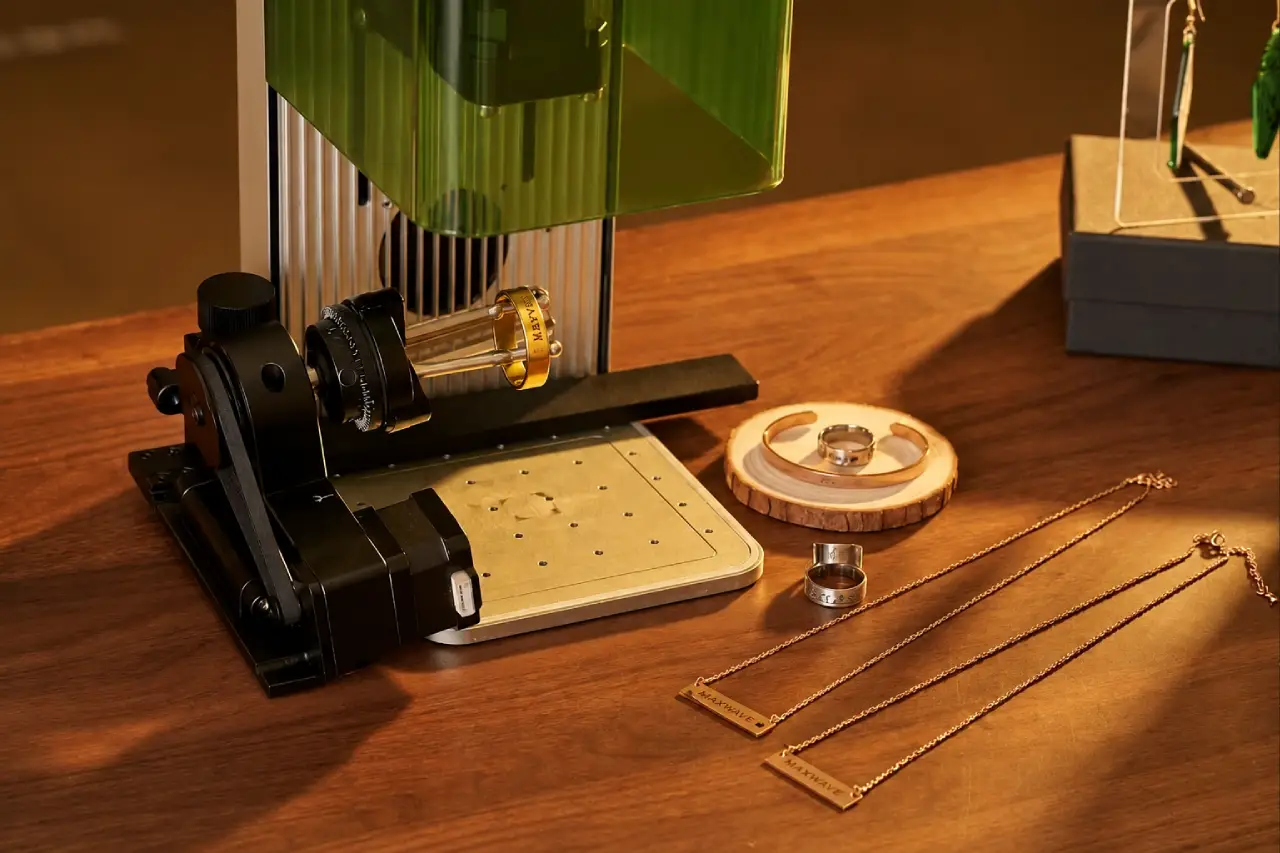
Go Beyond Flat Engraving
OPTIONAL ROTARY AXIS Rings · Cylinders · Round Parts
QUICK JOB SETUP
New Workpiece In. Ready to Engrave Faster.
Built-in electric lift, dual red-light focusing and marking preview help you set the height, confirm focus and check the engraving position before the laser starts—so changing from one product to the next takes less trial and error.
01 · ELECTRIC HEIGHT ADJUSTMENT
Match the Height with Less Effort
Electric lift moves the laser up or down for different workpiece thicknesses. Switching from thin tags to boxes or taller parts takes fewer manual adjustments and feels quicker from job to job.
HEIGHT CONTROL
Electric Lift · Up / Down Adjustment
02 · DUAL RED-LIGHT FOCUS
Clean More Evenly. Repeat Less.
Adjust the working height until the two red dots overlap to confirm the focal position. Focus becomes easier to judge, reducing repeated checking and guesswork before engraving.
FOCUS METHOD
Two Red Dots → One Focus Point
03 · MARKING PREVIEW
Cover the Right Area in Each Pass
Border and graphic preview show where the design will land before engraving. Check the size and placement first, then start the job with more confidence on logos, text and custom graphics.
PREVIEW MODE
Border Preview · Graphic Preview
ENGRAVING POSSIBILITIES
See What You Can Create with One Dual-Beam Laser Engraver
From jewelry and metal tags to leather goods, wood gifts and drinkware, explore the range of products you can personalize, mark and engrave with one compact dual-beam system.
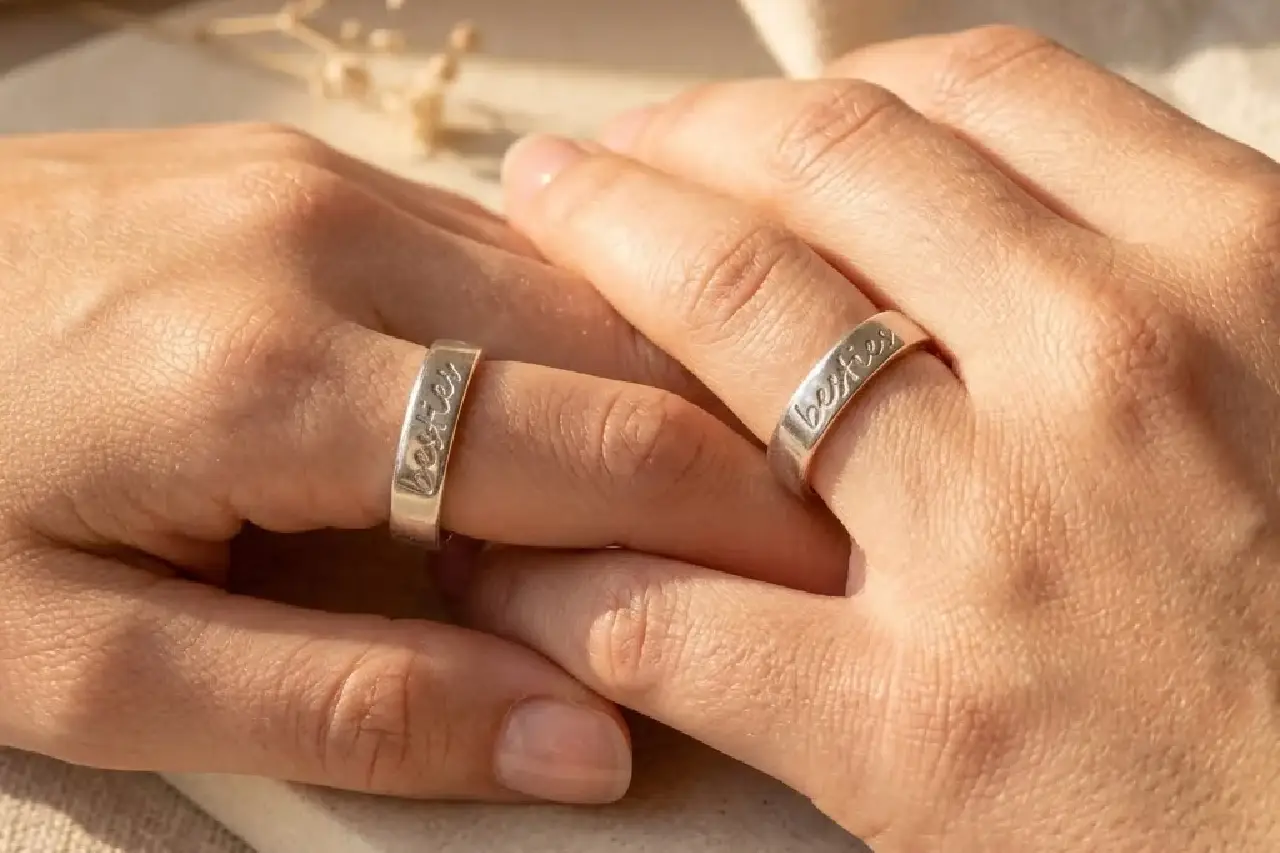
Custom Ring Engraving
Names · Dates · Inside Text
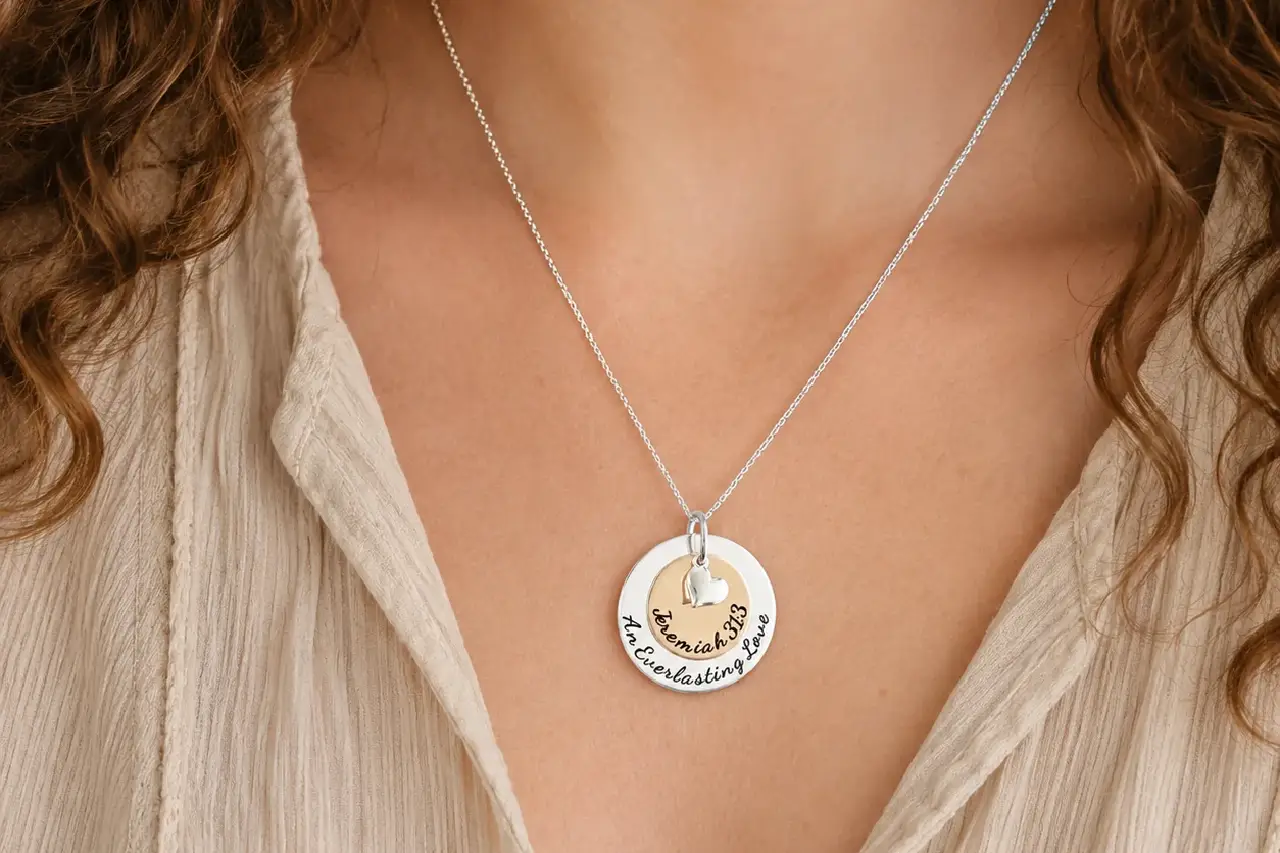
Personalized Necklaces
Names · Initials · Custom Symbols

Pet ID Tags
Pet Names · Phone Numbers · QR Codes
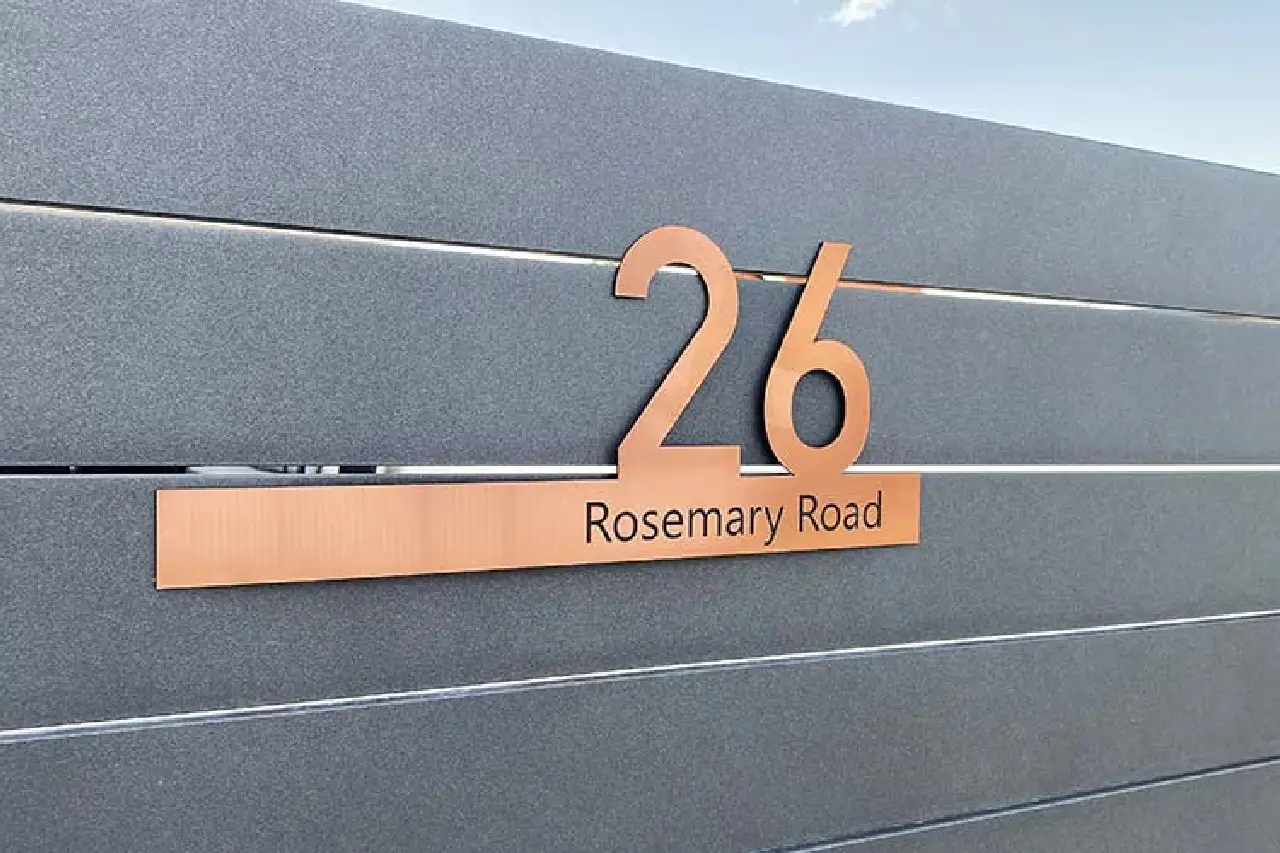
Metal Tags & Nameplates
Logos · Serial Numbers · IDs
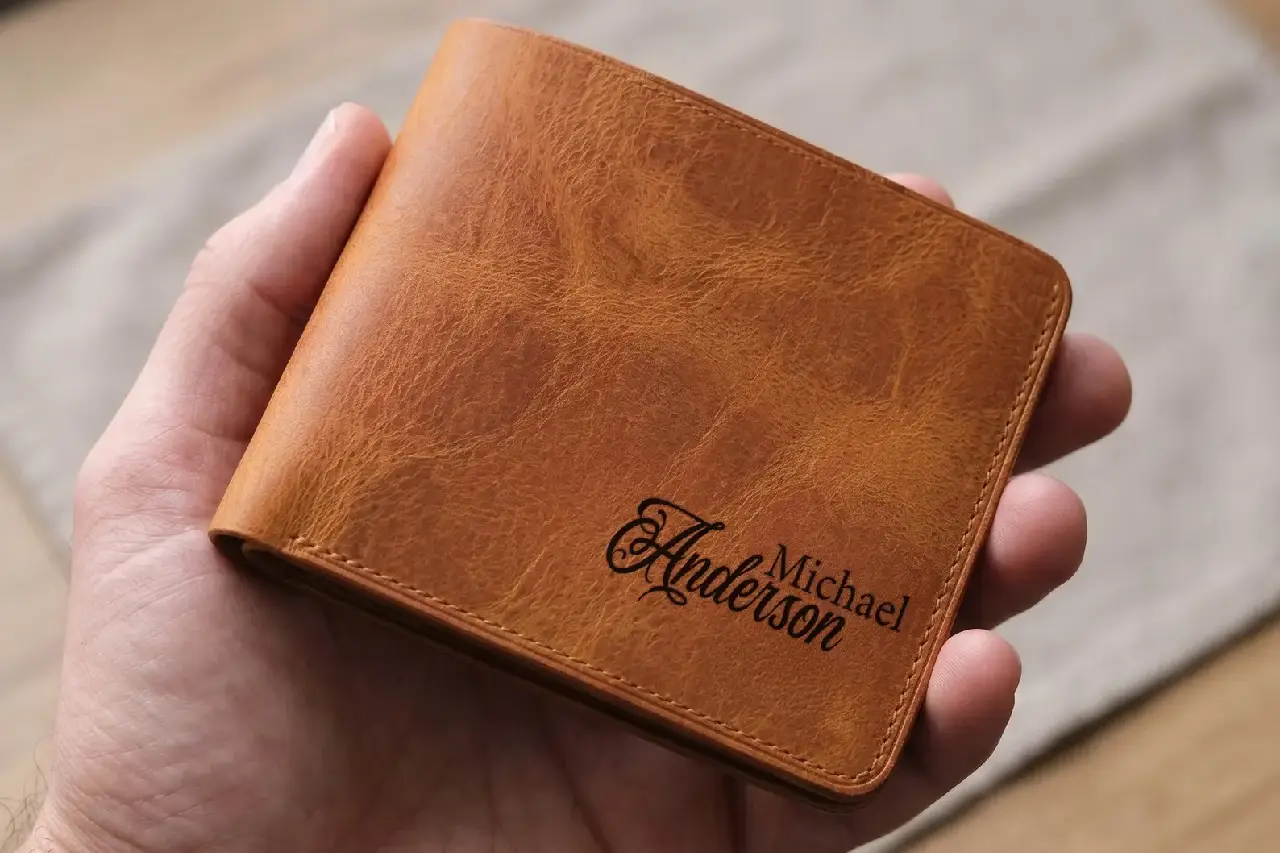
Leather Wallets
Names · Monograms · Brand Logos
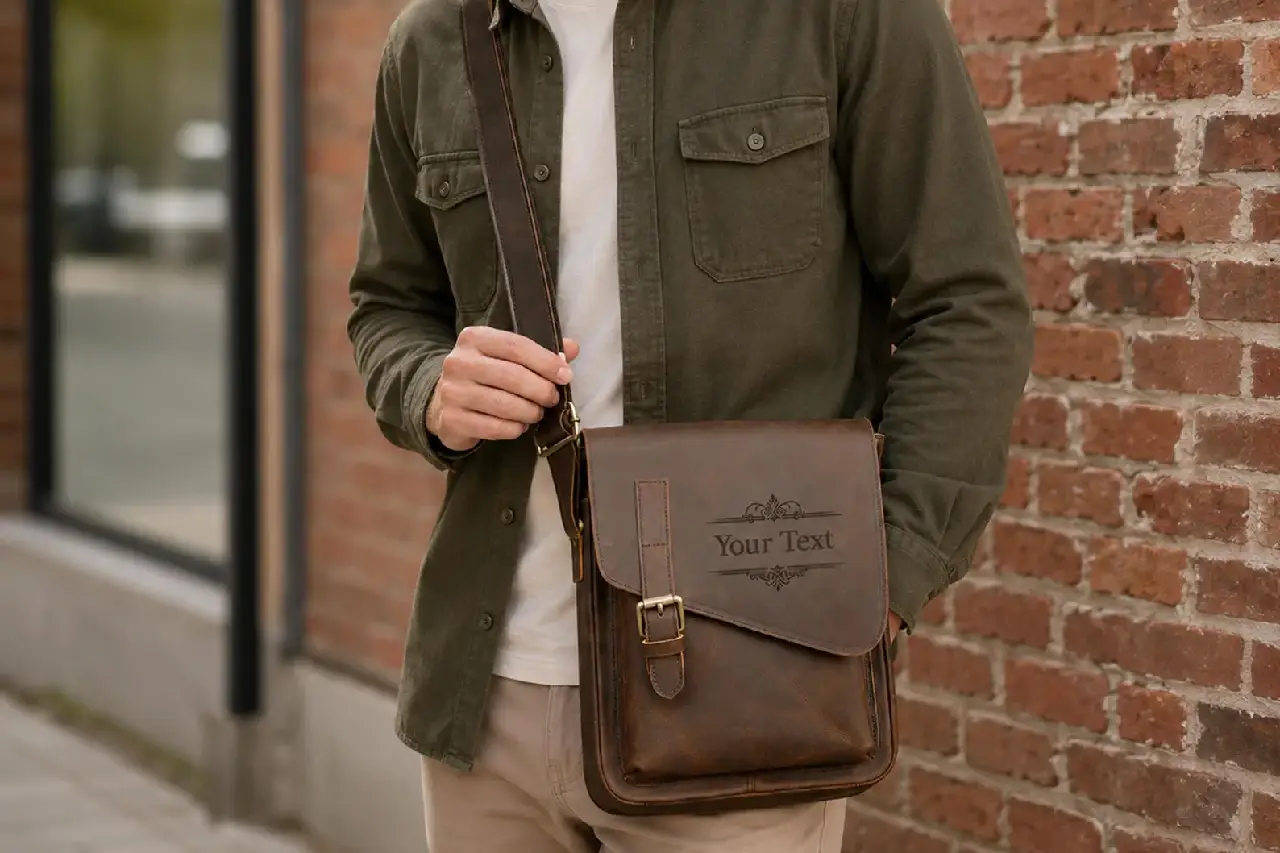
Leather Bags & Card Holders
Initials · Logos · Custom Branding
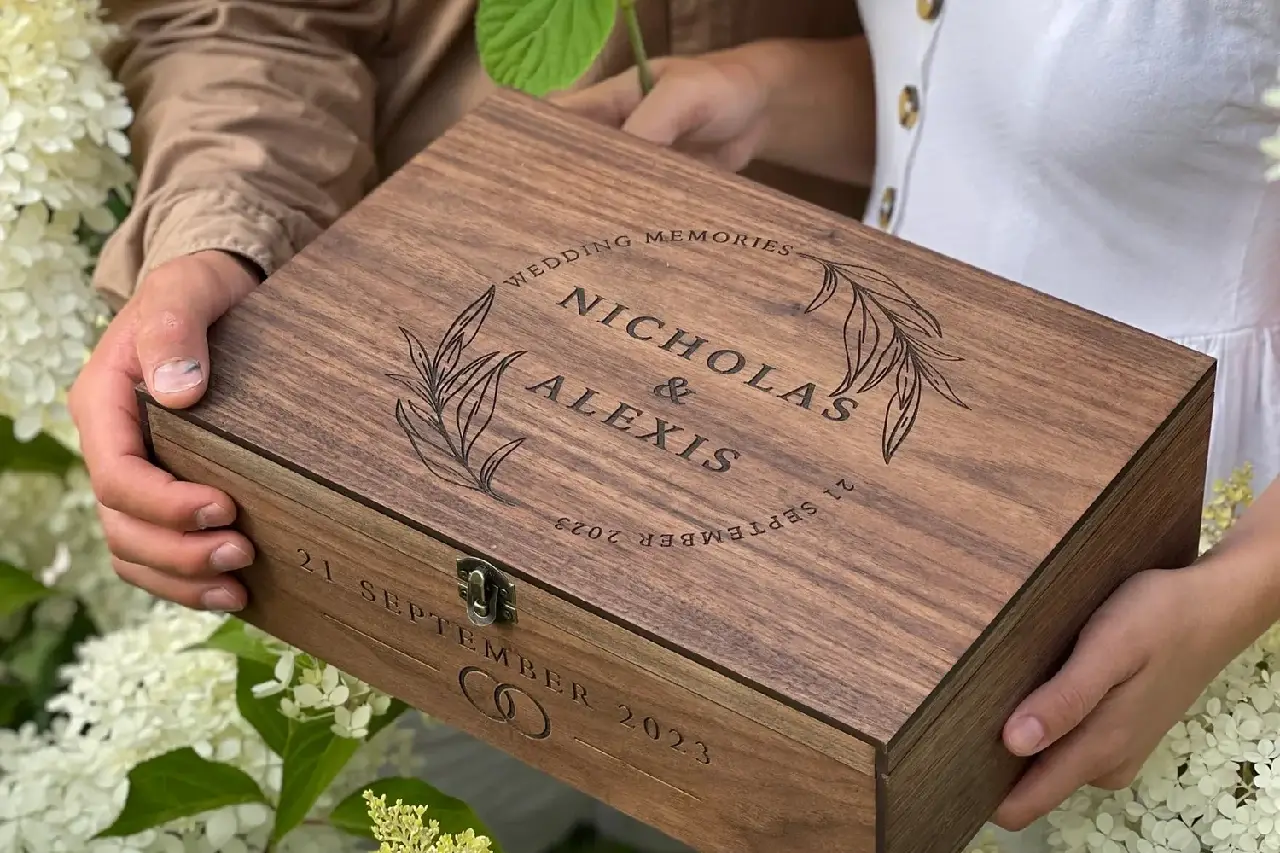
Wooden Gift Boxes
Logos · Messages · Decorative Art
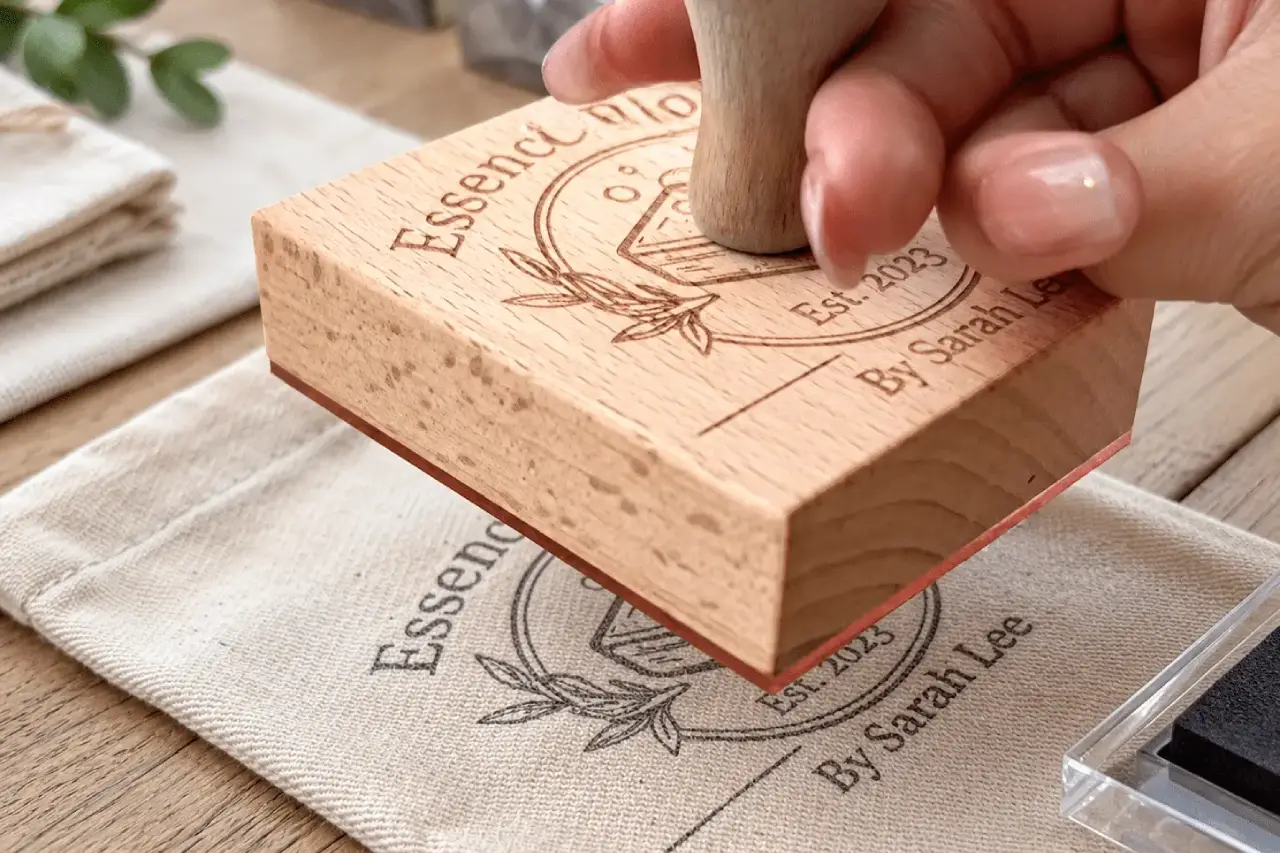
Custom Wood Products
Family Names · Artwork · Custom Text

Tumblers & Drinkware
Names · Logos · Wraparound Desig
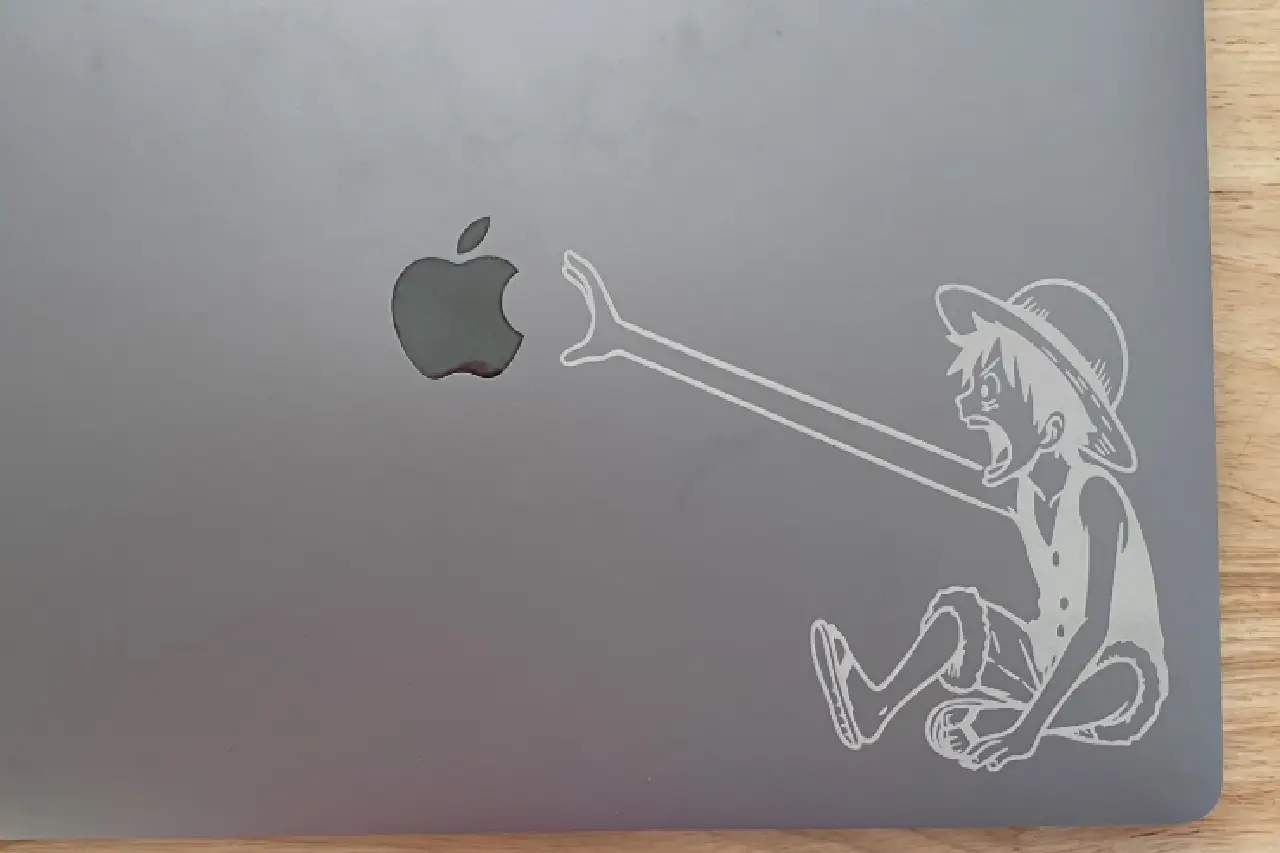
Tech Product Personalization
Names · Logos · Custom Graphics
FREE SAMPLE TEST
See the Engraving Result Before You Buy
Send us your material, product photo and artwork. We’ll test the engraving, record the process and recommend the right laser source, parameters and setup before you order.
01
Send Your Engraving Details
Material · Product · Artwork · Marking Requirement
02
We Choose the Right Setup
455nm / 1064nm · Parameters · Focus · Fixture
03
Engrave & Record the Test
Actual Engraving · Close-Up Result · Test Video
04
Review Before Ordering
Engraving Result · Key Parameters · Recommended Setup
WHAT YOU’LL RECEIVE
A Clear Result Before You Order
Engraved Sample
See the actual marking result on your own or similar material.
Test Video
See the engraving process and final result.
Recommended Setup
Get the suggested laser source, parameters and accessories for your job.
PACKAGE & CONFIGURATION
Know Exactly What Comes With Your Dual-Beam Laser Engraver
See the standard accessories for daily engraving, the basic items used for routine care, and the optional add-ons that expand the products you can mark.
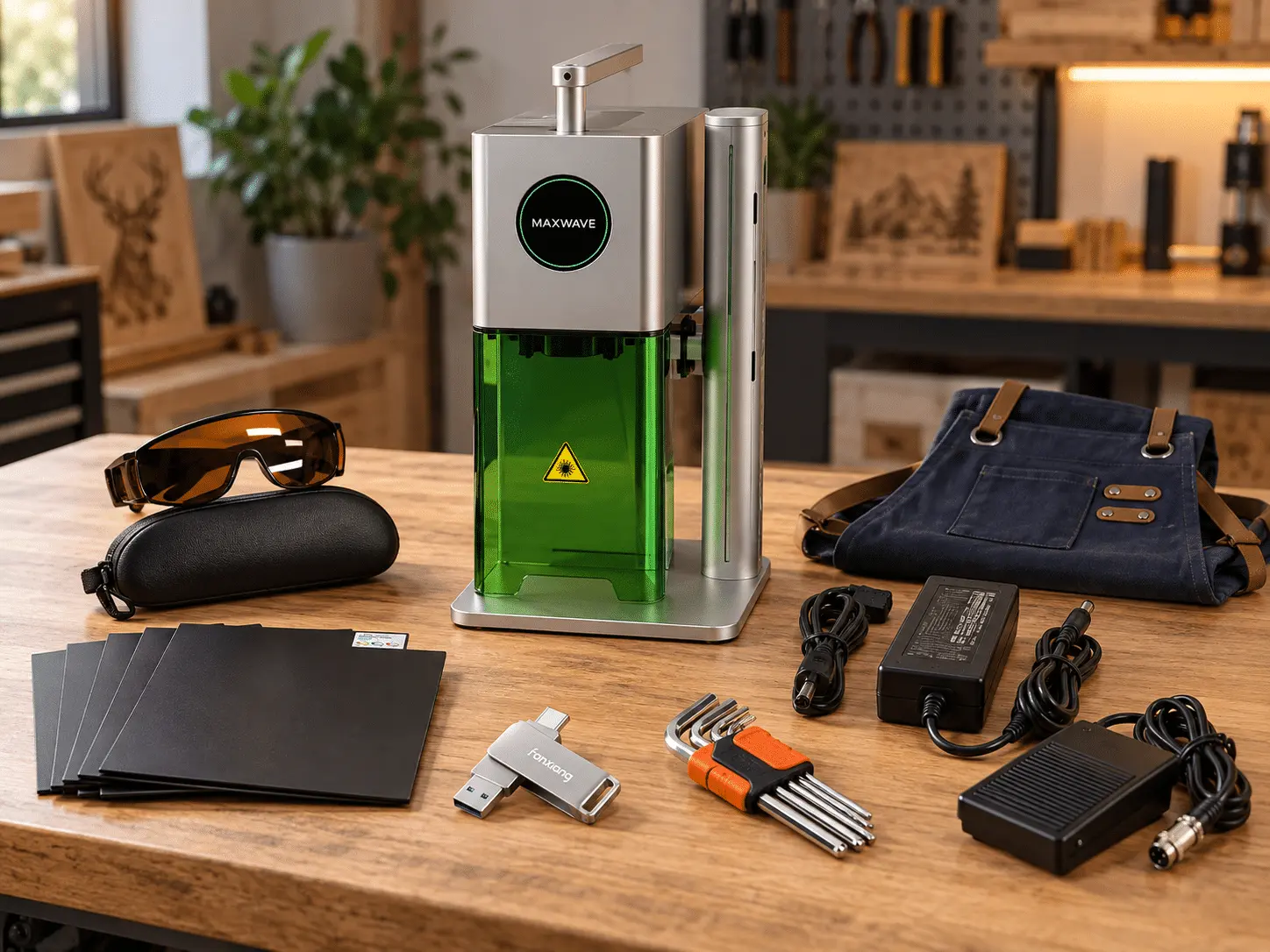
01 Included With the Machine
MW-F25CA Dual-Beam Laser Engraver
10W 455nm blue laser + 2W 1064nm pulsed laser in one compact system.
Laser Protective Glasses
Eye protection for normal laser engraving operation.
Hex Tool Set
Basic tools for setup and adjustment.
Test Piece
Included for initial setup and marking tests.
USB Flash Drive
For supplied files, software or operating materials.
Power Cord
Standard power connection for the confirmed machine configuration.
Lens Cleaning Paper
For routine cleaning of optical surfaces.
02 Routine Care & Spare Parts
Lens Cleaning Supplies
Keep the optical area clean during daily use.
Replacement Optical Parts
Spare field lenses or related optical parts can be supplied when required.
Common Service Parts
Replacement parts can be ordered for future maintenance and service needs.
Routine care is simple, and commonly needed spare parts can be prepared with the machine before shipment.
03 Optional Add-ons
Rotary Axis
For rings, bottles, cylinders and other round products.
Custom Fixture
Helps hold specific parts more securely for repeat engraving jobs.
Dust Extraction
Optional extraction for engraving jobs that produce smoke or debris.
Additional Marking Accessories
Available according to product shape and engraving requirements.
MAINTENANCE & CONSUMABLES
Simple Daily Care. No Complicated Cooling System.
Routine care mainly means keeping the optics clean, the work area clear and the cooling vents free of dust. The air-cooled design removes water-chiller maintenance, keeping everyday upkeep simple.
ITEM
AFTER USE
WEEKLY
SERVICE / REPLACE WHEN
Field Lens / Optics
Wipe if needed
Check for dust or marks
Scratched, hazy or damaged
Worktable & Fixture
Remove dust and debris
Check stability
Loose or damaged
Cooling Vents & Fan
Keep vents clear
Remove dust buildup
Airflow weak or abnormal
Power & Data Connections
Check connections
Inspect cables
Loose, hot or damaged
Rotary Axis (Optional)
Wipe clean after use
Check rotation
Loose, hot or damaged
Routine care is mainly cleaning and inspection—no water replacement or chiller maintenance required.
EASY DAILY OPERATION
Start Engraving Without a Long Learning Curve
Connect by phone or PC, set up the job, preview the marking area and start engraving with a simple workflow. The intuitive controls make everyday customization easier to learn and quicker to repeat.
LASER ENGRAVER WORKSPACE SETUP
What You Need to Run It in Your Shop
Set up stable power, a level workbench and ventilation for your dual-beam laser engraver. The compact air-cooled system needs no external water chiller.
BEFORE SHIPMENT
Power · Workbench · Ventilation · Airflow · Laser Safety
01 Power Supply for Your Laser Engraver
Use a stable power outlet and keep cables away from heat, moisture and moving parts.
02 Stable Laser Engraving Workbench
Place the laser engraver on a flat, solid surface with enough room for products, fixtures and daily setup.
03 Ventilation for Laser Engraving
Use local extraction when engraving wood, leather, plastic or other materials that may produce smoke, odor or debris.
04 Keep the Air-Cooled Laser Engraver Clear
Leave enough space around the vents so the built-in air-cooling system can dissipate heat during operation.
05 Laser-Safe Engraving Area
Use suitable laser eye protection and keep the engraving area controlled during open operation.
DUAL-BEAM LASER ENGRAVER SUPPORT
Support for Your Dual-Beam Laser Engraver After Delivery
From first setup and engraving parameters to software, rotary accessories and troubleshooting, our team supports your dual-beam laser engraver throughout daily use.
01
SETUP GUIDANCE
Get Your Laser Engraver Running Faster
Setup & Operation Materials
Manuals and videos cover machine setup, focusing, engraving operation and routine maintenance.
On-Machine Guidance
Operating labels and safety notices help operators identify key controls directly on the laser engraver.
02
ENGINEER SUPPORT
Real engineer support when you need more than a manual.
Remote Technical Guidance
Share photos or video with our engineers for remote diagnosis and step-by-step guidance.
Engraving & Parameter Support
Get help with focusing, laser parameters, material testing and engraving result adjustment.
Accessory & Rotary Support
Guidance is available for rotary axis setup, fixtures and other optional engraving accessories.
Translation Support
Online technical communication can be supported with translation when needed.
03
ONGOING SUPPORT
Support That Continues After Startup
7×24 Support Availability
Our after-sales team is available 7 days a week, 24 hours a day for technical support requests.
Regular Follow-Up
Our service team follows up on machine use, answers questions and provides maintenance recommendations.
Machine Service Records
Each laser engraver can be linked to a customer service record, helping our team review previous information and troubleshoot faster.
Spare Parts & Warranty
A dedicated spare-parts manager helps arrange replacement parts and cross-border dispatch, with 2-year parts warranty support according to the supplied terms.
Technical Specifications
Model
MW-F25CA
Laser Wavelength
450nm/1064±1nm
Laser power
2W 1064NM; 10W 455NM
Laser life
>8000 working hours
Font
Support font file import
Support
Mobile phone Bluetooth, computer connection
Marking size
110*100mm
Power consumption of the entire device
<90W
Power adjustment range (%)
25-100(Gradually adjustable)
Cooling System
Air-cooling
Preview Mode
Barder Preview & Graphic Preview
Operating humidity
≤80%
Operating Temperature
0-40℃
Rotary device
Support optional
Focus indicator
Dual red light focus
Engraving materials
Blue light: bamboo, wood, leather, food, paper, cloth, photosensitive stamps, plastic, acrylic, dark glass, painted metal, anodized metal, 304 stainless steel, etc. Red light: metal, colored plastic, etc.
Dimension(mm)
300*200*330
Machine weigh(kg)
3.9
MaxWave Dual-Beam Laser Engraver FAQs
Thinking about upgrading to a dual-beam laser engraver? It’s a smart move—but one that raises important questions. From precision and material compatibility to real-world performance, buyers want clear answers before investing. Can it handle both metals and non-metals? Is the output consistent on delicate or reflective surfaces? How easy is it to switch between applications—and will it truly improve efficiency? Here, we’ve gathered the most common questions from real users—so you can evaluate with confidence and choose the right solution for your needs.
What Makes a Dual-Beam Laser Engraver Better Than Single-Beam Systems?
Is the Engraving Quality Consistent Across Different Materials?
Yes. With optimized beam control and stable output, the system ensures sharp details, clean edges, and consistent results—even on reflective or delicate surfaces.
How Easy Is It to Switch Between Different Applications?
Switching between materials is seamless. Quick adjustments enable efficient processing across metal, plastic, and organic materials.
How Can a Dual-Laser Engraver Grow Your Business?
Create more products, work with more materials, and take on more orders—all with one machine. From metal engraving to wood and acrylic designs, you can expand your services without investing in multiple devices. Easy to use and quick to start, it’s perfect for beginners and growing businesses looking to increase efficiency and profits.
Start Your Engraving Business Today
Find the Right Laser Machine for Your Needs
Tell us what you want to make — we’ll recommend the best machine for you.
- Not sure which machine to choose? We’ll help you
- Easy to use — even for beginners
- Fast reply within 12–24 hours